





I started paying closer attention to CFexpress cards when camera specifications began putting more emphasis on sustained write speeds, RAW recording, and high-bitrate video. On paper, two cards can look almost identical, yet behave very differently once a camera starts pushing large amounts of data. The biggest surprise is that the fastest number printed on the label is not always the number that matters most.
I also found that the first decision is much simpler than the marketing makes it seem. Before looking at read speeds, capacities, or CFexpress 4.0 branding, the camera’s card slot has to determine the physical format. From there, the recording workload, sustained performance, and offload setup become the real deciding factors.
Why CFexpress Card Type Matters
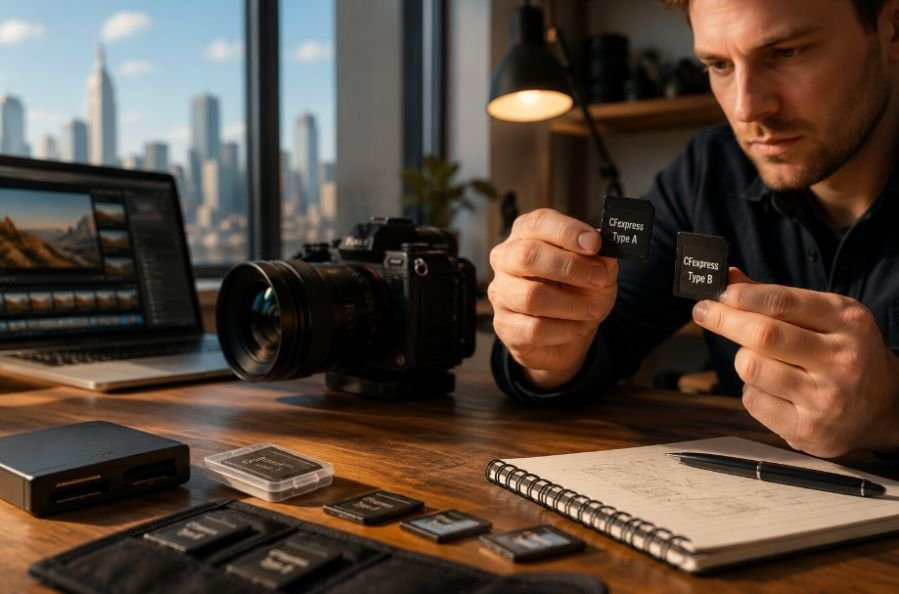
CFexpress cards use PCIe and NVMe technology, giving professional cameras a much faster storage interface than traditional SD media. The CompactFlash Association defines three CFexpress form factors: Type A, Type B, and Type C. Type A uses one PCIe lane, Type B uses two, and Type C uses four. However, Type C is not currently used by cameras or available as a practical camera memory card.
That physical distinction matters because Type A and Type B cards cannot simply be swapped between compatible-looking camera slots. A Type B card will not fit a Type A slot, and buying a card based only on its advertised speed can lead to an expensive compatibility mistake.
The camera manufacturer should always have the final say. Sony, for example, specifies CFexpress Type A for compatible Alpha cameras and recommends checking the individual camera’s recording requirements before choosing media.
CFexpress Type A: Smaller and Built for Compact Cameras
CFexpress Type A is the smaller of the two formats currently used in mainstream professional cameras. Its compact footprint makes sense in smaller mirrorless and cinema bodies where manufacturers want high-speed storage without taking up as much internal space.
Sony has adopted Type A extensively across compatible Alpha and Cinema Line cameras. The format uses one PCIe lane, which gives it lower theoretical throughput than Type B, but that does not make it a slow card. Modern CFexpress 4.0 Type A cards can reach around 1,800 MB/s maximum read performance, with some models offering very strong sustained write performance as well.
For photographers shooting RAW bursts or creators recording demanding 4K and 8K formats, Type A can provide plenty of headroom when the camera supports it. The important point is to match the card’s sustained performance with the camera’s required bitrate rather than assuming a larger card is automatically better.
CFexpress Type B: More Bandwidth for Demanding Workflows
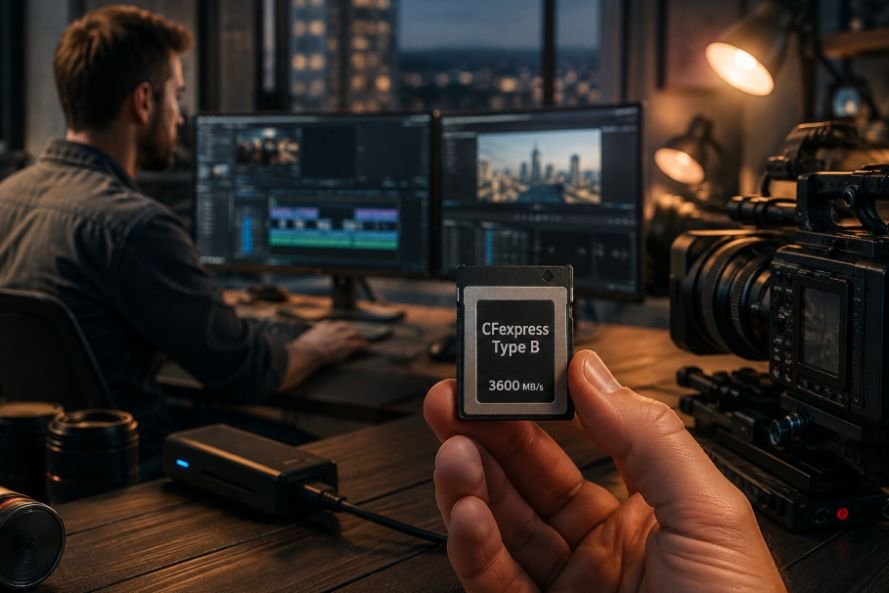
Type B is physically larger and uses two PCIe lanes. That additional bandwidth gives the format a significantly higher performance ceiling, which is why it appears frequently in professional cameras from brands such as Canon, Nikon, Panasonic, Fujifilm, and others.
Modern CFexpress 4.0 Type B cards can reach roughly 3,600 to 3,700 MB/s in maximum read performance, with some professional models reaching more than 3,000 MB/s in maximum write performance. Those numbers are particularly useful when large RAW files need to move quickly from the camera buffer or when footage needs to be offloaded between production setups.
For filmmakers working with high-bitrate 6K, 8K RAW, or other demanding recording formats, sustained write performance deserves more attention than a headline read-speed figure.
That becomes especially relevant when a camera is running continuously for several minutes. A card that performs well during a short benchmark may not maintain the same throughput during a long recording session.
What About CFexpress Type C?
Type C is the largest CFexpress form factor and uses four PCIe lanes. The specification gives it the highest theoretical bandwidth of the three formats, but it is not a practical choice for today’s standard professional photo and video cameras.
The CompactFlash Association currently states that there are no cameras or cards that take CFexpress Type C.
So for most photographers and filmmakers, the useful comparison remains Type A versus Type B. Type C is worth knowing about because it is part of the CFexpress specification, but it should not influence a normal camera purchase today.
CFexpress 2.0 vs. CFexpress 4.0
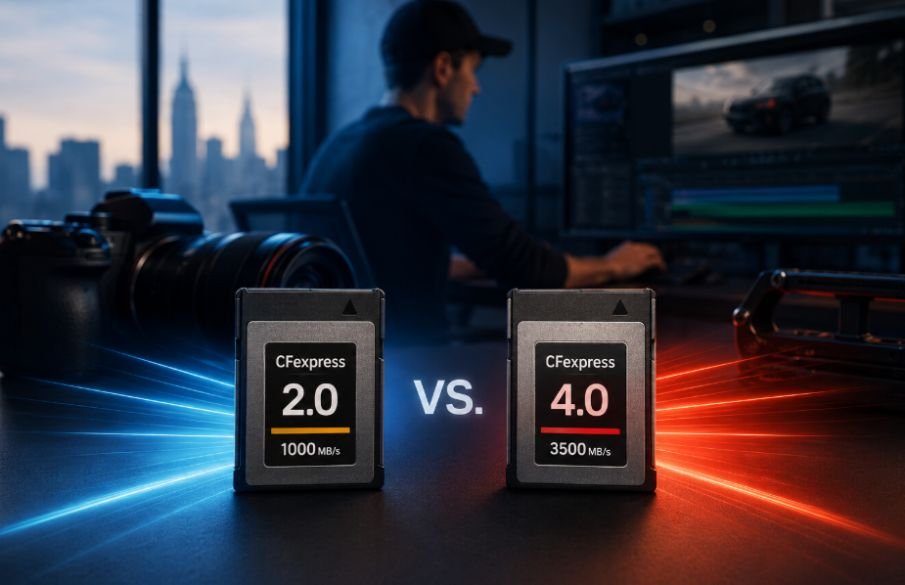
The physical type and the specification generation are two separate things. A Type B card can be CFexpress 2.0 or 4.0, just as Type A cards can belong to different generations.
CFexpress 4.0 uses PCIe Gen 4 and doubles the theoretical throughput of CFexpress 2.0 while maintaining the same physical form factors.
In practical terms, this can mean much faster transfers when the card, camera, and reader all support the newer interface. Some current Type B 4.0 cards advertise read speeds around 3,400 to 3,700 MB/s, while high-end Type A 4.0 cards can approach 1,800 MB/s.
However, a CFexpress 4.0 card does not automatically make a CFexpress 2.0 camera twice as fast. The host device can limit performance. That is why checking the camera specification and card-reader interface matters before spending more on newer media.
Don’t Confuse Read Speed With Sustained Write Speed
Read speed mainly matters when transferring footage from the card to a computer. Write speed matters while the camera is actually recording.
For filmmaking, sustained write speed is particularly important because the camera continuously sends data to the card. VPG, or Video Performance Guarantee, provides a standardized minimum sustained write-speed certification for video recording. The CompactFlash Association uses VPG to help identify cards capable of maintaining guaranteed write performance.
A card advertised with a 3,000 MB/s burst write speed can still have a much lower sustained write figure. That distinction becomes important during long RAW recordings, high frame rates, and other data-heavy workloads.
This is also why storage capacity should not be considered in isolation. A 2TB card gives you more recording space, but it does not automatically provide the sustained throughput your camera requires.
Match the Card to the Entire Camera Workflow
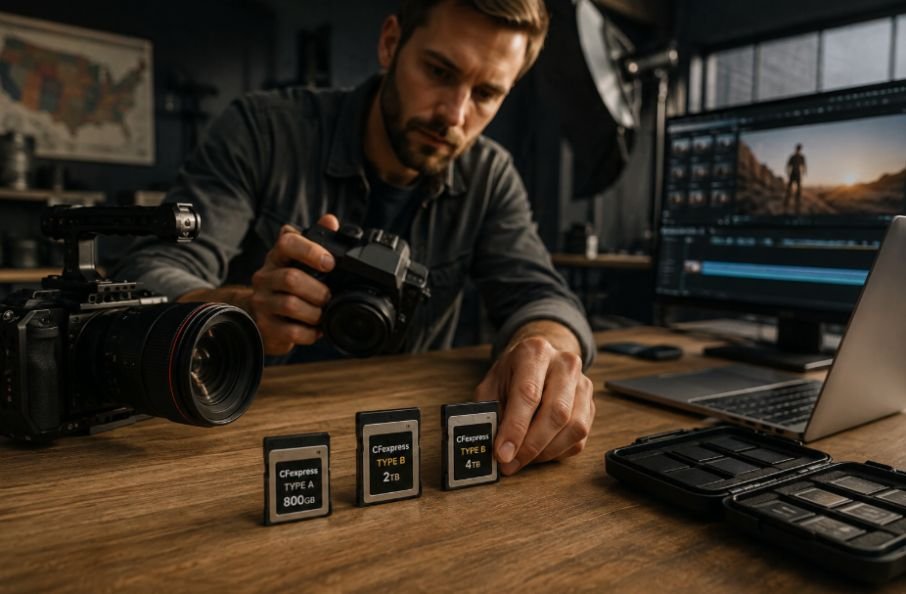
A professional camera setup rarely ends with the memory card. Power, monitoring, data transfer, and camera operation all affect how smoothly a production runs.
For example, when building a larger rig, the card should fit into the broader power strategy rather than being considered separately from the rest of the system. A reliable v-mount battery setup can support extended shooting sessions, but the storage media still needs enough sustained write performance to keep up with the camera’s recording format.
The same principle applies during post-production. A fast CFexpress card paired with a slow card reader creates a bottleneck. CFexpress 4.0 cards can reach their higher transfer potential only when the host reader and computer connection can handle the required bandwidth. Current USB 4.0 readers are designed to take better advantage of these newer cards.
For productions where cameras remain mounted or operate from a distance, storage also becomes part of a larger operational workflow. A remote camera control system can reduce the need for physical access to the camera, but the media still has to handle the recording load reliably. This matters for wildlife, live events, studio production, and other situations where stopping a take to change settings or troubleshoot media is not practical.
How to Choose the Right CFexpress Card
Start with the camera slot. If the camera requires Type A, buy Type A. If it requires Type B, buy Type B. Then check the camera manual for its minimum card requirements for the specific recording mode you plan to use.
After compatibility, consider:
- Sustained write speed and VPG rating for video
- Maximum write speed for burst workloads
- Capacity based on recording duration
- CFexpress 2.0 or 4.0 support
- Card-reader compatibility for fast offloads
- Manufacturer reliability, warranty, and endurance information
It is also worth considering how the card fits the physical shooting setup. A lightweight camera operator working handheld may have very different priorities from a cinema crew carrying multiple cameras and high-capacity media. Even equipment choices such as the latest monopod for filmmaking can change how long a camera stays in one position and how much continuous footage a production captures.
Why the Right CFexpress Card Is About More Than Speed

Choosing between different types of high-speed CFexpress cards becomes much easier once the specifications are put in the right order. Physical compatibility comes first, recording requirements come second, and headline speed comes after that. Type A makes sense for cameras designed around its compact form factor, while Type B offers a larger performance ceiling for demanding professional workflows. CFexpress 4.0 can also provide major offload benefits when the rest of the system supports it.
The best card is not necessarily the one with the biggest number on the package. It is the one that can reliably handle your camera’s actual recording format, maintain the required write performance, provide enough capacity for the shoot, and move your footage efficiently into post-production.
Frequently Asked Questions
1. What is the difference between CFexpress Type A and Type B?
Type A is smaller and uses one PCIe lane, while Type B is larger and uses two PCIe lanes. Type B therefore has a higher theoretical performance ceiling.
2. Is CFexpress 4.0 better than CFexpress 2.0?
CFexpress 4.0 offers higher theoretical throughput, but the camera and card reader must support the newer interface to take advantage of its maximum performance.
3. Can I use a Type B card in a Type A camera?
No. Type A and Type B have different physical dimensions and are designed for different card slots. Always check the camera manufacturer’s compatibility requirements.
Is sustained write speed important for video?
Yes. Sustained write performance determines how consistently a card can accept data during continuous recording. It is particularly important for high-bitrate 4K, 6K, and 8K workflows.