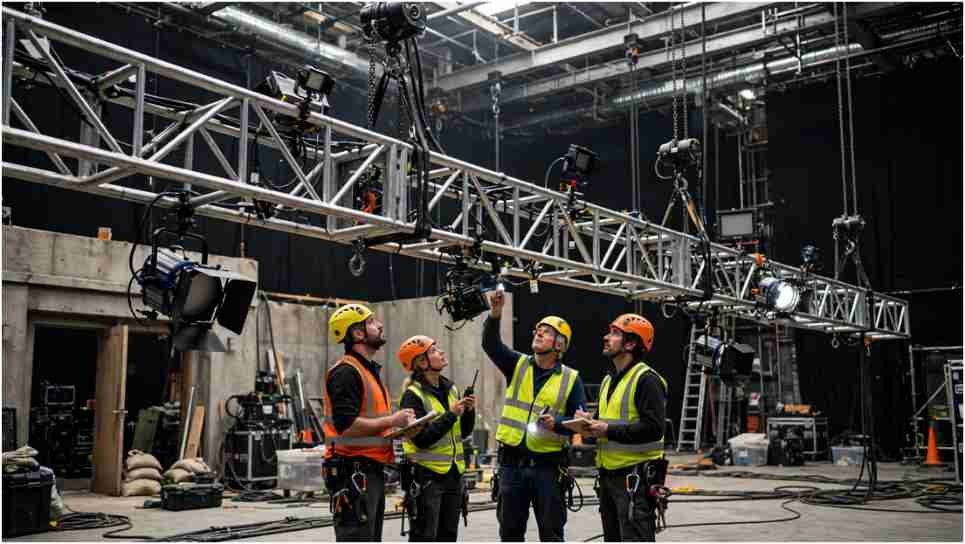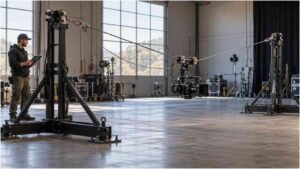





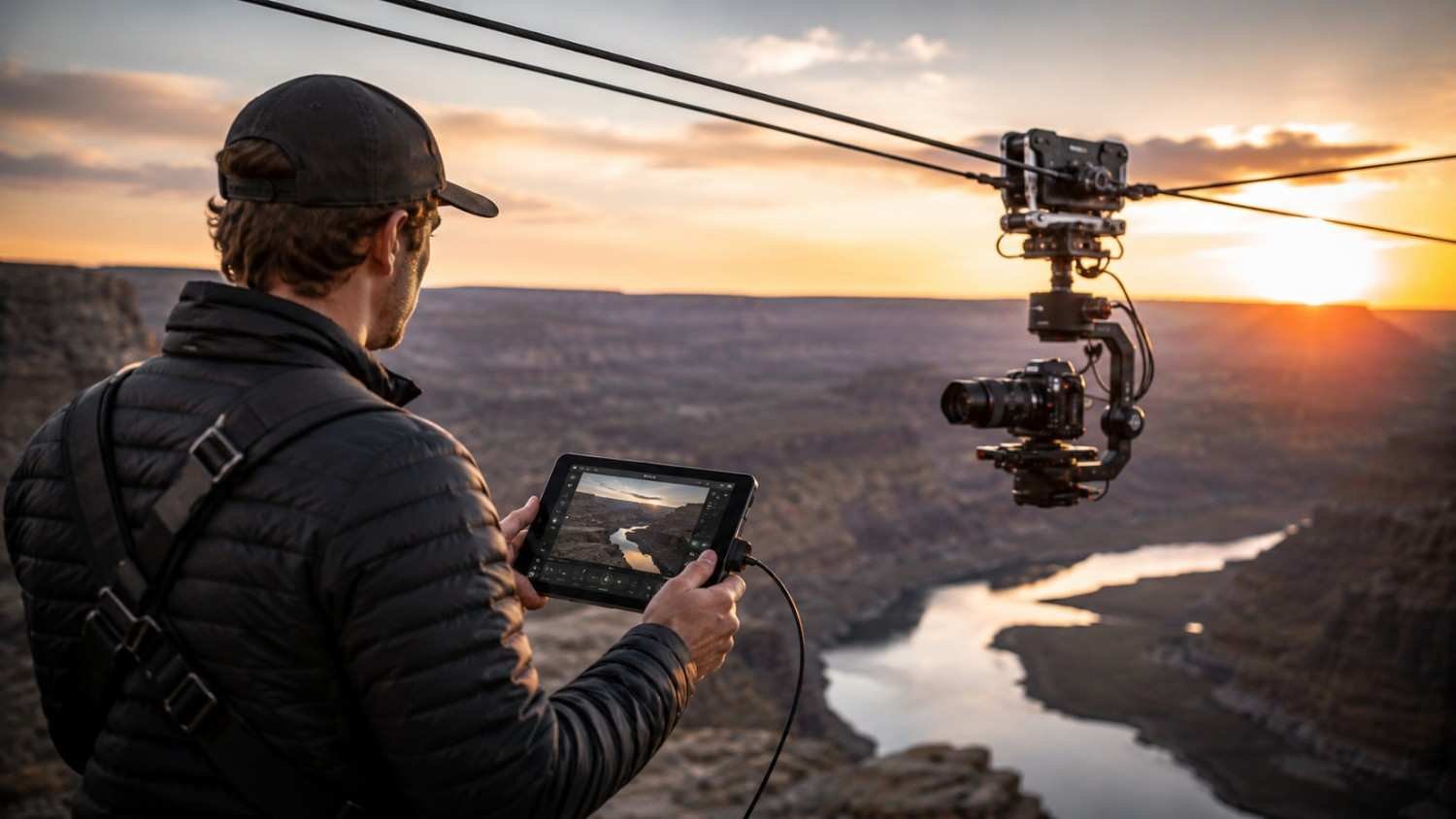
I first noticed how much time camera crews can lose when a camera is mounted somewhere awkward and every small adjustment requires someone to physically reach it. A shot may look simple from the control room, but changing focus, exposure, or framing can become a real interruption when the camera sits high above a stage, across a vehicle, or at the far end of a large location.
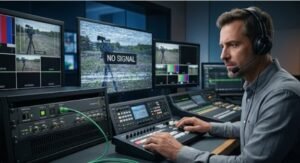
I also found that remote operation is less about removing the camera operator and more about putting control where it is most useful. A remote camera control system can bring monitoring, camera settings, lens functions, and movement into one workflow. That can make a production faster, safer, and easier to manage, especially when several cameras need attention at once.
What Is a Remote Camera Control System?
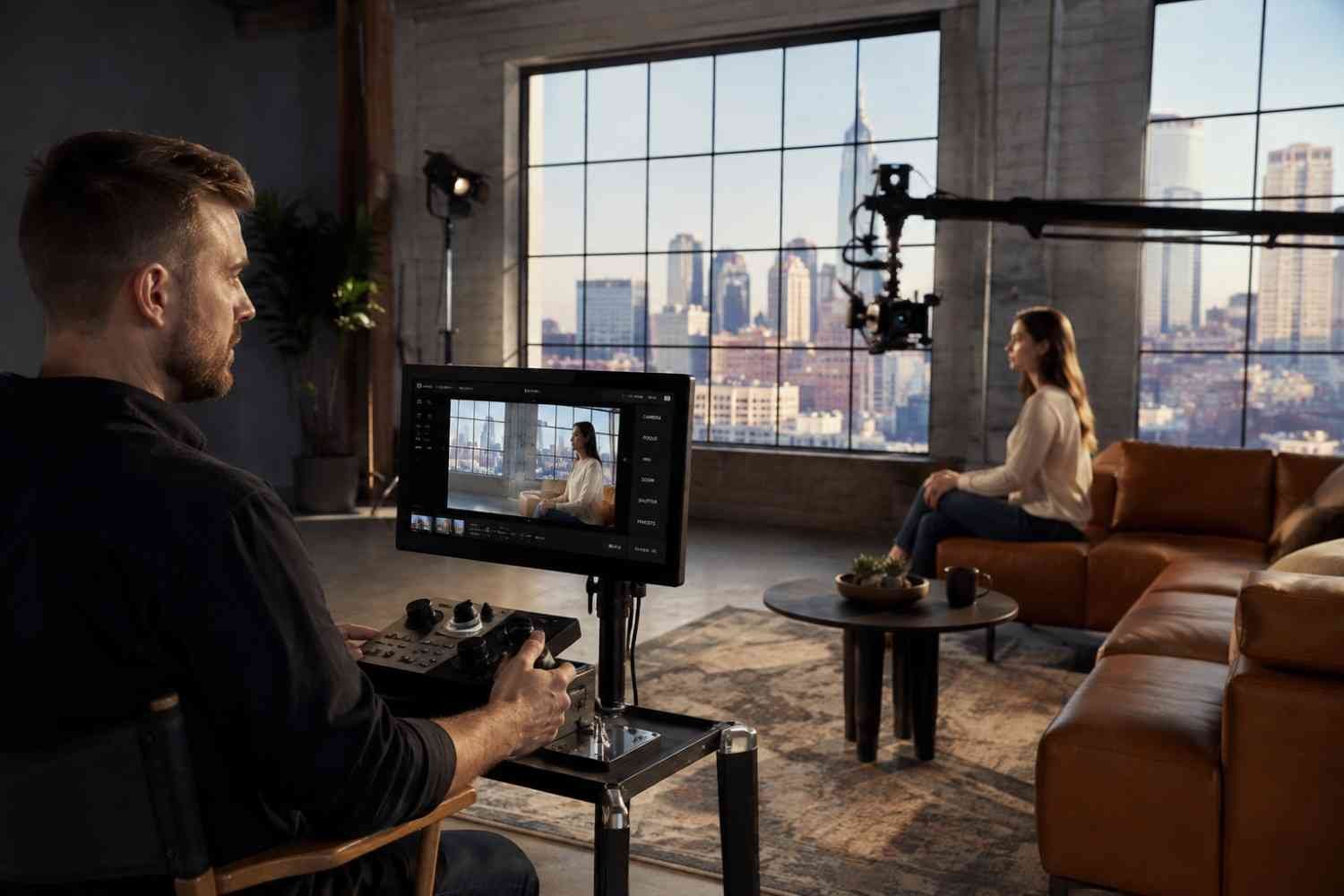
A remote camera control system lets an operator manage a camera from a separate location. Connections can use IP, Ethernet, SDI, Wi-Fi, Bluetooth, or USB.
Remote control is different from monitoring. Monitoring shows the image, while control allows changes to camera parameters and shooting functions. Advanced systems can handle pan, tilt, zoom, focus, iris, exposure, and recording from a central interface.
Canon, for example, offers software that controls PTZ and professional video cameras over IP, with live previews and real-time focus, pan, zoom, tilt, and exposure adjustments. Its Multi-Camera Control App also supports Cinema EOS and PTZ workflows from an iPhone or iPad.
Why Remote Camera Control Matters on Set
The biggest advantage is access. If a camera is positioned somewhere difficult, an operator can make a change without walking across the set.
That matters on cranes, vehicles, elevated platforms, and stages. With multiple cameras, a centralized interface can also let one operator check feeds and make adjustments. Canon’s multi-camera software supports camera groups, while its RC-IP300 controller provides physical controls for pan/tilt, focus, zoom, and iris.
The Physical Camera Still Needs a Stable Foundation
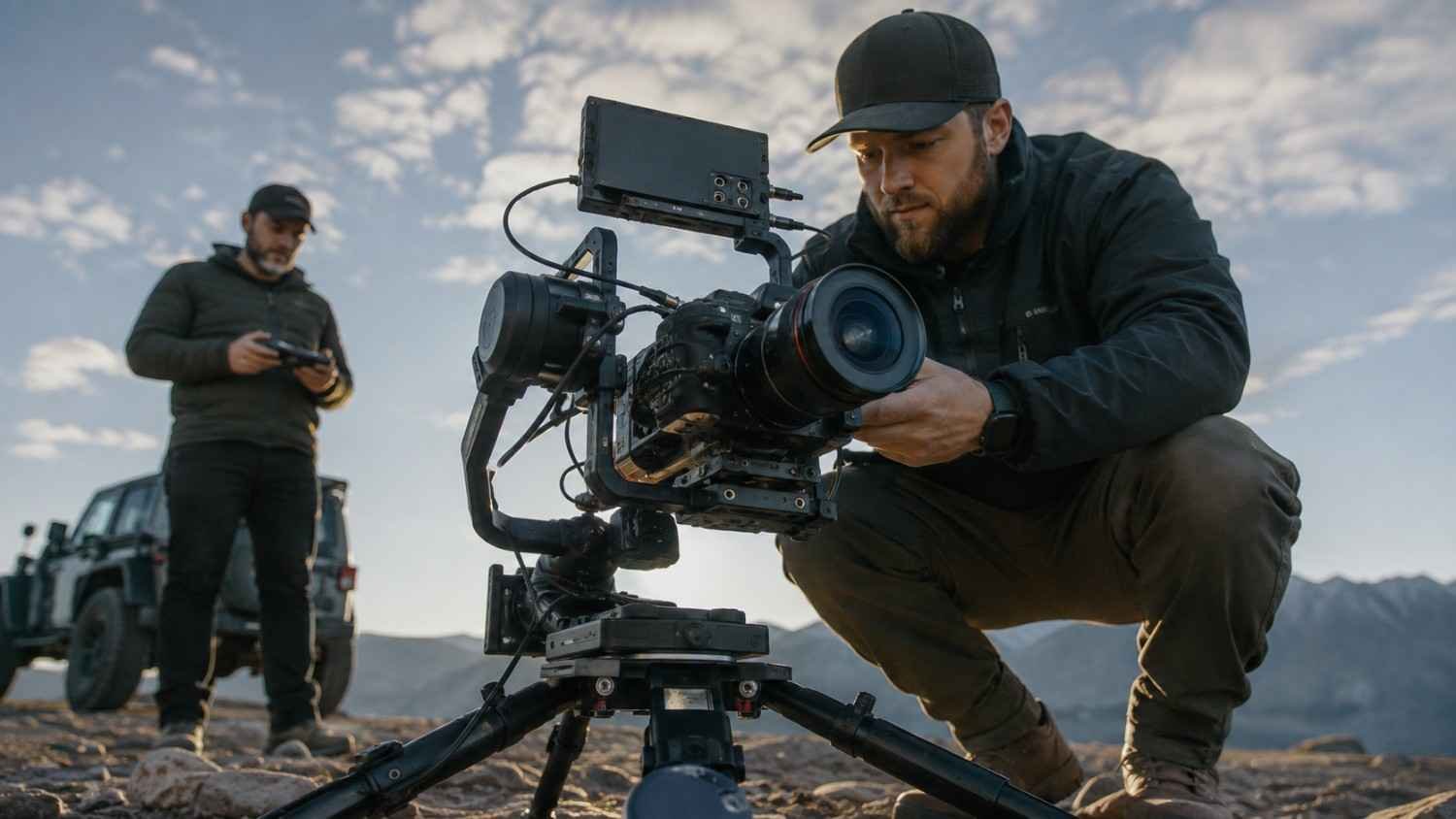
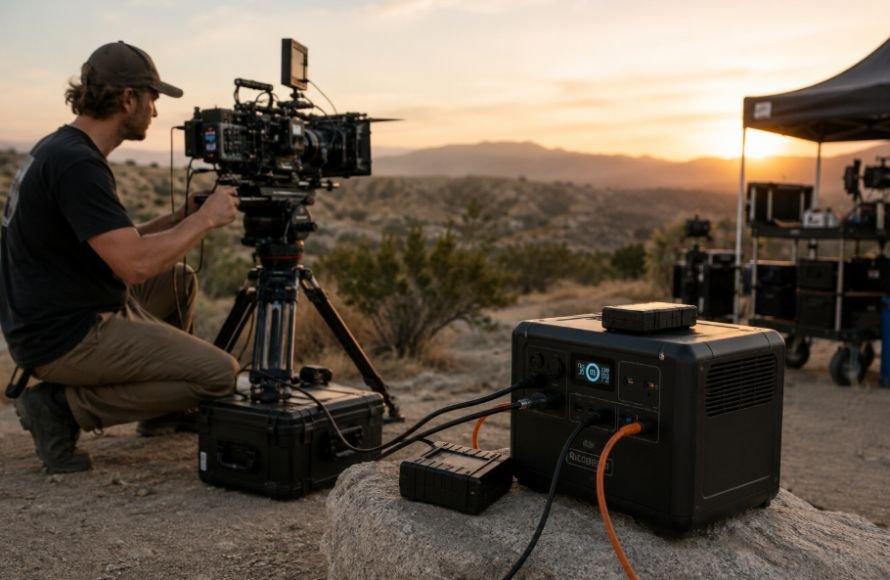
Remote control does not make the physical rig less important. A loose tripod, unstable mounting point, or poorly balanced rig can undermine precise remote adjustments.
For conventional cinema cameras, a professional camera tripod for filmmaking can provide the rigid platform needed for controlled pans and repeatable framing. A remote head may handle movement, but the support underneath still matters.
What Can You Control Remotely?
The available functions depend on the camera, lens, controller, and connection protocol. A basic remote may trigger recording, while a professional camera control unit can provide much deeper access.
Common controls include:
- Focus and autofocus
- Iris, exposure, shutter, and ISO
- White balance and ND filters
- Pan, tilt, and zoom
- Recording
- Picture profiles and color settings
Blackmagic Design shows how deep this integration can become. Compatible cameras can receive control information through SDI, while supported Ethernet workflows can carry video, tally, talkback, camera control, and even power through a single Cat6A cable. Its ATEM ecosystem also provides CCU-style control over iris, shutter, white balance, gain, color balance, focus, and zoom on supported lenses.
Don’t Treat Lens Control as an Afterthought
The camera body is only half of a remote setup. Remote focus, iris, or zoom also depend on the lens and its communication system.
Filmmakers should pay attention to motorized lens control, servo zooms, focus motors, lens metadata, and compatibility between the camera and controller. A system that offers extensive camera control is less useful if the attached lens cannot respond to the commands required on set.
Comparing zoom cine lens options early can prevent compatibility problems. Lens selection should account for gearing, servo capability, communication, and physical integration with the rig, not just optical performance.
Wired vs. Wireless Control
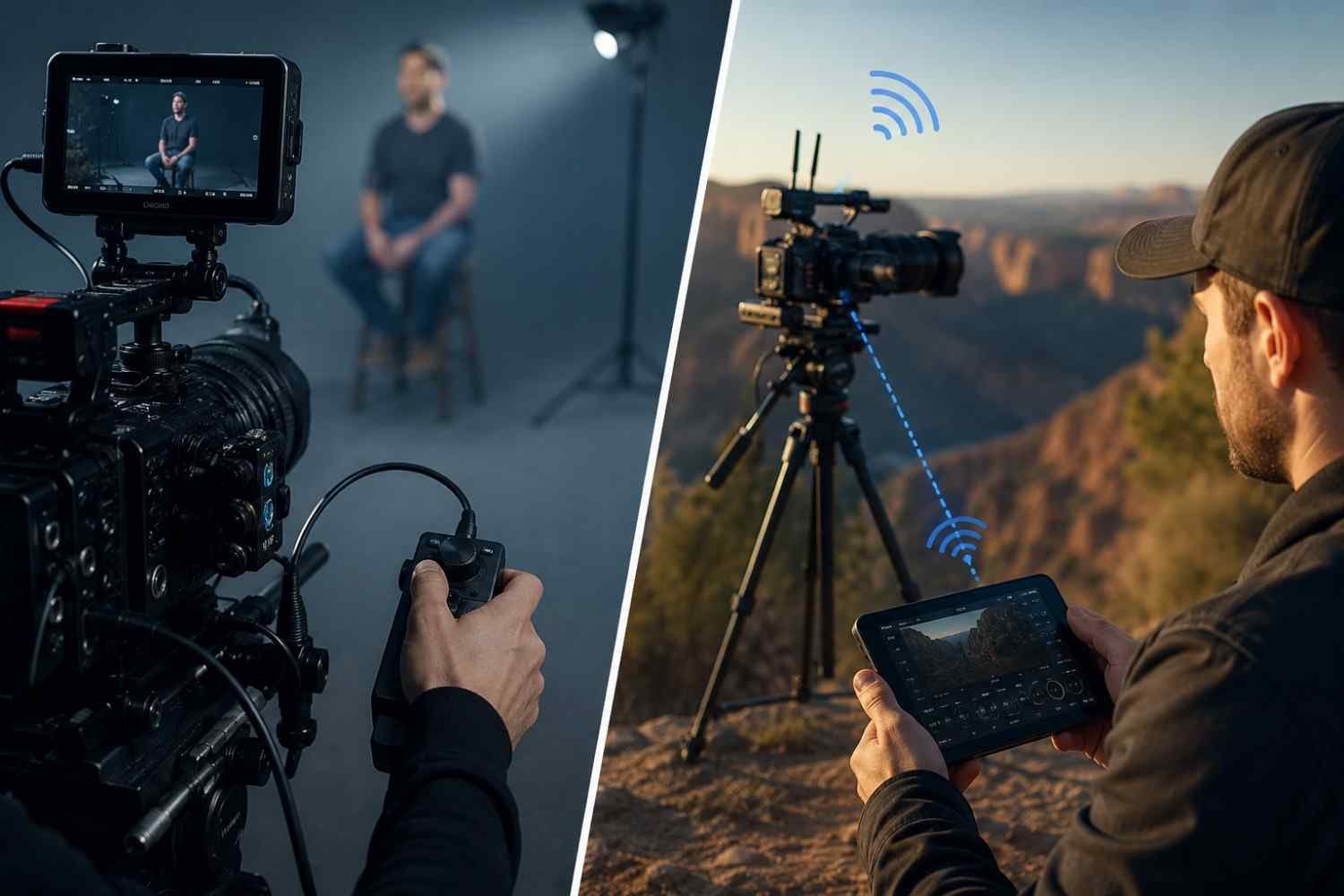
Wireless control is attractive because it keeps the rig clean and gives the operator freedom to move around. Wi-Fi and Bluetooth can work well for supported cameras, while network-based systems can extend control across a production infrastructure.
Wired connections remain valuable when reliability takes priority. SDI and Ethernet can provide predictable communication, and broadcast systems often combine camera control with video return, tally, and talkback. Blackmagic’s studio camera systems demonstrate how Ethernet and SDI can combine production signals with camera control.
Latency also matters. A delayed monitoring feed can make precise focus or movement decisions frustrating. For live work, the operator needs a responsive connection, not simply a long-range connection.
Choose the System Around the Production
The right system depends on what the camera needs to do. A locked-off camera may need remote start/stop and exposure control. A live event with several PTZ cameras may require centralized selection, low-latency monitoring, and pan/tilt/zoom control.
Before buying, check camera compatibility first. Then review the control protocol, maximum camera count, connection type, monitoring capabilities, lens support, power requirements, and fallback options.
Plan what happens if the network drops. A production should have a way to regain local control or safely stop recording.
Remote Control Is Changing Camera Placement
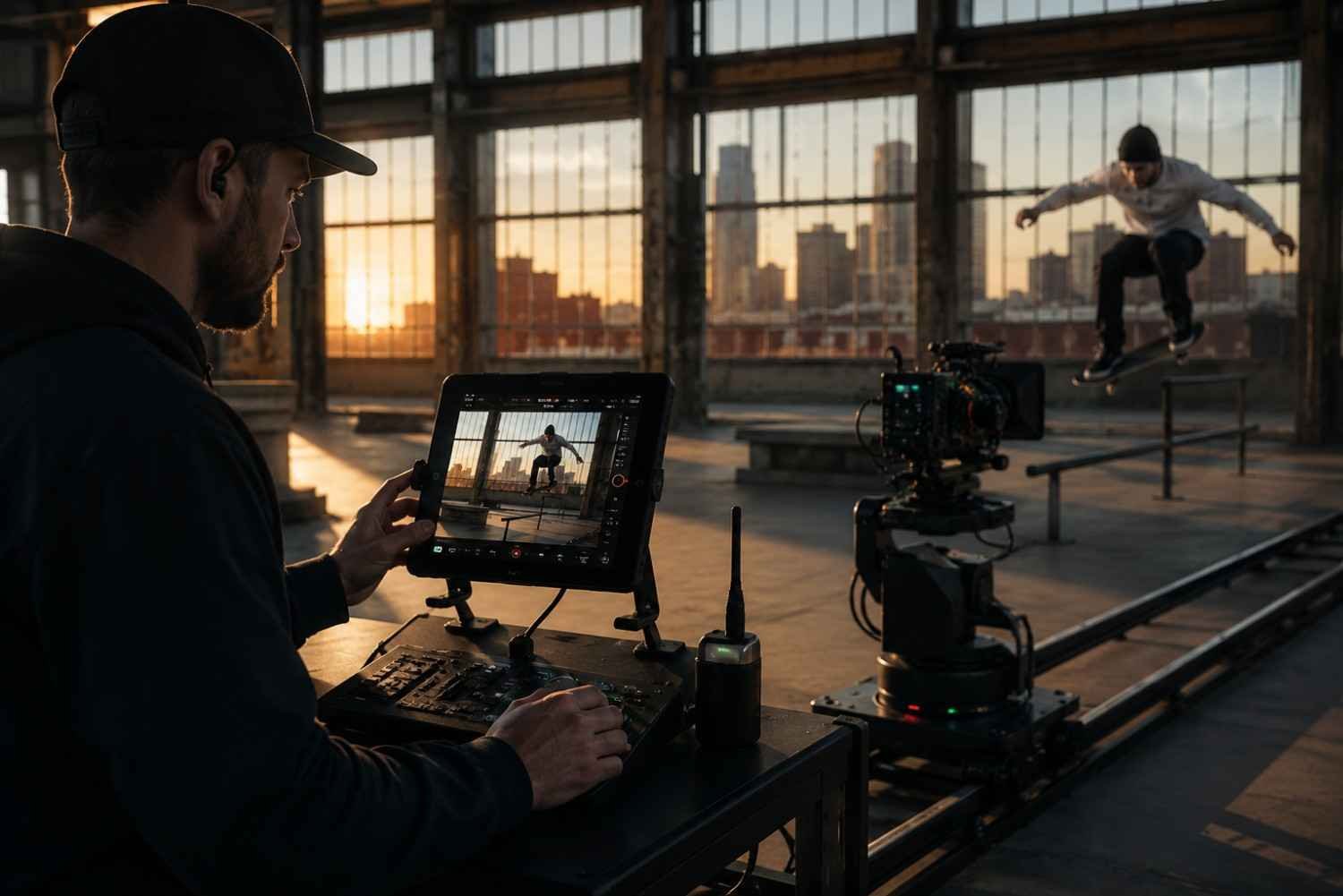
One major benefit is creative. Remote operation allows filmmakers to place cameras in positions that would be uncomfortable or impossible for an operator to occupy.
A camera can sit near a stage, inside a vehicle, beside a field, or on a remote platform while the operator works from a safer position. That flexibility can create angles without extra crew or constant resets.
A latest monopod for filmmaking can also help when mobility matters and the camera still needs a controlled support point. The remote system and support solve different problems, but together they can simplify a lightweight production.
FAQs: Remote Camera Control System: A Smarter Way to Run Modern Shoots
1. Can it control multiple cameras?
Yes. Many professional systems support multi-camera operation, depending on the controller, software, network, and cameras.
2. Can it control focus and zoom?
Yes, when the camera, lens, and controller support those functions. Servo and compatible electronic lenses offer more remote-control options.
3. Is wired or wireless control better?
Neither is automatically better. Wireless offers flexibility, while SDI or Ethernet can provide dependable communication for demanding productions.
4. Are these systems useful for small crews?
Yes. They can help one operator manage several cameras or control cameras in difficult locations.
Better Control Starts With Better Planning
A remote camera control system works best when it fits the production workflow. The setup gives operators needed functions, keeps monitoring responsive, and works reliably with the camera, lens, support, and network.
Compatibility should come before a long feature list. When the system, camera placement, lens, and support are planned together, remote operation becomes a practical part of filmmaking rather than another layer.