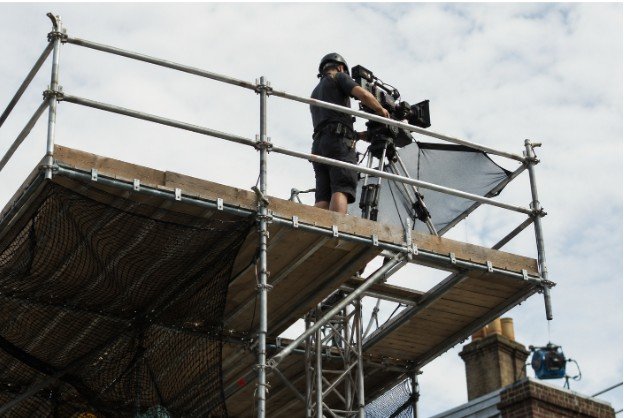






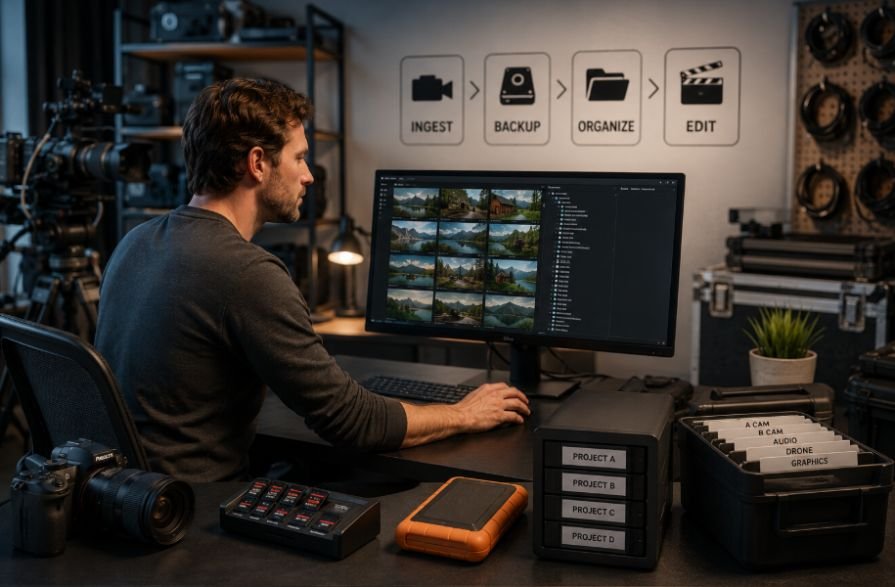
I learned pretty quickly that the shoot does not really end when the director calls wrap. The camera may go back in the case, but the footage still needs careful handling. A full day of 4K, 6K, 8K, RAW, or high-bitrate ProRes files can turn into hundreds of gigabytes before anyone even opens an editing application. One careless card format or failed transfer can erase hours of production work.
I also found that the best media workflows are usually not complicated. They are predictable. Every card gets labeled, every transfer gets verified, every copy has a clear destination, and everyone on the crew knows which media is safe to reuse. That consistency becomes especially valuable when several cameras, audio recorders, and storage devices are involved.
Why Your Media Workflow Starts Before the Shoot
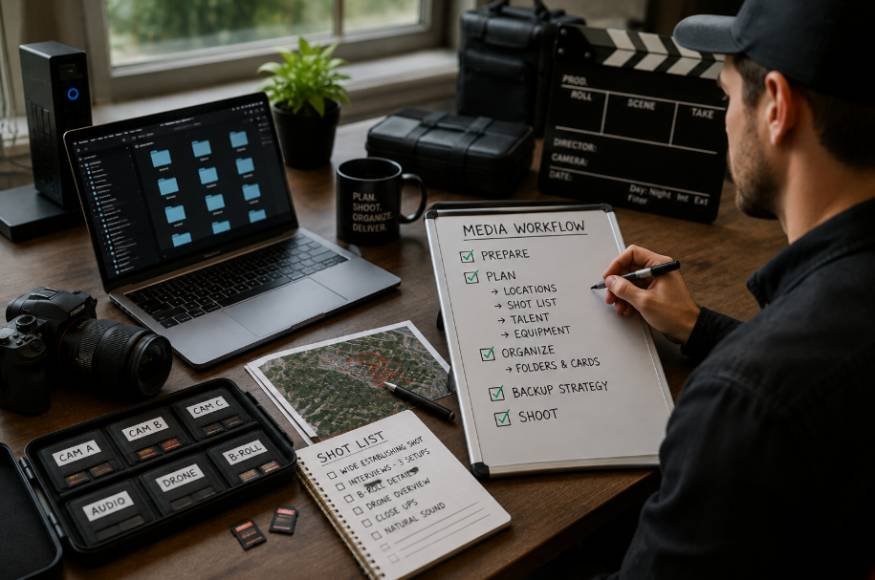
A professional camera media workflow should begin during production planning, not after the last shot. The recording format determines how much data each camera will generate, while the number of shooting days determines how much storage and backup capacity the production needs.
A camera recording compressed 4K footage may generate manageable files, while RAW or high-frame-rate formats can fill a card surprisingly fast. That affects everything downstream, including card rotation, reader speed, SSD capacity, backup time, and the amount of footage an editor must manage.
The workflow should also account for power. A camera that stops because a battery runs out can create a production problem just as quickly as a full memory card. For longer shoots, planning a reliable v mount battery setup can help keep cameras, monitors, wireless systems, and other accessories running without constantly interrupting production.
Keep Unverified and Cleared Cards Separate
Card discipline sounds simple, but it prevents one of the most expensive mistakes on a production.
After a card has been removed from the camera, place it in an “unverified” section of the card wallet. Once the footage has been successfully copied and verified to the required destinations, move it to a “cleared” section.
That physical separation creates a simple visual status system. Anyone on the crew can tell whether a card is ready to go back into a camera.
Never clear a card simply because one copy exists. If the workflow requires two verified copies before media can return to production, follow that rule consistently. A card should only be formatted after the production’s agreed backup requirements have been met.
Create Multiple Copies Before Formatting
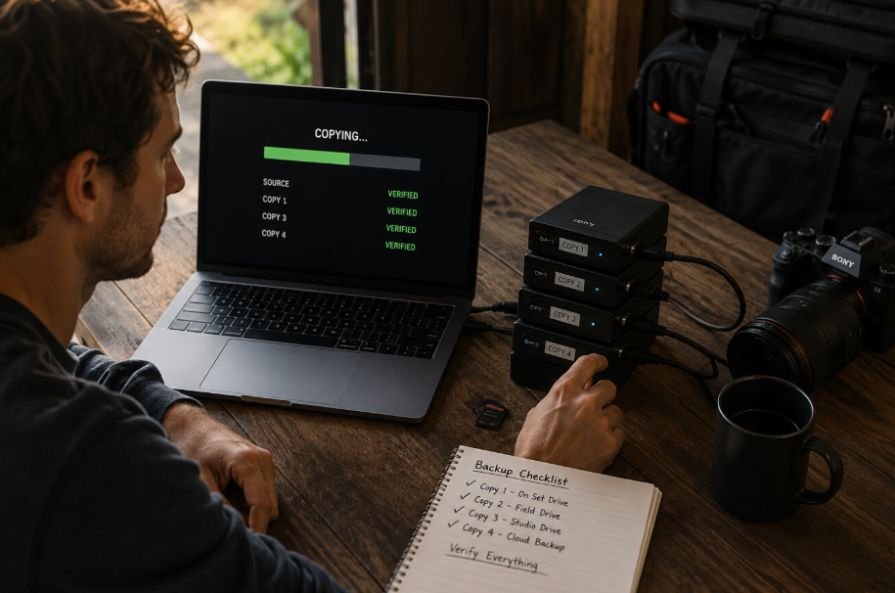
One storage device is not a backup strategy. Drives fail, get damaged, disappear, or become inaccessible at inconvenient times.
A common approach is the 3-2-1 backup principle: keep three copies of important data, use at least two different storage media types, and keep one copy off-site. The exact implementation can vary by production, but the underlying idea is redundancy.
For example, the primary working copy might live on a fast SSD, another copy could sit on a separate production drive, and a third copy could move to an off-site location or cloud storage.
The important part is independence. Three copies stored on the same physical drive do not provide three meaningful layers of protection.
Build Storage Around the Production
Storage should match the way footage will be used. Fast SSD storage works well for active projects because editors may need to read several streams of high-resolution video while working with effects, proxies, audio, and other project assets.
Larger HDD arrays, NAS systems, or other high-capacity storage can make more sense for bulk storage and longer-term retention. Cloud storage can add another layer for remote access or off-site protection, although upload time and internet bandwidth need to be considered.
Power planning also belongs in this equation. Long production days can involve cameras, monitors, transmitters, recorders, and other accessories drawing power at the same time. Using high-capacity camera batteries can reduce unnecessary battery changes and help maintain a predictable shooting rhythm, particularly on documentary, commercial, and location productions.
Organize Footage Before the Editor Gets It
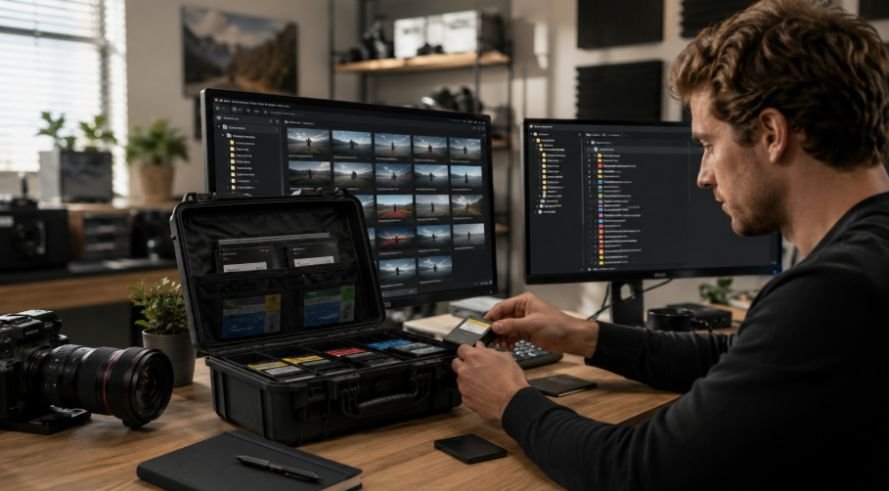
Good organization saves time long after the footage leaves the set.
A consistent project structure might separate camera originals, audio, graphics, project files, proxies, exports, and documents. Within the camera footage, folders can be organized by shoot date, camera, card number, or scene depending on the production.
Chronological naming is particularly useful. A prefix such as 20260811 naturally sorts by date in most file browsers, while identifiers such as CAM_A_CARD_03 make the origin of the footage easier to trace.
The original camera folder structure should remain intact. Many professional editing applications rely on expected media structures and metadata. Changing files unnecessarily during ingest can create problems later when relinking footage or moving projects between systems.
Metadata also deserves attention. Camera ID, reel number, scene information, timecode, and audio references can become valuable once hundreds or thousands of clips enter post-production.
Choose Media That Can Keep Up With Your Camera
A fast memory card is not automatically the right memory card. The camera’s recording requirements should determine the specification you need.
CFexpress is particularly relevant to modern professional cameras because the standard uses PCIe and NVMe technology and supports high throughput. The CompactFlash Association defines CFexpress in Type A, Type B, and Type C form factors, although Type C is not currently used by cameras or cards according to the association.
When comparing types of high-speed CFexpress cards, pay attention to sustained write performance rather than focusing only on the maximum advertised read speed. The CFA’s Video Performance Guarantee, or VPG, specifies minimum sustained write performance for demanding video recording. Its current VPG-5 profile includes VPG800 and VPG1600 classes.
Compatibility still matters. A higher VPG number does not automatically mean a card will work with every camera mode, so the camera manufacturer’s requirements should always take priority.
Use the Same Workflow on Every Shoot
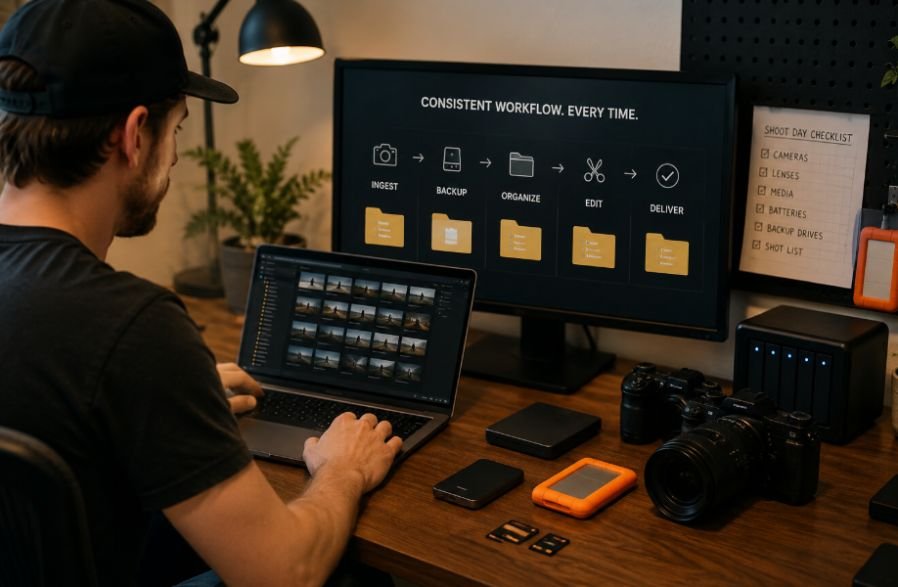
A media workflow becomes valuable when it is repeatable. The exact equipment can change, but the process should remain familiar.
A typical sequence looks like this: record footage, label the card, protect the original, offload using verification, create the required redundant copies, check the transfer status, organize the project folders, and only then clear the card.
That process reduces decision-making when everyone is tired at the end of a long shooting day.
It also makes troubleshooting easier. If a clip is missing later, the team can trace it back to a card, transfer log, camera, or destination rather than searching through random drives.
Common Media Workflow Mistakes to Avoid
The biggest problems are usually preventable. Formatting cards too early, relying on a single drive, mixing footage from unrelated projects, changing original folder structures, and skipping checksum verification can all create unnecessary risk.
Another mistake is treating RAID as a complete backup. RAID can provide redundancy and improve availability, but it does not protect against every type of failure. Accidental deletion, theft, corruption, or a wider hardware incident can still affect the data.
A reliable workflow separates working storage from backup and archive storage so that one problem does not remove every copy.
Frequently Asked Questions
1. What is a professional camera media workflow?
It is the organized process used to transfer, verify, back up, label, store, and prepare camera footage for post-production while protecting the original media.
2. Why is checksum verification important?
Checksum verification confirms that copied files match the source data. It provides stronger confirmation than simply checking whether a transfer appears to have completed.
3. When can I format a camera card?
Format a card only after the required verified copies are complete, and the production’s media manager or responsible crew member has cleared it for reuse.
4. Is RAID enough for camera footage backup?
No. RAID can improve storage reliability and availability, but it should not replace independent backups, including an off-site copy for important productions.
Why a Reliable Workflow Protects the Production
A good media workflow does more than prevent lost footage. It protects the time spent by the camera crew, sound team, producers, editors, and everyone else who contributes to a production. When every card has a known status, and every important file has a verified destination, post-production starts with confidence instead of uncertainty.
The strongest workflow is rarely the one with the most expensive equipment. It is the one the team can repeat correctly on a busy day, under pressure, without guessing what happens next.