




I still remember watching an aerial camera hesitate during a live production while the director was calling for its next shot. The audience saw a conventional camera angle, but behind the scenes, our crew was diagnosing a potentially serious problem. There was no opportunity to stop the program, inspect everything casually, and try again.
We had to protect the broadcast, secure the equipment, and identify the fault simultaneously. That experience taught me that solving cable cam problems during a live broadcast is less about performing one clever repair and more about following a controlled response.
Signal transmission, carriage movement, cable behavior, weather, software, power, and crew communication must all be considered. A disciplined workflow helps operators restore the camera without allowing production pressure to override safety.
Understand the Entire Cable Cam System
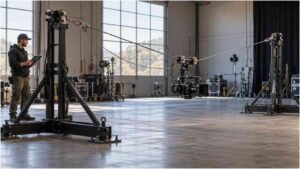
A cable cam is more than a camera moving along a wire. A professional system can include structural anchors, tensioned lines, motorized winches, a moving carriage, a stabilized remote head, control software, power equipment, fiber or video transmission, intercom communication, and safety controls.
An apparent camera failure may therefore originate elsewhere. A black screen could indicate a camera power issue, an incompatible output format, a damaged connection, or a failure farther along the signal path. Jerky footage may come from the gimbal, abrupt acceleration, changing wind, mechanical resistance, or unsuitable cable tension.
Before troubleshooting begins, the crew must distinguish among three conditions: loss of picture, loss of movement, and unsafe operation. Each condition requires a different response.
Protect the Broadcast Before Diagnosing the Fault
The first responsibility is maintaining program continuity without creating additional risk. When the cable-cam shot becomes unusable, the director should immediately select a dependable backup angle. The audience does not need to watch a technical diagnosis unfold.
Meanwhile, the cable cam pilot should stop unnecessary movement and move the carriage to an approved safe position if the system remains responsive. The crew should never continue flying simply because the director wants another aerial shot.
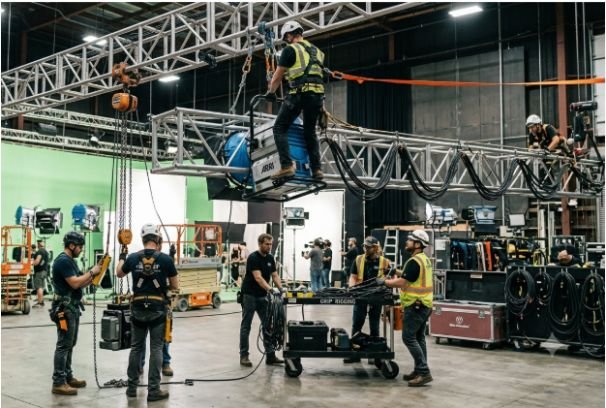
A clear command structure is essential. The director controls the program output, while the designated cable-cam lead controls whether the system is safe to operate. Producers, camera operators, technicians, and riggers should understand those responsibilities before transmission begins.
Diagnose a Lost or Unstable Video Signal

Isolate the Signal Path
A missing picture does not automatically mean the moving system has failed. Start by checking whether the camera and remote head still have power. Confirm that the camera is producing the expected resolution, frame rate, and output format. Review the video path from the camera through the carriage and transmission system to the production facility.
Fiber connections should be inspected for secure seating, contamination, excessive bending, or physical damage. If the production uses removable video converters or other interfaces, test each section separately. This prevents the crew from replacing unrelated equipment while the real fault remains active.
Use Monitoring Evidence
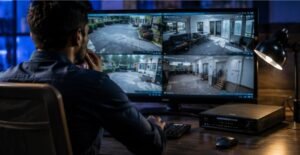
Operators should rely on waveform displays, multiviewers, device indicators, software warnings, and transmission logs instead of assumptions. If the camera produces a clean local image but the production switcher receives nothing, attention can move downstream. If no local output exists, the investigation should remain with the camera, power, or output configuration.
Correct Unstable Cable Cam Movement
Unwanted swaying, vibration, sudden acceleration, and horizon drift can make an aerial shot unusable even when the video signal is perfect. The operator should first reduce speed and avoid aggressive direction changes. A slower, controlled movement may reveal whether the instability is related to operator input or a continuing mechanical condition.
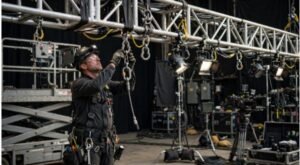
The crew should review cable behavior, carriage travel, winch status, gimbal stabilization, payload security, and software limits. Mechanical components must only be examined after the system has been placed in an approved safe state.
Wind can also produce movement that stabilization cannot completely hide. Operators should monitor actual conditions at the operating height rather than relying exclusively on a general forecast.
Respond to Control and Communication Failures
A control fault may appear as delayed commands, unresponsive movement, inconsistent winch data, or a loss of communication between system components. The pilot should stop movement, preserve the safe state, and review the control interface for specific warnings.
Although research into multi-objective optimization of marine winch systems may offer useful insights into balancing performance, efficiency, and mechanical demands, cable-cam crews must follow the operating limits and procedures approved for their specific equipment.
Restarting equipment should not be the first reflex. An undocumented reset can remove useful diagnostic information or initiate movement unexpectedly. Record the warning, confirm the system’s physical condition, follow the manufacturer’s approved recovery procedure, and verify every control axis before returning to air.
Intercom failure requires similar discipline. If the pilot, camera operator, director, and technician cannot communicate reliably, the cable cam should remain parked. A visually impressive shot is never worth operating without coordinated control.
Manage Wind and Changing Conditions
Weather is an operational input, not background information. Wind speed, gusts, precipitation, temperature changes, and nearby temporary structures may affect system behavior.
The operating plan should define who monitors conditions, which instrument provides the accepted reading, and what action follows each threshold. It should also establish warning, restricted-operation, safe-parking, and shutdown conditions.
No-fly zones and minimum clearances should be configured and verified before the event. If conditions deteriorate, the crew should not improvise a larger flight area or ignore an alert to save a shot.
Prevent Problems Before Going Live
The best approach to solving cable cam problems during a live broadcast begins before the opening sequence. A thorough pre-broadcast routine should include visual inspections, cable and anchor reviews, communications tests, software verification, movement tests, signal checks, weather monitoring, and confirmation of safe zones.
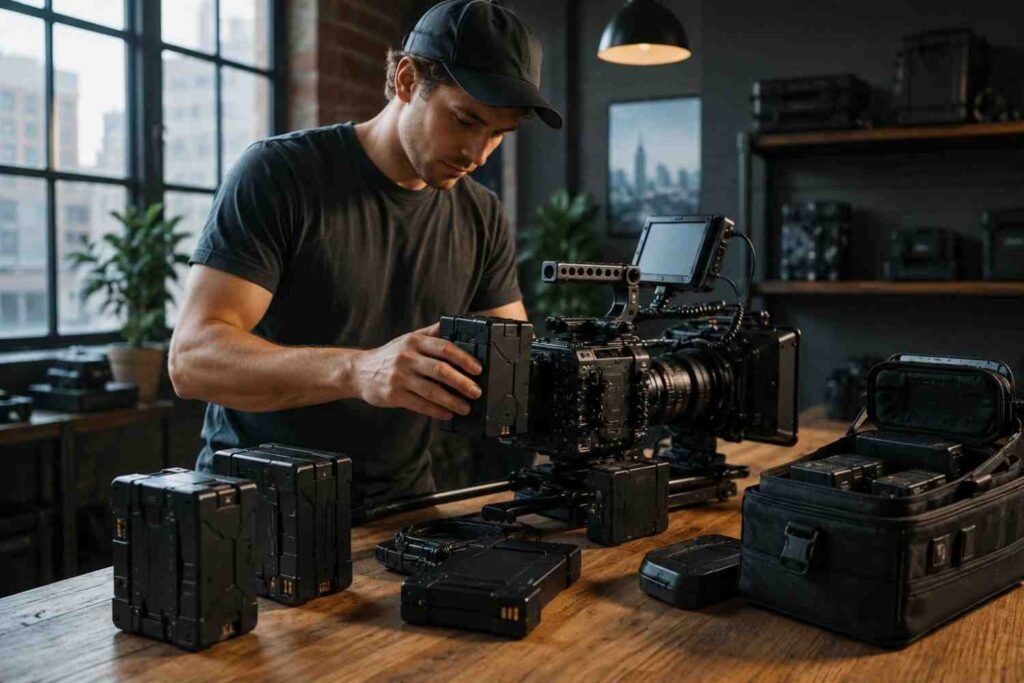
The production should rehearse fallback coverage as carefully as aerial movements. Directors need alternative wide shots, tracking angles, and transition shots ready for immediate use. Spare signal components, approved replacement parts, charged power sources, and current system documentation should remain accessible.
After testing, the crew should record the system state so unexpected changes are easier to identify.
Frequently Asked Questions
1. What is the first step in solving cable cam problems during a live broadcast?
Switch the program to a backup camera and place the cable cam in an approved safe condition. Diagnosis should begin only after broadcast continuity and operational safety are protected.
2. Why does a cable cam picture suddenly disappear?
Common possibilities include interrupted power, camera output changes, loose connections, damaged fiber, converter faults, or problems within the production signal chain.
3. Can a cable cam continue operating in strong wind?
Operation should follow the engineered limits, manufacturer guidance, site assessment, and approved weather plan for that particular system. If a threshold is reached, the crew must restrict, park, or shut down the system as planned.
4. How can crews reduce cable cam downtime?
Detailed inspections, rehearsed backup coverage, diagnostic monitoring, trained operators, spare components, clear authority, and documented recovery procedures reduce both downtime and confusion.
Final Takeaway
I have learned that successful recovery depends on preparation more than improvisation. When every person knows who controls safety, where the backup shot is, and how faults will be isolated, pressure becomes manageable.
A cable cam should return to the program only after its signal, movement, controls, communications, and operating conditions have been verified. That measured decision may take longer than a hurried reset, but it protects the audience, crew, equipment, and broadcast. In live production, reliability is not the absence of problems; it is the ability to respond without losing control.