





I started noticing how much time a cinema camera can save when its controls actually match the way a crew works. On a busy shoot, reaching through several menus just to turn on focus peaking or change a frame rate can feel like a small inconvenience, but those seconds add up quickly. The cameras that felt easiest to work with were usually the ones that let me put important controls exactly where I needed them.
I also found that customization matters most when the shooting conditions change. A setup that works on a tripod may feel completely different on a shoulder rig, while an outdoor scene can demand quick exposure adjustments that a controlled interior does not. The best customizable cinema camera features are not there simply to make a specification sheet look impressive. They give filmmakers more control when the pace of production leaves little room for menu diving.
Why Camera Customization Matters on a Real Set
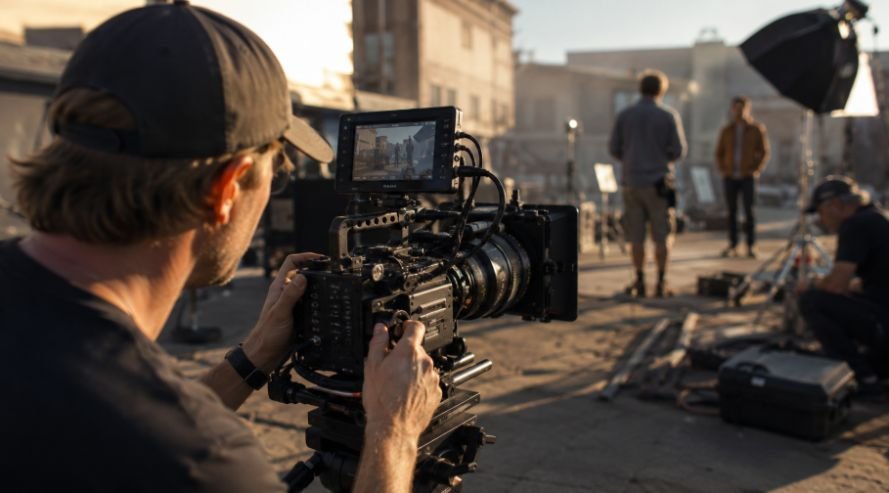
A cinema camera rarely stays in one configuration for an entire production. Accessories change, lenses change, operators change, and the physical position of the camera can change several times in one day.
That is where customization becomes practical. A camera with assignable controls, adaptable monitoring, flexible audio routing, and useful mounting options can be configured around the job instead of forcing the crew to work around the camera.
This is particularly useful for small productions. A larger crew may have dedicated operators for focus, exposure, sound, and camera support. On a smaller set, one person may handle several of those responsibilities. Fast access to frequently used controls can make a meaningful difference.
Assignable Buttons Put Important Controls Within Reach
Function buttons are one of the simplest customization features, but they can have an outsized impact on workflow.
Many cinema cameras allow users to assign frequently needed functions to physical buttons. Depending on the camera, that might include focus peaking, high frame rates, monitoring tools, audio channels, or other shooting functions.
The benefit is straightforward. Instead of stopping to search through a menu, the operator can make a change with a button press.
Custom user presets take this idea further. A filmmaker might save one configuration for handheld shooting and another for a tripod setup. Switching between them can be much faster than rebuilding dozens of settings individually.
Lock switches also deserve attention. They can prevent accidental changes when the camera is being moved, repositioned, or handled quickly. On a crowded set, a bumped control can create a problem that nobody notices until the next take.
Exposure and Monitoring Tools Help You Make Better Decisions
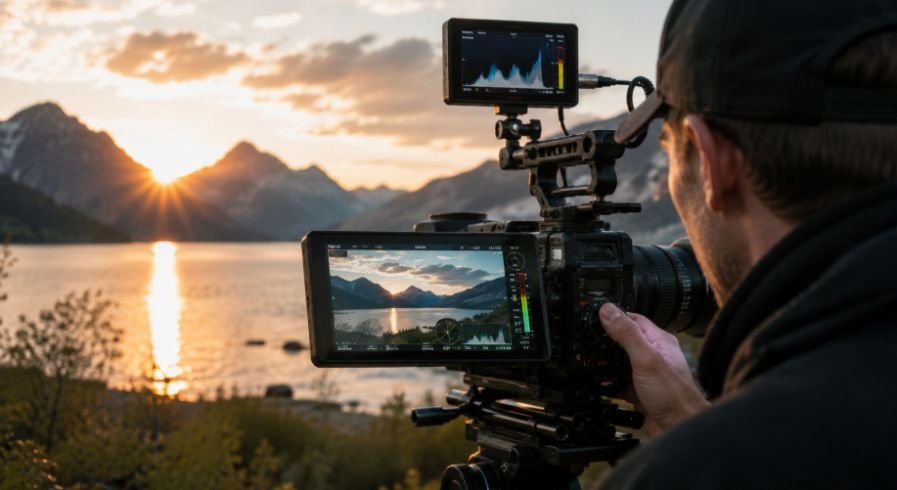
A cinema camera’s monitor can show a beautiful image while still hiding exposure problems. That is why tools such as false color and waveform monitoring are so useful.
False color provides a visual reference for exposure levels across the frame, making it easier to judge skin tones and identify areas that are approaching clipping. A waveform gives another way to evaluate brightness distribution without relying entirely on how the image looks on a particular display.
Custom display overlays can make these tools even more useful. Operators can remove information they do not need and keep important indicators visible. Framing guides can also help when the same footage needs to work across different aspect ratios.
This matters when the camera has to move quickly between setups. A clean monitoring layout reduces visual clutter while keeping critical information available.
Internal ND Control Can Save Time Outdoors
Built-in or motorized neutral density filters are another valuable customization feature, particularly for exterior work.
When sunlight changes, or the camera moves between shade and open areas, exposure may need to change without affecting shutter speed or aperture. Internal ND filters allow the operator to reduce incoming light while keeping those creative settings consistent.
Some cameras also let users customize ND steps or assign related controls for faster adjustments. That can be especially useful when shooting handheld or following action where there is no time to stop and rebuild the exposure.
Focus Controls Should Match the Way You Shoot
Critical focus becomes harder when the camera is moving quickly or when the subject is working at a shallow depth of field. A customizable focus magnification control can make checking focus much faster.
Instead of navigating a menu, an operator can assign magnification to a button and quickly punch into the image to inspect a critical detail. Once the focus is confirmed, returning to the normal view takes seconds.
Flexible focus peaking is useful for a similar reason. Being able to adjust how focus information appears can make it easier to judge edges without filling the entire monitor with distracting highlights.
These features become particularly valuable when changing lenses or working with different subjects throughout the day.
Audio Customization Belongs in the Camera Setup
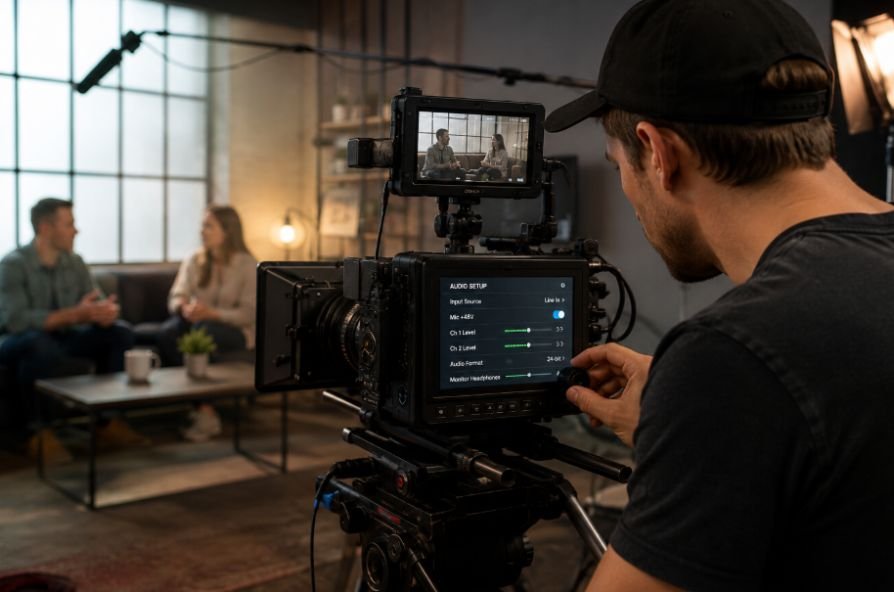
Video quality often gets most of the attention, but audio controls can be just as important to a production workflow.
Flexible audio routing allows external inputs to be assigned to specific recording channels. A camera operator can organize microphones or other sources in a way that makes sense for the shoot rather than accepting a fixed configuration.
Accessible audio controls also make quick adjustments easier. If the camera allows custom volume controls or channel assignments, the operator can respond to changing audio conditions without digging through menus.
For productions with limited crew, that kind of flexibility can reduce the number of separate tasks competing for attention.
Build the Camera Around the Production
Customization does not mean adding every accessory available. It means choosing the features and equipment that solve actual problems.
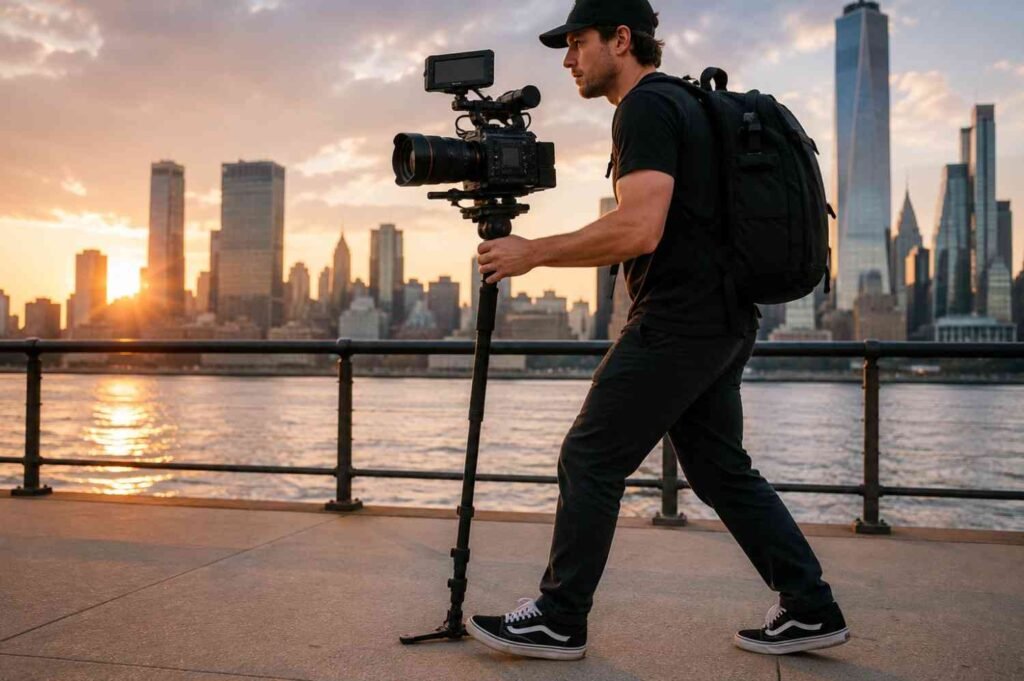
A handheld production may need a completely different configuration from a locked-off interview. A compact documentary setup might prioritize low weight and quick access to controls, while a narrative production may need a larger monitoring system, external power, follow focus, and matte box.
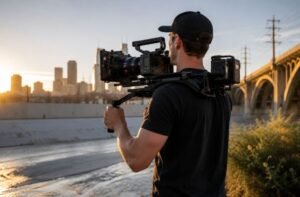
That is where a shoulder rig for cinema cameras can become useful. A well-balanced shoulder configuration can distribute the camera’s weight more comfortably while keeping essential controls and accessories accessible.
A modular approach also makes it easier to change configurations without rebuilding the entire camera. A modular camera rig setup can accommodate different support systems, monitors, handles, rods, and other accessories as the production demands change.
For smaller crews, this flexibility can be especially valuable. Choosing professional cinema cameras for indie films with useful customization options can give filmmakers room to build a setup around the project instead of investing in an entirely different camera system for every shooting style.
The Best Features Are the Ones You Actually Use
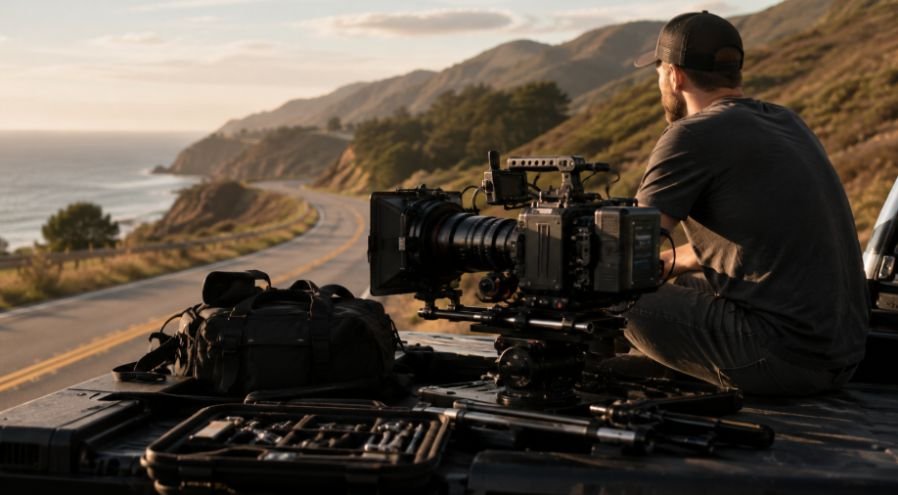
It is easy to get distracted by a long list of customization options. More buttons, more menus, and more accessories do not automatically create a better camera.
The useful question is simpler: which controls do you reach for repeatedly?
If exposure changes constantly, fast ND control may matter more than an obscure menu shortcut. If focus is critical, quick magnification and flexible peaking may be more valuable. If one operator handles sound and camera duties, accessible audio routing can save more time than another advanced recording option.
A camera becomes more effective when its customization reflects the actual workflow. The goal is not maximum complexity. It is reducing friction between one shot and the next.
Frequently Asked Questions
1. What makes a cinema camera customizable?
Useful customization can include assignable buttons, user presets, interchangeable lens mounts, flexible monitoring tools, ND control, audio routing, and accessory mounting points.
2. Why are assignable buttons useful on set?
They provide quick access to frequently used functions without forcing the operator to search through menus. This can save time when conditions change between takes.
3. Are internal ND filters worth having?
They can be extremely useful for exterior filming because they let operators control exposure without constantly changing aperture or shutter settings.
4. Do customizable features matter for indie filmmakers?
Yes. Smaller crews often handle several production tasks at once, so quick controls, flexible mounting, monitoring, and audio options can make the camera easier to adapt.
Flexibility Should Serve the Shoot
The real value of a customizable cinema camera appears when production gets unpredictable. A sudden change in lighting, a different lens, a tighter shooting position, or a switch from tripod work to handheld operation can all demand a different configuration. Features that let the operator respond quickly can keep the camera from becoming a bottleneck.
The smartest setup is rarely the one with the most accessories. It is the one that gives the filmmaker control where it matters, keeps the camera manageable, and makes the next shot easier to capture.