





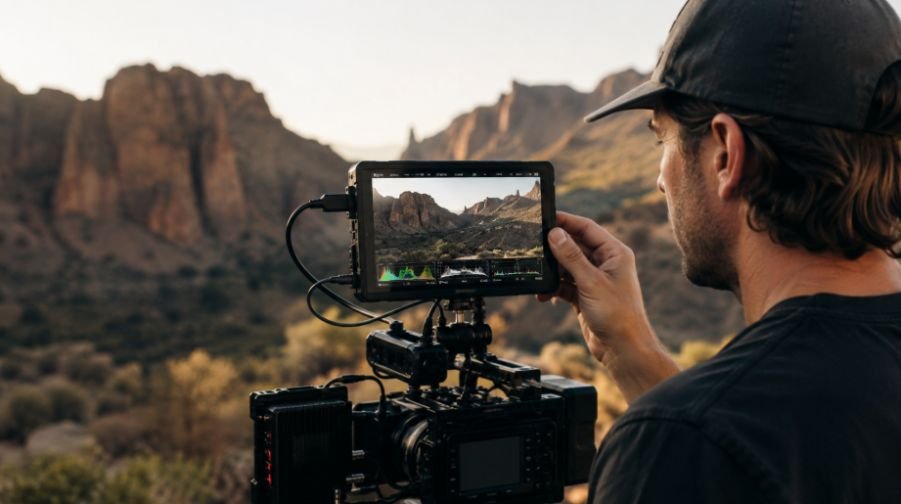
I used to think a field monitor was mostly about getting a bigger version of the camera’s built-in screen. Once I started paying attention to what actually changes on set, that view became pretty limiting. A good monitor can make exposure, focus, framing, and log footage much easier to judge, especially when the camera display becomes difficult to see outdoors.
I also found that the most impressive specification is not always the most useful one. A tiny 4K panel sounds great on a product page, but a bright Full HD screen with reliable waveform, false color, focus tools, and the right connections can be far more valuable during an actual shoot. The best portable field monitor for filmmaking is the one that helps you make better decisions without making the rig unnecessarily heavy or complicated.
Why a Field Monitor Is More Than a Bigger Screen
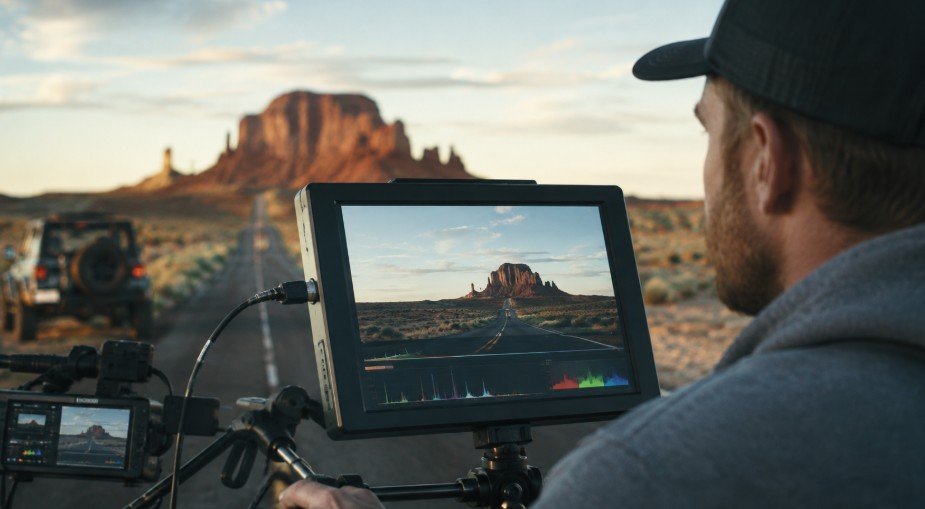
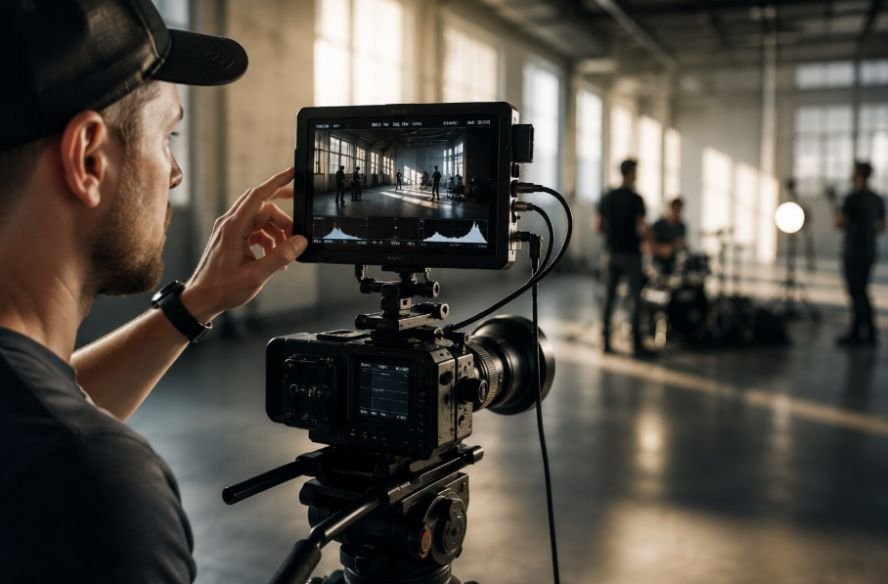
A camera’s built-in display is convenient, but it has obvious limits. Its small size can make critical focus difficult, and bright outdoor conditions can make framing frustrating. An external monitor gives the operator more room to inspect the image while adding tools that may not be available on the camera itself.
That matters when you’re shooting interviews, narrative scenes, documentaries, or fast-moving production work. Instead of judging exposure only by how the image looks, you can use scopes and exposure aids to make a more informed decision.
The trick is choosing features that solve real production problems rather than paying extra for specifications that rarely affect your work.
Brightness Should Be Near the Top of Your List
Brightness is one of the easiest specifications to overlook until you’re standing outside with the sun hitting the screen.
For a portable field monitor, 1,000 nits is a sensible starting point for daylight visibility. If you regularly shoot under strong, direct sunlight, moving toward 2,000 nits or more gives you a much better chance of seeing the image clearly without constantly searching for shade. Current external-monitor coverage from Amateur Photographer also recommends 1,000 nits or more for daylight work, with higher brightness becoming useful for demanding outdoor cinematography.
A sun hood can still help, but brightness gives you more flexibility. You can check composition, monitor focus, and review exposure without leaning over the camera and trying to block the sun with your hand.
Don’t Chase Resolution at the Expense of Useful Tools
Resolution matters, but it shouldn’t dominate the buying decision.
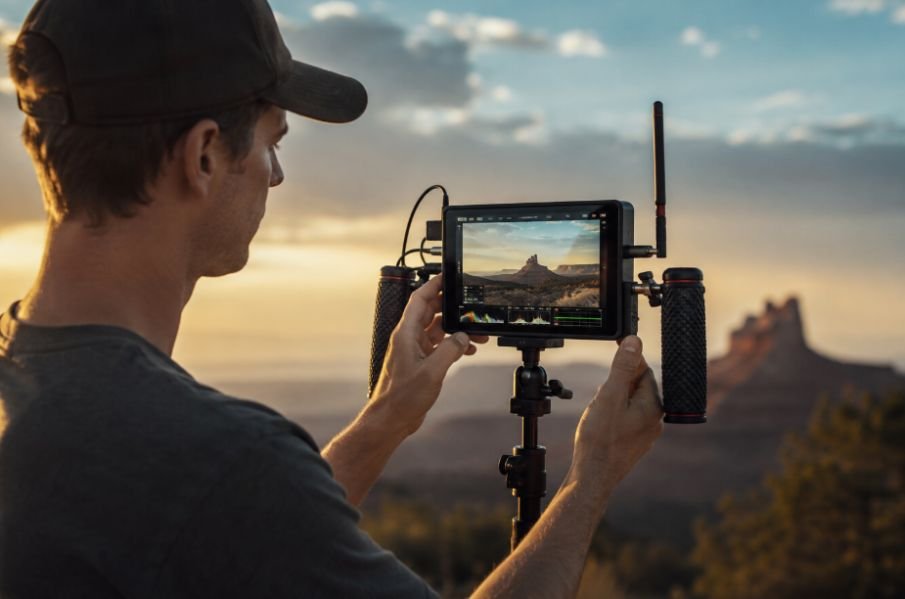
A 1920 x 1080 monitor can provide a sharp enough image for many on-camera setups, particularly when it accepts a higher-resolution camera signal. Several current monitors pair Full HD panels with 4K HDMI or SDI input, showing that native 4K resolution isn’t automatically necessary for useful field monitoring.
Screen size also changes the equation. A 5-inch display keeps a handheld or gimbal rig compact. A 7-inch monitor gives you more room for framing and focus checks, but adds weight and takes up more space.
Think about the entire rig rather than the monitor in isolation. If you’re already carrying a cinema camera, lens, batteries, wireless transmitter, and other accessories, another large component can quickly become inconvenient.
The Monitoring Tools Are Where the Real Value Is
The software inside the monitor can matter more than the panel itself.
Waveform, false color, histogram, vectorscope, zebras, and focus peaking can turn a screen into an actual production tool. A waveform can help you evaluate luminance, while false color provides a quick visual reference for exposure. Focus peaking highlights areas with strong contrast to help you judge sharpness.
These tools are especially useful when the scene is difficult to evaluate by eye. A face might look properly exposed on a bright screen but still be too hot. A dark background might appear fine while important shadow detail is disappearing.
That is why dependable monitoring software deserves more attention than a long list of flashy display specifications.
LUT Support Makes Log Footage Easier to Judge
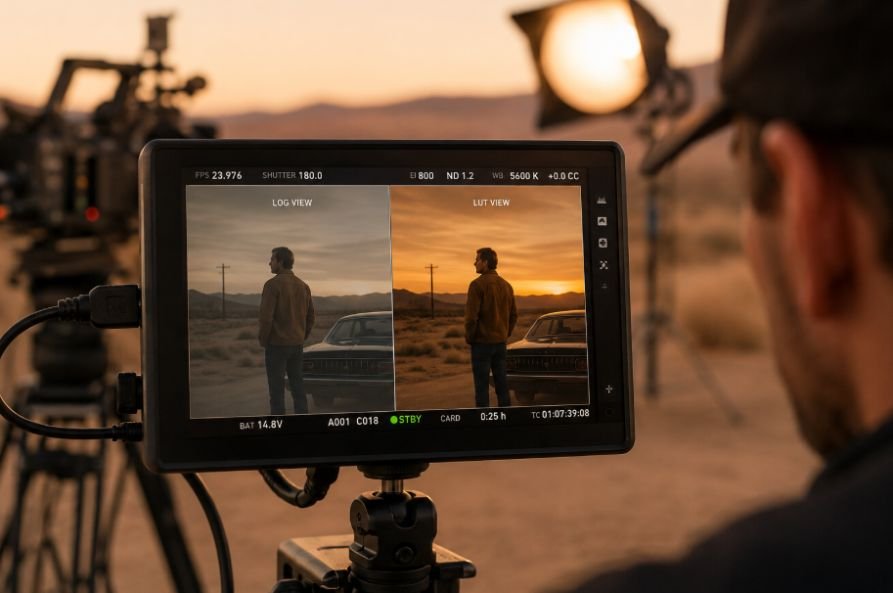
Shooting in a log profile gives you more flexibility in post, but the flat image can make on-set decisions harder for someone who isn’t used to evaluating log footage.
A monitor with custom 3D LUT support can display a corrected preview while leaving the original camera recording untouched. This gives the operator and other people on set a more familiar-looking image without baking that look into the footage.
That distinction matters. The LUT is being used for monitoring, not necessarily for changing what the camera records. Modern field monitors commonly include LUT loading alongside waveform, false color, histogram, and focus tools.
A monitor becomes even more useful when it works alongside a camera’s own display and recording settings rather than trying to replace them.
Choose HDMI or SDI Based on Your Camera
Connectivity should be decided before anything else because the wrong input can make an otherwise excellent monitor useless for your setup.
HDMI is common on mirrorless and smaller camera systems. SDI is more common on professional cinema and broadcast equipment, and locking BNC connections can provide a more secure connection when the camera and monitor are moving around during production.
Some monitors offer both and can even convert HDMI to SDI or SDI to HDMI. That can be useful when your setup grows beyond a single camera and screen. Current models also offer combinations such as 12G-SDI and HDMI 2.0 for higher-bandwidth signals.
If your production already depends on wireless transmission, a monitor can become another important part of the viewing chain. A thoughtful wireless video monitoring for filmmakers setup can let a director, focus puller, or client view the camera feed without crowding the operator.
Don’t Ignore Power, Mounting, and Build Quality
A monitor can have every feature you want and still become annoying if it drains batteries quickly or feels awkward on the rig.
Check which batteries it uses, how long it runs at high brightness, and whether you can swap batteries during a long production day. USB-C or DC power can also be useful depending on the rest of your setup.
Mounting deserves the same attention. A monitor needs to sit where you can see it without forcing an uncomfortable operating position. Strong mounting points, a reliable tilt arm, and a durable chassis are particularly useful when equipment is regularly moved between locations.
A current B&H listing for the FeelWorld S7, for example, highlights an aluminum housing, multiple mounting points, interchangeable battery options, and high-brightness operation.
When Recording Is Actually Worth Paying For
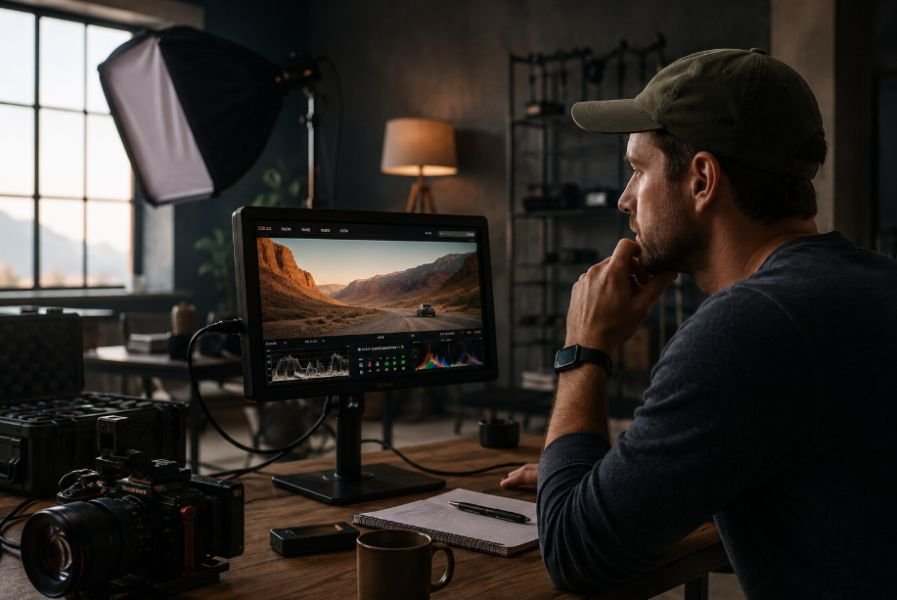
Some field monitors are also external recorders. That can be extremely useful if your camera supports a recording format or codec that you want to capture externally.
But if you only need a larger screen and monitoring tools, recording capability can add cost, storage requirements, power consumption, and unnecessary complexity.
For a simple handheld setup, a monitor-only unit may be the smarter choice. If you’re building a more advanced cinema workflow, external recording can make much more sense. The right answer depends on what the camera already records and what you need during post-production.
Match the Monitor to Your Camera Rig
Your monitor should complement the camera rather than dictate how you operate it.
A compact setup benefits from a lighter 5- or 6-inch display. A tripod-based narrative setup may have room for a larger 7-inch monitor. Documentary shooters may care more about brightness and battery flexibility, while a cinematographer working with log footage may prioritize LUT support, scopes, and accurate image evaluation.
The same thinking applies when your camera already offers extensive control through customizable cinema camera features. The monitor should make those capabilities easier to evaluate on set, not duplicate every function simply because it can.
Before buying, consider the camera output, shooting environment, rig weight, battery system, and monitoring tools you actually use. That short checklist will usually tell you more than a long specification sheet.
Build the Monitor Around the Way You Shoot
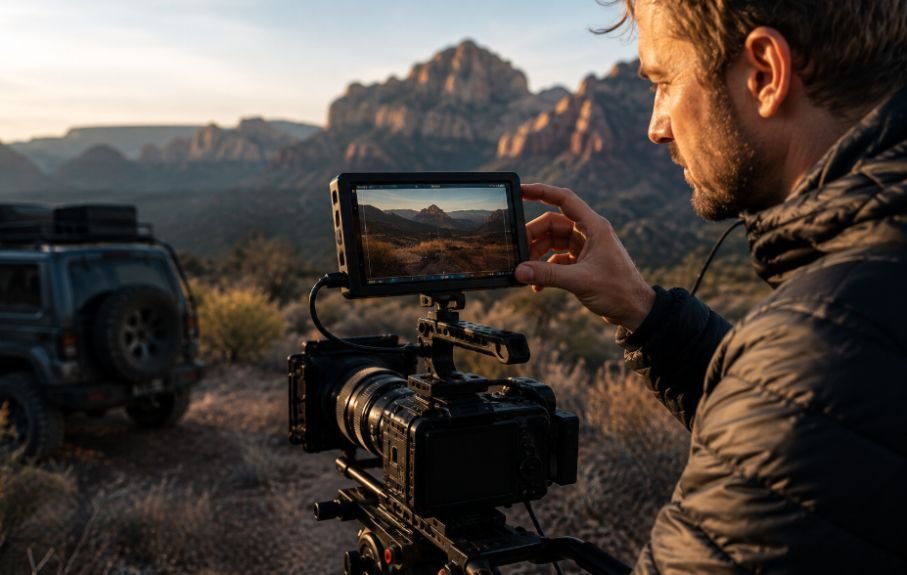
The best field monitor is rarely the one with the longest feature list. It is the one that disappears into the workflow because it solves problems before they slow you down.
For outdoor work, prioritize brightness. For manual-focus filmmaking, prioritize focus tools and a useful screen size. For log workflows, look closely at LUT support. For professional cinema cameras, pay attention to SDI and secure connections. For lightweight handheld work, keep weight and power consumption under control.
If the monitor is going onto a shoulder-mounted setup, its physical relationship with the rest of the camera matters just as much. A well-positioned display can improve visibility without forcing the operator to constantly adjust their stance. That becomes particularly important when building a shoulder rig for cinema cameras where balance, reach, and fatigue all affect how comfortably you can work.
Frequently Asked Questions
1. How bright should a field monitor be?
For outdoor filmmaking, 1,000 nits is a useful baseline. Shooters working in strong direct sunlight may benefit from 2,000 nits or more.
2. Is 4K resolution necessary on a field monitor?
Not always. A sharp Full HD panel can be enough for many setups, especially when the monitor accepts 4K input and provides strong focus and exposure tools.
3. What monitoring tools matter most?
Waveform, false color, focus peaking, histogram, and LUT support are among the most useful tools for judging exposure, focus, and log footage on set.
4 . Should I choose HDMI or SDI?
Match the monitor to your camera’s output. HDMI is common on smaller cameras, while SDI is widely used with professional cinema and broadcast systems.
The Best Monitor Is the One You Can Trust on Set
A portable field monitor earns its place in a camera bag when it makes decisions easier. That usually has less to do with chasing the highest resolution and more to do with seeing the image clearly, checking exposure accurately, confirming focus, and maintaining a dependable connection when the production gets busy.
Once those fundamentals are covered, the rest becomes a matter of matching the monitor to your camera, your environment, and the way you actually shoot. A well-chosen screen should make the workflow feel simpler, not turn your rig into another problem to manage.