





I know how frustrating it feels to plan an exciting action shot only to discover distracting vibration, horizon drift, or rolling-shutter wobble during playback.
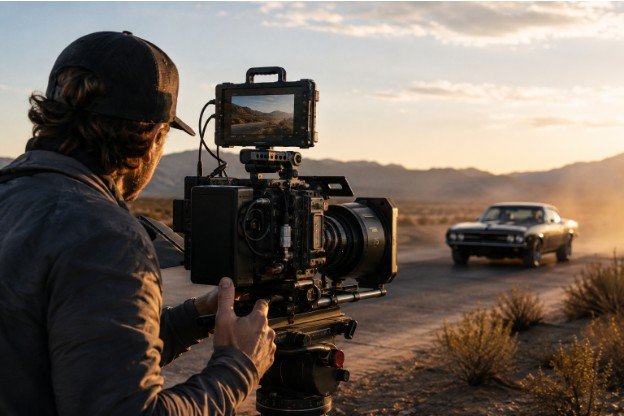
In my experience, improving shot stability during a high-speed camera sequence requires more than attaching the camera to a gimbal. The best results come from controlling the entire process, including the platform, mounting system, camera settings, operator movement, focus strategy, and post-production workflow.
This guide explains how to build that complete stability chain without making a fast sequence appear unnaturally rigid.
Identify the Cause of Unstable Footage
Before changing equipment, determine what kind of movement is affecting the image. Slow vertical bobbing usually comes from footsteps, vehicle suspension, or sudden acceleration. Side-to-side drifting may indicate poor gimbal balance or unsuitable motor settings.
Fine vibration has a different appearance. It can enter through engines, tires, propellers, mounting plates, loose hardware, or an excessively rigid connection. Understanding how to cut equipment setup time should never come at the expense of controlling these vibration sources. A gimbal can correct pan, tilt, and roll, but it cannot always remove rapid mechanical vibration.
Rolling shutter is another concern. It can make buildings bend, vertical lines lean, and the entire frame resemble jelly. Digital stabilization may amplify this distortion instead of correcting it. Review test footage frame by frame so that ordinary shake, vibration, motion blur, and sensor distortion are not mistaken for the same problem.
Build a Complete Stabilization Chain

A reliable setup controls movement before it reaches the camera. Depending on the production, the chain may include a moving platform, vibration isolator, support arm, three-axis gimbal, camera stabilization, and limited post-production correction.
Every layer must suit the camera payload and expected speed. An overloaded gimbal can oscillate, overheat, or produce sudden corrections. A lightweight camera on motors tuned too aggressively may develop visible micro-jitters.
Mount the complete shooting package before balancing. Include the lens, filters, batteries, transmitter, media, cables, and focus motor. A cable pulling across one axis can ruin an otherwise accurate balance. After balancing mechanically, calibrate the motors and test every intended camera angle.
Isolate High-Frequency Vibration
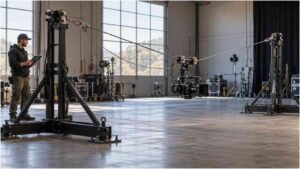
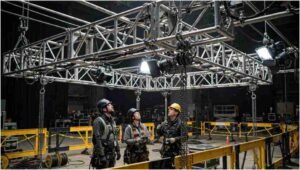
For vehicle-mounted or motorized shots, place a suitable vibration-isolation system between the platform and stabilized head while following temporary truss rigging safety requirements. The isolator must be selected for the actual payload; one designed for a heavier package may barely move, while an overloaded unit may bottom out.
Check every fastener before each run. Use properly rated mounting equipment and secondary retention wherever a camera could become detached. High-speed production should involve trained operators, controlled routes, clear communication, and restricted working areas. No image is worth exposing a crew or bystander to an uncontrolled moving rig.
Choose Camera Settings Intentionally
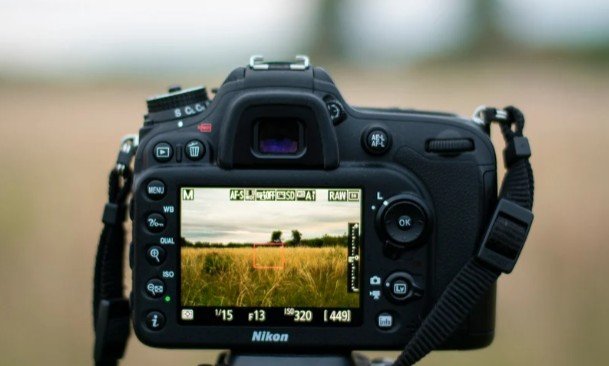
Frame rate changes how motion is captured, but it does not physically stabilize a camera. Recording at 60, 120, or more frames per second can make movement appear smoother when the footage is slowed on a lower-frame-rate timeline. It also provides more temporal detail, although it cannot repair severe shake.
A conventional starting point is a shutter speed close to twice the frame rate:
- At 24 fps, begin near 1/48 or 1/50 second.
- At 60 fps, begin near 1/120 second.
- At 120 fps, begin near 1/240 second.
If significant digital stabilization is planned, test a shorter exposure. Sharper individual frames may give stabilization software clearer tracking information. However, an excessively fast shutter can create harsh, choppy movement. Record tests rather than applying one shutter setting to every scene.
Shoot at a resolution higher than the delivery format when possible. Digital stabilization usually enlarges and crops the frame. Recording in 4K for a 1080p delivery provides useful room for correction, reframing, and horizon adjustment.
Select a Stable Lens and Composition
Wide lenses generally make camera movement less noticeable than long lenses. They also provide more room around the subject for stabilization cropping. Avoid framing so tightly that a small correction removes a face, vehicle, or important background element.
A deeper depth of field can improve focus consistency when the distance between camera and subject changes. When appropriate, stop down the aperture and compensate with lighting or sensitivity. For demanding sequences, separating responsibilities is often more reliable: the camera operator maintains composition while a focus puller controls focus remotely.
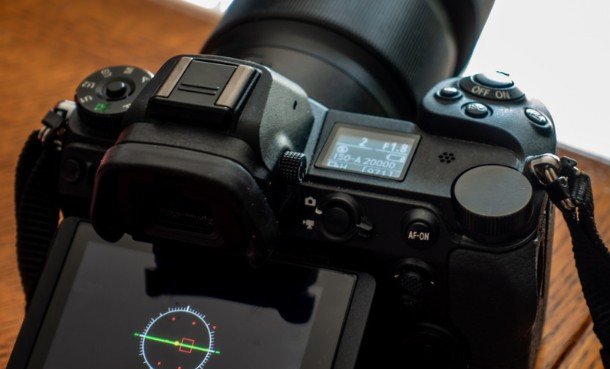
Image stabilization and in-body stabilization are not automatically beneficial when a camera is mounted on a gimbal. Multiple systems can compete, producing delayed movement, corner wobble, or unexpected jumps. Record identical passes with stabilization enabled and disabled, then compare them on a large screen.
Rehearse the Operator and Subject Movement
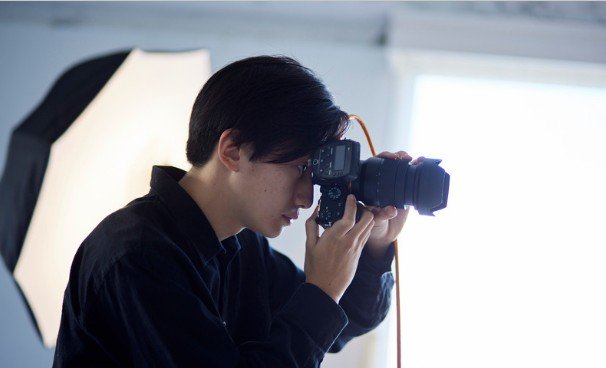
Smooth footage depends on repeatable movement. Mark the subject’s route, acceleration points, turns, and stopping position. If the camera is handheld or gimbal-mounted, the operator should keep the knees relaxed, control breathing, and lead movement with the hips rather than making abrupt corrections with the wrists.
Use an appropriate gimbal mode for the shot while ensuring the crew understands the relevant film set rigging emergency procedures. Pan-follow mode suits controlled lateral tracking, while lock mode can help maintain a fixed direction. Faster action may require responsive follow settings, but excessive responsiveness can make the composition appear nervous.
Maintaining a predictable distance from the subject also supports stable framing and accurate focus. A rehearsal should test movement, focus, exposure, communication, and safety—not merely the actors’ timing.
Apply Post-Production Stabilization Carefully
Post-production should refine a strong recording rather than rescue a fundamentally unstable one. Isolate the problem section instead of processing a long clip unnecessarily. Begin with conservative smoothness and cropping values.
Watch for warped backgrounds, stretched corners, pulsing scale, and unnatural subject movement. If the image begins to look rubbery, reduce the effect or choose a simpler position-and-rotation method. Lens flares, heavy blur, changing reflections, and objects crossing the foreground can also confuse automatic tracking.
Effective improving shot stability during a high-speed camera sequence means preserving intentional movement. The goal is not to eliminate every motion but to remove vibration and accidental corrections that distract from the subject, especially when capturing motion using shutter drag camera technique to create purposeful blur.
Frequently Asked Questions
1. Does a higher frame rate make footage more stable?
It can make slowed footage look smoother, but it does not prevent physical camera movement. Mechanical support and proper operation remain essential.
2. Should stabilization remain active when using a gimbal?
Not always. Test lens stabilization and in-body stabilization separately because either system may conflict with the gimbal.
3. What is the best lens for fast tracking shots?
A moderate wide-angle lens is usually easier to stabilize, frame, and focus than a telephoto lens.
4. Can editing software remove vehicle vibration?
It can reduce mild movement, but high-frequency vibration should be controlled with secure mounting and suitable mechanical isolation during recording.
5. What matters most when improving shot stability during a high-speed camera sequence?
The most important factor is treating stabilization as a complete chain involving the platform, mount, gimbal, settings, operator, and editing process.
Final Take
I have found that the smoothest action shots come from preparation rather than one expensive accessory. I diagnose the movement, balance the finished payload, isolate vibration, test stabilization settings, rehearse the route, and leave enough framing space for minor corrections.
When every layer supports the next, the camera can move quickly while the image remains controlled, readable, and cinematic.


One comment on “How to Capture Smooth and Stable High-Speed Camera Shots”