




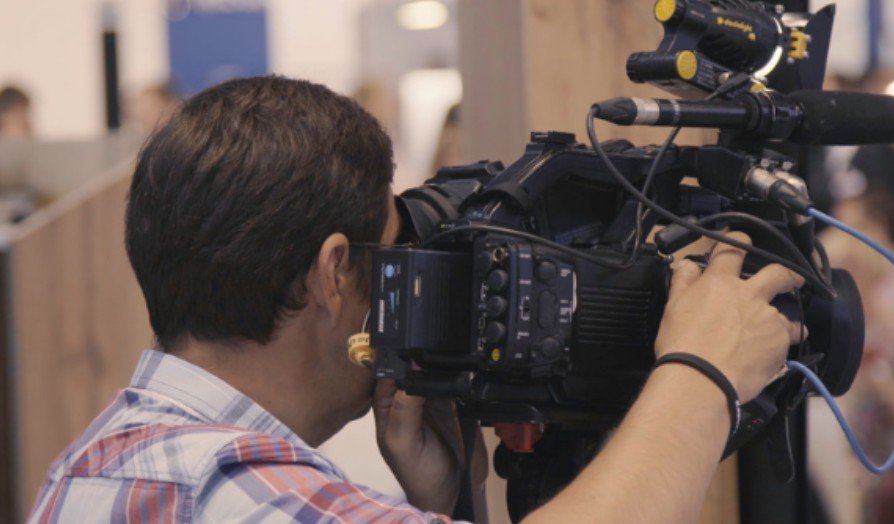
I have seen technically excellent event crews miss important moments because two cameras followed the same subject while another part of the venue went uncovered. In my experience, coordinating multiple camera operators during a live event is less about owning more equipment and more about giving every operator a defined purpose.
A camera plan, concise communication system, shared run of show, and tested backup strategy allow the director to control coverage without overwhelming the crew.
Build the Camera Plan Before the Event
Effective coordination begins long before the broadcast starts. The director should study the event schedule, inspect the venue, identify important subjects, and determine where unpredictable action could occur.
A venue walkthrough reveals blocked sightlines, restricted areas, lighting problems, cable routes, audience movement, and possible operator positions. Every planned location should provide useful coverage without creating safety risks or distracting guests.
The camera plot should show fixed positions, roaming zones, stage entrances, audience areas, production control, and cable paths. Operators should receive this plan with the run of show, shot list, contact information, and technical notes before arriving.
Give Every Camera a Specific Assignment
More cameras do not automatically produce better coverage. If operators receive vague instructions, several of them may chase the same close-up and leave the production without a usable wide shot.
A four-camera event might use the following assignments:
Camera 1 maintains a dependable master shot showing the entire stage. This becomes the director’s safety angle during transitions, mistakes, or equipment problems.
Camera 2 captures medium shots and close-ups of the primary speaker, performer, or presenter.
Camera 3 covers secondary speakers, audience reactions, panel members, and important details.
Camera 4 operates as a roaming unit for arrivals, demonstrations, backstage activity, or changing audience perspectives.
Each operator should also have a backup responsibility. If the primary subject leaves the assigned zone, the operator immediately knows which alternative shot to find.
Match the Shot List to the Run of Show
A general shot list is not enough for a complicated event. Camera assignments should correspond with specific moments in the schedule.
The director should mark introductions, presentations, performances, demonstrations, award handoffs, audience questions, entrances, exits, and unscripted intervals. Every major moment needs a primary camera and a backup angle.
Operators should also receive blocking notes explaining where presenters are expected to stand or move. When movement is uncertain, one camera should remain wide while another follows the subject. This prevents every operator from attempting a risky reframe simultaneously.
Establish a Clear Communication System
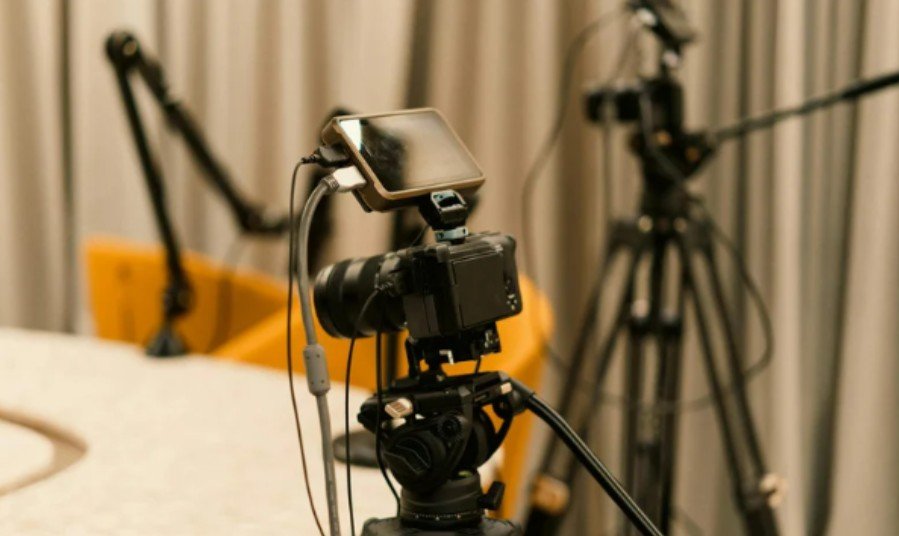
A dependable production intercom is essential. Wired systems are reliable for fixed positions, while wireless systems provide freedom for roaming operators. Large productions may use separate channels for direction, engineering, audio, and production management.
Communication should remain brief and predictable. The director should say the camera number first, followed by the instruction. This immediately alerts the correct operator.
Useful calls include:
“Camera 2, ready close-up.”
“Take 2.”
“Camera 3, hold that shot.”
“Camera 1, widen slowly.”
“Camera 4, find the next presenter.”
“Camera 2, clear to reframe.”
Operators should acknowledge important instructions without filling the channel with unnecessary conversation. Technical failures should be reported in a short format, such as, “Camera 3, lost return video, picture still available.”
Use Tally and Return Video Correctly
Tally lights tell operators when their camera is on the program output. An operator whose camera is live should avoid sudden zooms, focus changes, pans, or framing corrections unless the director requests them.
Return video gives operators additional context by showing the current program or multiview output. They can see what the audience is watching and prepare a complementary angle instead of duplicating the active shot.
Before going live, the crew should test every tally indicator, headset, return feed, camera label, and operator call sign. A mislabeled input can create immediate confusion during a fast-moving event.
Prevent Duplicate and Conflicting Coverage
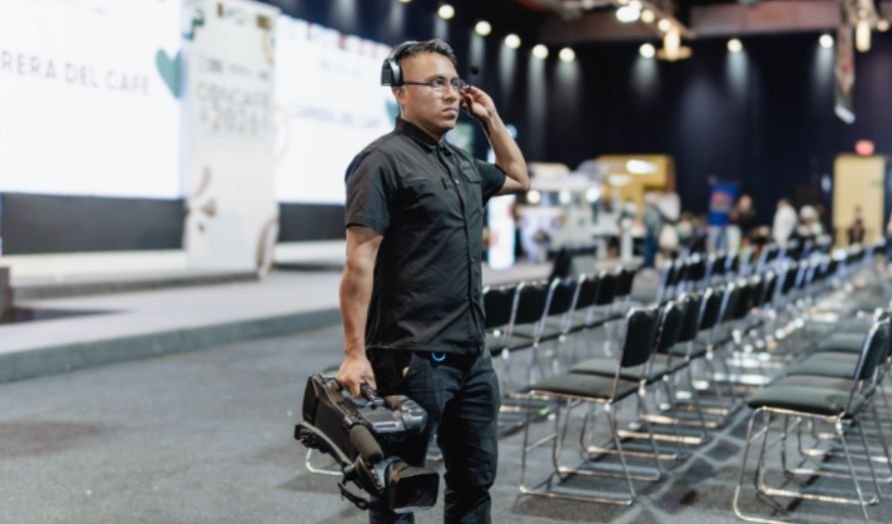
The simplest way to prevent repeated shots is to assign cameras by subject, zone, or shot size. One operator may own the stage-left area, while another covers stage right. Alternatively, one camera can remain wide while others capture medium and tight compositions.
Operators should avoid crossing sightlines, filming one another, or moving into audience pathways. Roaming cameras need clearly defined boundaries so their movement does not block fixed cameras.
The director should continuously preserve one safe angle. Creative shots are valuable, but not when every available camera is zooming, moving, or searching at the same time.
Rehearse the Full Production Workflow
A technical rehearsal should include more than checking exposure and sound. The crew should practice introductions, camera cues, stage movement, graphics, live switching, audience interaction, and transitions between scheduled segments.
Rehearsal is also the best time to test difficult scenarios. The director can simulate a failed camera, missing presenter, lost communication channel, unexpected stage movement, or delayed cue.
All cameras should use compatible frame rates, resolutions, white balance settings, and picture profiles. Timecode or another synchronization method should be tested when isolated camera feeds will be recorded for later editing.
Prepare for Failures Without Losing Coverage
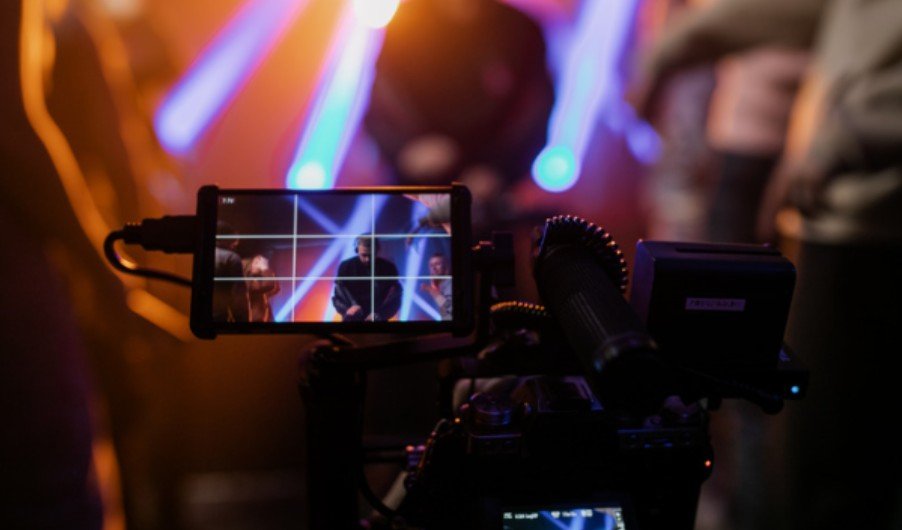
Every live production needs a recovery plan, especially during a live theatre performance where the action cannot be paused or repeated. The master camera should remain available whenever another operator changes batteries, replaces media, moves position, or solves a technical problem.
If communication fails, operators should follow their original assignments and avoid unnecessary movement. If a camera feed disappears, the director should switch to the safe angle before asking engineering to investigate.
Backup batteries, recording media, cables, adapters, headsets, and power supplies should remain accessible. Recording isolated feeds also provides editing flexibility when a live switch is missed or an unexpected obstruction ruins the selected shot.
Frequently Asked Questions
1. What is the most important part of coordinating multiple camera operators during a live event?
The most important part is assigning a distinct purpose to every camera. Clear assignments prevent duplicate shots, protect the master angle, and help operators anticipate what the director will need next.
2. How should a director communicate with camera operators?
The director should use a full-duplex intercom and deliver short instructions beginning with the camera number. Preparation cues should come before the instruction to take a camera live.
3. How many operators does a live event require?
The number depends on the venue, schedule, audience size, and complexity of the action. A presentation may need two or three operators, while a concert, sporting event, or awards show may require four or more.
4. What should an operator do while the camera is live?
The operator should hold the requested composition and avoid abrupt corrections. Significant reframing should normally wait until the camera is off-air or the director requests a visible move.
5. Why is a master camera necessary?
A master camera supplies continuous coverage during transitions, equipment failures, repositioning, and unexpected action. It gives the director a reliable shot at any moment.
Final Take
I approach coordinating multiple camera operators during a live event as a storytelling and risk-control process. When every operator understands the schedule, assigned subject, backup role, communication protocol, and failure procedure, the director can make confident decisions in real time.
Careful planning may happen behind the scenes, but viewers experience the result as clear, energetic, and uninterrupted coverage.