





A polished social video does not always begin with an expensive camera. I often see the biggest improvement when a creator learns to move the camera with purpose. The right push-in, reveal, tracking move, or whip pan can turn an ordinary static clip into vertical content that feels energetic and keeps people watching.
For US creators, brands, marketers, and small businesses competing on TikTok, Instagram Reels, and YouTube Shorts, camera movement techniques for social media videos can make even a smartphone shoot feel intentional rather than improvised. The goal is not constant motion. It is choosing the right movement for what I want viewers to notice next.
Why Do Dynamic Camera Movements Help Social Videos Stop the Scroll?
Movement gives viewers something new to process. I use it to guide attention, reveal information, create depth, or add momentum without depending entirely on flashy transitions during editing. Understanding the difference between a dolly shot vs tracking shot also helps me choose whether the camera should move toward a subject or travel alongside it.
A slow move toward a product can make one detail feel important. Pulling backward can reveal an unexpected location. Tracking alongside a person creates energy, while a whip pan can connect two completely different scenes.
I do not move the camera simply because motion looks cinematic. Every move should support the subject, message, or story.
Which Camera Movements Work Best for TikTok, Reels, and Shorts?
How Do I Use a Push-In or Punch-In for More Impact?
A push-in happens when I physically move the camera closer to my subject. It works especially well for an important reaction, food detail, product feature, or key statement in a talking-head video.
Unlike digitally zooming into an image, physically moving forward changes the relationship between the foreground, subject, and background. That can create stronger visual depth.
I plan my starting and ending frames before recording and move at a consistent speed to avoid an accidental, shaky look.
How Can a Pull-Back Reveal Build Curiosity?
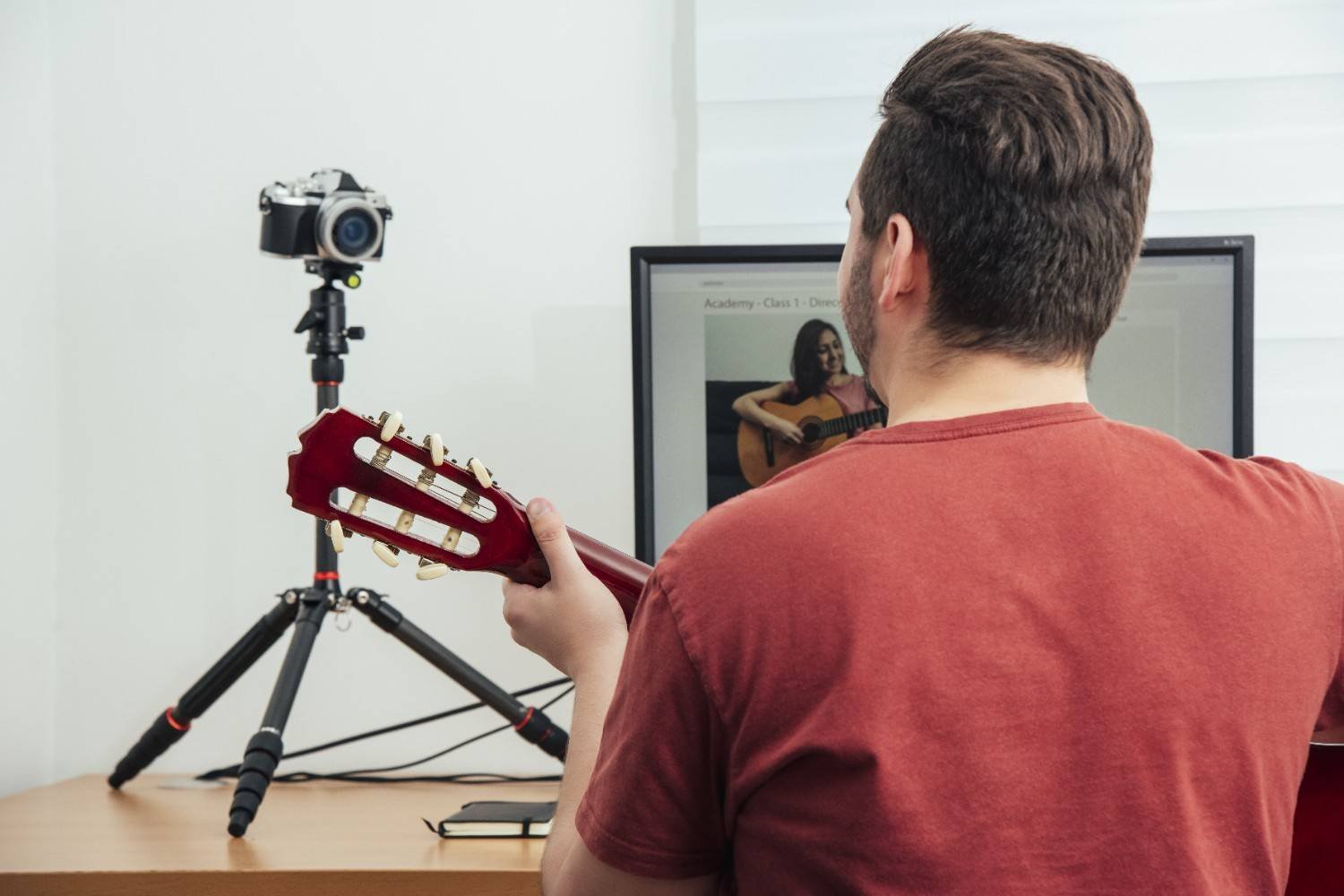
A pull-back starts close and moves away to reveal more of the environment.
I like this technique for room makeovers, real estate Reels, travel content, fashion, food, and before-and-after videos. For example, I might begin with a close-up of a luxury kitchen detail before pulling backward to reveal the entire renovated space.
The viewer first receives limited information and then discovers the bigger picture.
What Makes an Orbit Reveal Look More Cinematic?
An orbit shot moves in an arc around a subject. An orbit reveal makes that movement even more interesting by placing a foreground object between the camera and main subject at the beginning.
As I move around the foreground object, the main subject gradually appears.
This works especially well for cars, sneakers, food, fashion, fitness content, and product videos. Foreground movement creates depth and makes smartphone footage feel more dimensional.
How Do I Shoot a Parallel Tracking Shot?
With a parallel track, I move sideways at roughly the same speed as a walking, running, or riding subject. Understanding pan vs tilt camera movement also helps me distinguish this physical sideways movement from camera rotations that happen from a fixed position.
The subject remains relatively stable inside the frame while the background moves behind them. That creates a strong sense of speed and direction.
I use parallel tracking for lifestyle content, fitness Reels, travel videos, behind-the-scenes footage, and brand campaigns. I rehearse my path before recording so I can concentrate on framing while moving safely.
When Should I Use a Pan, Tilt, or Pedestal Movement?
A pan rotates the camera horizontally. I use it to follow action, scan across products, or reveal something beside the original frame.
A tilt moves vertically. It works naturally for outfit reveals, buildings, gym exercises, tall products, or scenes where I want to move attention from the bottom of the frame toward the top.
A pedestal movement raises or lowers the entire camera while keeping its orientation fairly level. These techniques are useful foundations when practicing camera movements for cinematic video, especially when I want controlled motion without making the shot feel overly complicated.
Tilts and pedestal movements are particularly useful for 9:16 vertical video because they take advantage of the height of a smartphone screen.
How Can I Use a Whip Pan as a Seamless Transition?
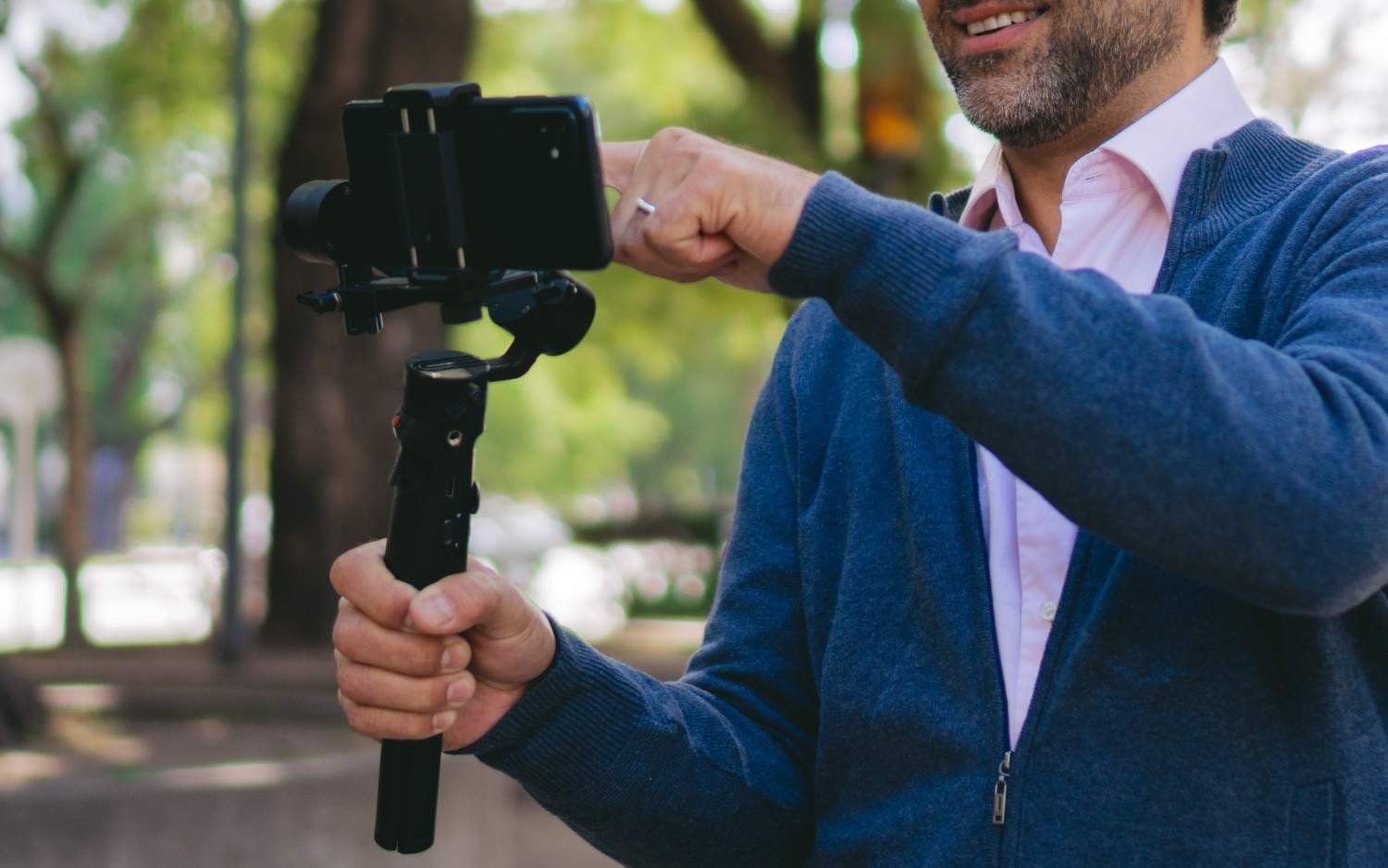
A whip pan is a rapid horizontal camera movement that deliberately creates motion blur.
I can finish one clip by whipping to the right and start another with a similar movement in the same direction. When I cut the shots together during the blurry portion, the transition can feel almost seamless.
Whip pans work well for outfit changes, restaurant videos, location changes, product swaps, travel clips, and before-and-after transformations. Matching the direction and approximate speed between shots makes the transition more convincing.
When Does Handheld Movement Look Better Than Perfect Stabilization?
Not every TikTok or Reel needs perfectly stabilized footage.
Controlled handheld movement can make POV footage, backstage content, events, creator vlogs, and casual interviews feel more immediate and authentic.
I aim for controlled imperfection rather than random shaking. I hold my phone with both hands, keep my elbows closer to my body, and allow the camera movement to follow the subject’s action.
How Do I Make Smartphone Camera Movements Smoother?
One of my favorite low-cost techniques is the “Ninja Walk.” I bend my knees slightly, take small controlled steps, and keep my upper body as level as possible. With my elbows tucked closer to my sides, my body works as a natural stabilizer.
I also shoot slightly wider than my planned final crop whenever possible. Social platforms place captions, usernames, buttons, calls to action, and other interface elements around vertical videos. Leaving extra frame space gives me more flexibility to position text without covering a face or important product detail.
For faster tracking movements, I choose frame rate intentionally. I may shoot normal-speed content at 30 fps, while 60 fps gives me additional frames when I know I want to slow a movement during editing. Slight slow motion can soften visible handheld jitters and make a fast tracking shot appear smoother.
A smartphone gimbal can make tracking, orbit, and walking shots easier, but equipment cannot rescue weak framing. Composition and purposeful movement still come first.
What Camera Movement Mistakes Make Social Videos Look Amateur?
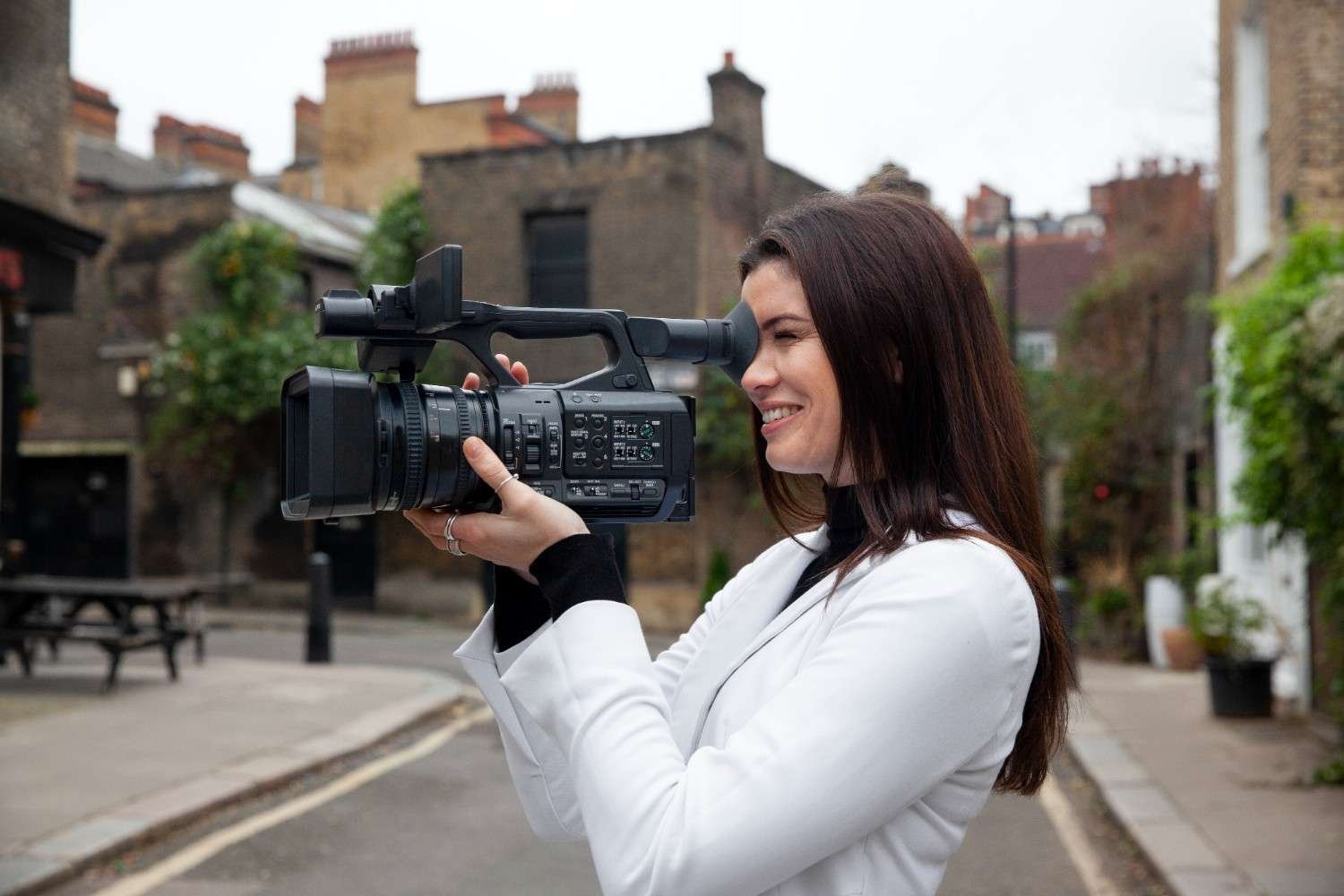
The biggest mistake I see is moving simply for the sake of movement. If my subject already creates plenty of visual energy, adding another complicated move can make the video harder to follow. The same principle applies when choosing the best camera movement for character introductions, where the movement should reveal personality, status, or emotion rather than exist only for visual flair.
I also avoid trying to push forward, pan, and tilt simultaneously unless I have deliberately planned and rehearsed that sequence.
Moving too quickly, ignoring 9:16 framing, leaving no space for social media overlays, and depending completely on electronic stabilization can also weaken otherwise strong footage.
The best movement makes the story clearer rather than drawing attention to the camera operator.
Frequently Asked Questions (FAQs)
1. What Is the Easiest Camera Movement for Social Media Beginners?
I recommend starting with a slow push-in or pull-back. Both techniques work with a smartphone, require no special equipment, and help beginners learn how to control speed, distance, and composition.
2. Do I Need a Gimbal to Shoot Smooth TikTok or Reel Videos?
No. A gimbal can help with longer walking, orbit, and tracking shots, but bent knees, two-handed phone support, controlled footsteps, and carefully planned start and end frames can also produce smooth footage.
3. Should I Shoot Social Media Videos at 30 or 60 FPS?
I generally use 30 fps for normal-speed footage and consider 60 fps when I know I may want smoother slow motion. The right frame rate also depends on available light, intended playback, and the type of movement I am filming.
Make Every Camera Move Earn Its Place
When I plan camera movement techniques for social media videos, I start with the viewer instead of the gear. A push-in should emphasize something. A pull-back should reveal something. A parallel track should create momentum. An orbit reveal should add depth, while a whip pan should connect scenes.
That mindset makes smartphone footage feel much more deliberate. Instead of adding motion everywhere, I use movement where it strengthens the story, protects the vertical composition, and gives viewers another reason to keep watching.




One comment on “Camera Movement Techniques for Social Media Videos That Stop the Scroll”