





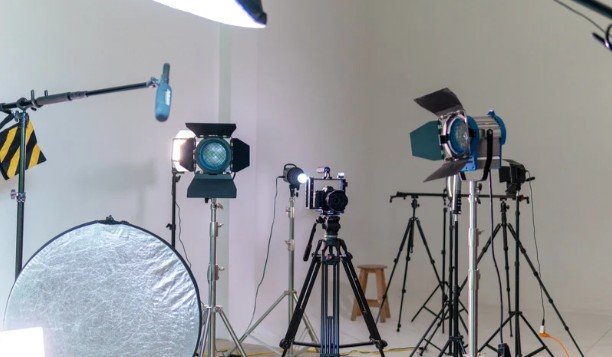
I have learned that a successful multi-camera shoot begins long before anyone presses record. Adding more cameras does not automatically create better coverage. Every position needs a clear purpose, a usable sightline, and a shot that complements the other angles.
When I plan a production, I start with the action, establish a dependable master angle, and then build supporting positions around it. This approach to planning camera positions for a multi-camera production prevents duplicated shots, confusing screen direction, obstructed views, and unpleasant surprises during the recording.
Begin With the Production Brief
Camera placement should reflect what the final programme needs to accomplish. A live broadcast requires reliable angles that are ready for immediate switching, while a recorded production allows greater freedom because individual camera feeds can be refined during editing.
Before selecting any position, determine the format, running time, number of subjects, expected movement, audience seating arrangement, available crew, and delivery method. Confirm whether the cameras will be operated manually, locked off, or controlled remotely. These details reveal how much coverage is realistic and which shots deserve priority.
The safest approach is to plan essential coverage before creative coverage. Secure a master shot, primary close-ups, and important reactions before assigning a camera to a dramatic low angle, overhead view, or moving shot.
Survey the Location Before the Shoot
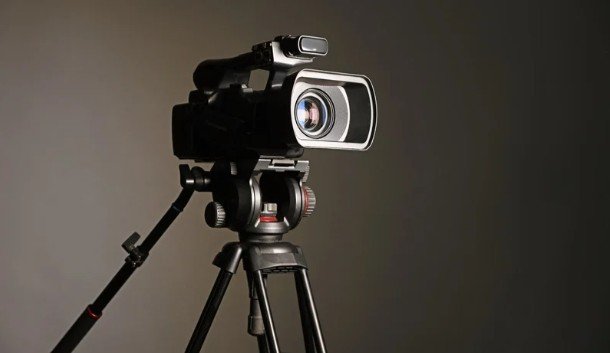
A location survey turns an attractive camera idea into a workable production plan. Walk through the venue from the perspective of the subjects, audience, camera operators, and technical team.
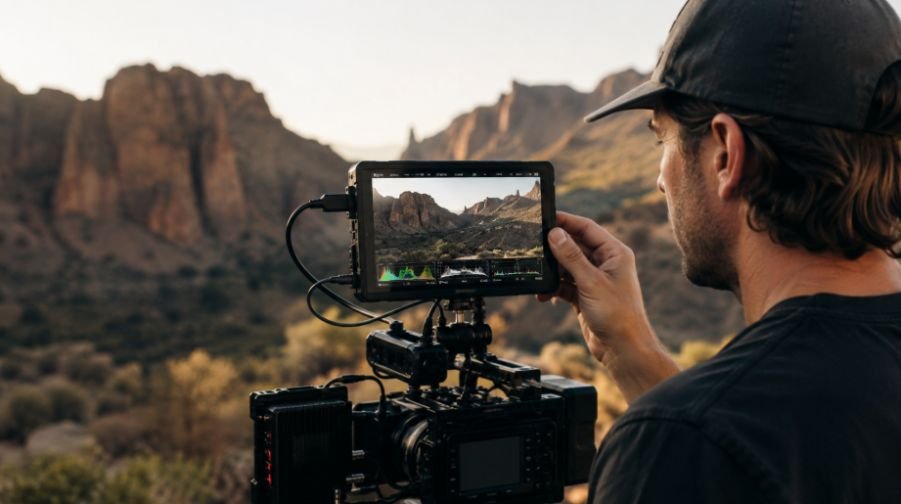
When filming in extreme conditions, measure the stage or performance area and mark entrances, exits, seating, scenery, lighting stands, structural columns, screens, and restricted spaces. Check whether audience members may stand and obstruct a low camera. Identify reflective surfaces that could reveal operators or equipment.
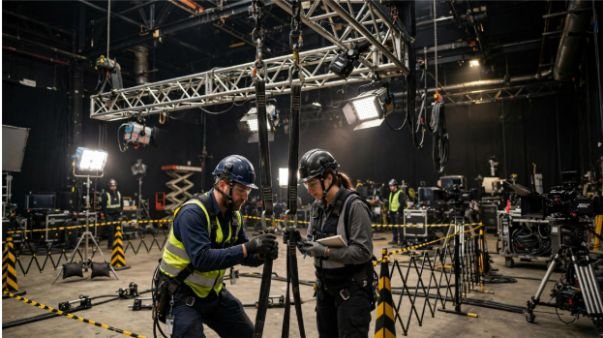
Cable routes deserve equal attention. A visually perfect position may be impractical if it creates a trip hazard or requires a cable run beyond the system’s dependable range. Power, video, communication, and control connections should reach every camera safely without blocking walkways or emergency exits.
Establish the Line of Action
Draw an imaginary line through the principal action before positioning supporting cameras. Keeping conventional angles on the same side of this line preserves screen direction and helps viewers understand where people and objects are located.
In a conversation, for example, one participant should continue looking towards one side of the frame while the other looks towards the opposite side. Placing a camera across the line can suddenly reverse those directions and make the participants appear to be facing away from each other.
The rule can be broken intentionally, but the transition should remain understandable. A neutral frontal shot, an obvious camera move across the axis, or a wide establishing view can help reorient the audience.
Camera angles covering the same subject should also differ meaningfully. A slight shift in position can resemble an accidental jump cut. Change the angle, shot size, or focal length enough to make the new perspective visually distinct.
Give Every Camera a Defined Assignment
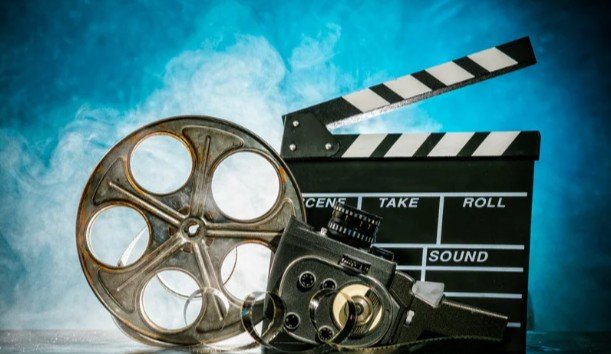
The central or most dependable camera should normally provide the master wide shot. This angle establishes geography, covers unexpected action, and gives the director a safe image whenever another operator is reframing.
A second camera can follow the principal speaker or performer with medium shots and close-ups. A third can cover another participant, opposing angle, or reaction. A fourth may capture the audience, important details, entrances, or a controlled moving perspective.
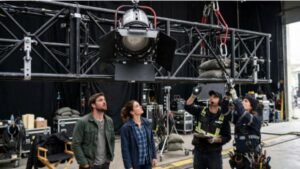
Write down a primary and backup assignment for every operator, including those positioned near temporary filming structures for film sets. If two cameras continually chase the same close-up, the production gains little additional coverage. Complementary responsibilities produce more useful choices while reducing unnecessary movement.
Adapt the Layout to the Camera Count
Two-Camera Production
Use one uninterrupted wide or medium-wide shot and one active camera for close-ups and details. The fixed angle protects the recording while the operated camera creates variety.
Three-Camera Production
Place one camera near the centre for the master shot and position two supporting cameras on compatible sides of the action. The side cameras can capture individual subjects, medium shots, reactions, or complementary details.
Four or More Cameras
Preserve the three essential assignments before adding specialty coverage. Extra cameras can provide an audience view, overhead angle, mobile shot, stage-side perspective, or isolated view of a key activity. Lessons from smartphone photography, particularly quick reframing and unconventional perspectives, can also inspire more engaging specialty shots. More positions should expand the visual language rather than repeat existing frames.
Match Lenses to Positions and Responsibilities
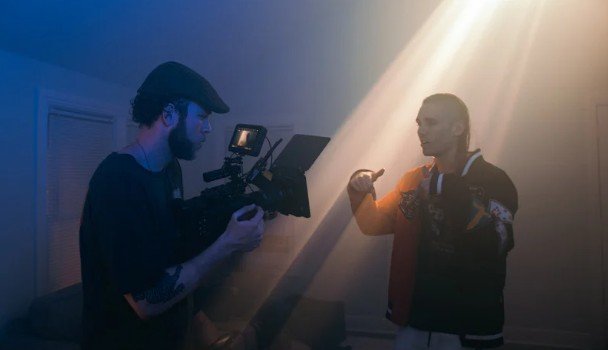
Choose the camera location and lens together. A rear camera covering a close-up may require a longer lens, but excessive distance can magnify vibration and make following fast movement difficult. A camera positioned too close with a wide lens may distort faces or reveal equipment outside its intended frame.
Check minimum focusing distance, available depth of field, background compression, headroom, and the operator’s working space. Similar camera models and lenses can make matching easier, but consistent settings are more important. Align resolution, frame rate, shutter, white balance, exposure, and picture profile before recording.
Protect Sightlines and Production Safety
Test the widest frame and the complete movement range of every camera. A unit that remains hidden in one composition may appear when another operator pans or widens. Lights, microphones, confidence monitors, and crew members must also stay outside intended frames.
Raise cameras above predictable obstructions when appropriate, but avoid angles that feel unnaturally steep. Keep operators away from audience circulation routes and protect all cables with approved covers or secure routing.
Always preserve a dependable safety angle. If an operator loses focus, a remote camera moves between presets, or someone unexpectedly blocks a shot, the director needs an immediate alternative.
Rehearse the Entire Coverage Plan
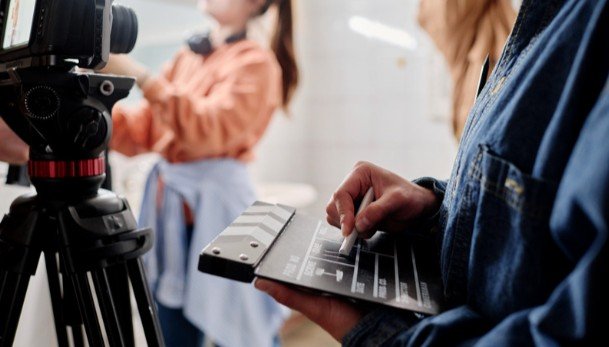
A floor plan is only a hypothesis until the subjects begin moving. Use rehearsal to confirm framing, focus, screen direction, lighting consistency, cable reach, and communication.
Ask operators to perform likely pans, tilts, and reframes. Account for the rise of vertical video by checking whether essential subjects and visual details remain usable in vertical crops for social media. Save useful presets for remote cameras, including the master, individual close-ups, group shot, entrance, and reaction angle. Test the intercom and tally system so operators know when their cameras are live.
Record a short test from every feed and review the cuts on a multiview display. Look for duplicated compositions, mismatched exposure, distracting backgrounds, eyeline errors, and moments with no usable coverage. Correcting these issues before the programme starts is far easier than hiding them later.
Common Camera-Positioning Mistakes
The most damaging mistake is treating every camera as an independent unit. Multi-camera coverage must operate as one coordinated visual system. Other frequent problems include losing the safety wide, crossing the action line accidentally, placing every camera at the same height, ignoring audience sightlines, and choosing positions before considering lighting or cables.
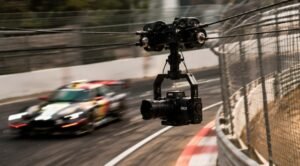
Avoid constant movement merely because a camera can move. Understanding how production crews captures smooth camera shots begins with recognizing that a stable, purposeful composition is more valuable than an unnecessary pan or zoom. Operators should reframe while another angle is live and settle before their shot is selected.
Frequently Asked Questions
1. What is the first step in planning camera positions for a multi-camera production?
Begin by identifying the principal action and the coverage required for the final programme. Establish the line of action and reserve a dependable position for the master shot before adding close-ups or specialty angles.
2. Where should the safety camera be positioned?
Place it where it can maintain an unobstructed wide view of the important action. A central, slightly elevated position often works well, although the venue and subject movement should determine the final choice.
3. How many cameras does a production need?
Two cameras can provide a safety view and an active close-up. Three cameras offer stronger subject and reaction coverage. Additional units are worthwhile only when each has a distinct assignment.
4. Should every camera use identical settings?
Whenever possible, match resolution, frame rate, shutter, white balance, exposure, and picture profile. Consistency produces cleaner live cuts and reduces correction work during editing.
5. Why is rehearsal essential?
Rehearsal reveals obstructions, movement patterns, exposure changes, focus problems, weak sightlines, and missing coverage that may not be visible on a static floor plan.
Final Perspective
I see effective camera positioning as a balance between storytelling and operational discipline. The strongest arrangement is not necessarily the one with the most equipment or unusual angles. It is the one that keeps the action understandable, gives each camera a clear responsibility, protects the production with dependable coverage, and allows the crew to work safely.
When I combine a careful location survey, intentional shot assignments, compatible sightlines, technical consistency, and a complete rehearsal, planning camera positions for a multi-camera production becomes a reliable creative process rather than a last-minute calculation.