





A product can sit still and look polished, but the right motion can make viewers feel its shape, texture, and quality before they touch it. That is why I treat camera movement for product videos as part of the sales message, not decoration.
A push toward a logo, a slow orbit around a watch, or a side sweep across a skincare lineup can turn basic footage into premium commercial content.
What Is the Best Camera Movement for a Product Video?
The best move depends on what viewers should notice. I use push-ins for detail, pull-backs for reveals, slider moves for depth, orbit shots for shape, and vertical moves for tall packaging.
Dolly In: Make Details Feel Important
A dolly-in, or push-in, physically moves the camera closer. I use it when a logo, texture, button, dial, or design detail should become the visual priority. A slider or dolly creates clean forward motion, while moving highlights across glass or metal can make the shot feel more expensive.
Dolly Out: Build a Better Product Reveal
A dolly-out starts close and moves backward. Start on sneaker stitching, condensation on a beverage can, or cosmetic texture, then pull back to reveal the complete product, packaging, or environment.
This technique works particularly well when an e-commerce video needs to create curiosity before showing exactly what the customer will receive.
Orbit or Arc Shot: Show the Product in 3D
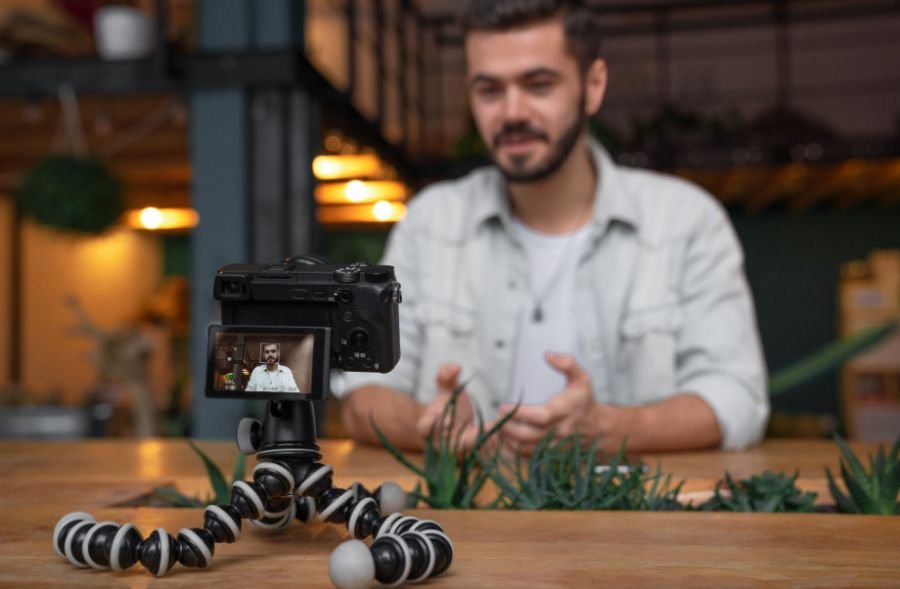
An orbit moves the camera in a circular or semicircular path while keeping the product centered. It works well for watches, shoes, bottles, headphones, cosmetics, and electronics because viewers see more of the form without multiple cuts.
Reflective products benefit because highlights travel across their surfaces. I rehearse the path to keep distance consistent.
Jib or Pedestal Move: Reveal Height and Branding
A jib, pedestal, or vertical slider raises or lowers the camera. It can reveal a tall product in stages and finish on a logo or hero feature. It works especially well for bottles, skincare packaging, speakers, and appliances.
For a luxury commercial, a slow upward reveal can give an otherwise simple tabletop product more scale and presence.
Trucking or Slider Shot: Create Parallax and Depth
A truck move carries the camera sideways, parallel to the product. It is ideal for scanning a lineup, moving across a flat lay, or creating parallax.
Place a leaf, ingredient, glass, or package edge near the lens so the foreground moves faster and creates stronger depth. This technique can make a small tabletop product videography setup feel much larger and more cinematic.
Which Advanced Product Camera Moves Create Commercial Energy?
A push-and-spin combines a forward camera move with a rotating product on a turntable or lazy Susan. It creates a dynamic 3D look for premium goods and lets viewers see several sides during one continuous shot.
For more technical commercial setups, real-time camera tracking systems can record the camera’s position and orientation as it moves, making it easier to align live-action product footage with virtual environments, 3D graphics, or other tracked elements.
A whip-pan reveal uses a fast horizontal swivel that creates intentional motion blur before stopping on the product. It suits TikTok, Instagram Reels, YouTube Shorts, streetwear, sports gear, beverages, and other fast-paced advertising.
A parallax cross move slides the camera one way while the lens subtly tracks the other to keep the product centered. This makes background props shift dramatically and improves visual separation.
A fixed POV attachment takes a different approach. Clamp the product to the camera rig so it stays locked in the same position while the background moves. I like this technique for cosmetics, beverages, tools, and products being shown in use.
Should You Move the Camera or Rotate the Product?
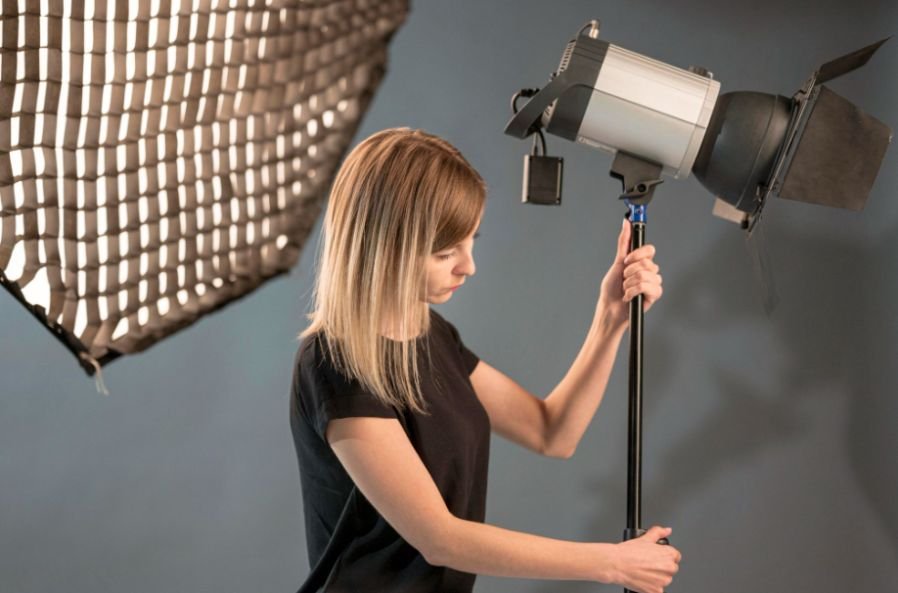
Not always. A turntable can create a clean 360-degree ecommerce view while keeping framing and lighting predictable. It works well for symmetrical products, footwear, cosmetics, and electronics.
You can also combine a rotating product with a slow push-in to make the shot feel less like an ecommerce catalog and more like a commercial.
For repeatable movement across multiple takes, motorized camera slider systems can help maintain consistent travel speed and camera position while the product rotates or the lighting changes.
Macro product shots benefit from restraint. When I film leather grain, watch mechanisms, cosmetic texture, or brushed metal, tiny vibrations become obvious. A short slider move usually looks better than complicated handheld movement.
How Do You Make Product Camera Movement Look Smooth?
When slow motion fits the creative, I may record at 60 fps or 120 fps and conform the footage to a 24 fps timeline. This can soften small jitters and create a smoother commercial feel.
Frame rate alone will not rescue poor camera work, though. I still keep the movement controlled and make sure focus remains on the product throughout the shot.
If the setup is inside a studio, home, office, or other confined location, techniques used for camera movement for indoor scenes can help keep slider moves, gimbal passes, and short tracking shots smooth without requiring excessive floor space.
I also move the light when the product calls for it. Passing a light, flag, shadow board, or lighting pattern across metallic, glass, or glossy surfaces creates traveling highlights during the camera move.
Moving light and camera together can make reflective packaging appear far more dynamic than simply placing the product under static studio lighting.
Gimbals work well for larger spaces or products shown in use. Handheld footage adds energy for fitness gear, sports products, streetwear, and tools, but it still needs purpose.
Which Camera Moves Work Best for Different Products?
For jewelry and watches, I favor macro slides, arcs, and slow push-ins. Beauty products suit vertical reveals and moving highlights. Electronics look strong with precise sliders and turntable shots.
Food and beverage videos can pair movement with pouring, steam, dripping, or splashes, while fashion and sports products can support quicker gimbal moves, whip pans, handheld energy, and POV sequences.
When demonstrations include dialogue, mechanical sounds, pouring, clicks, or other important audio cues, reliable camera audio monitoring systems can help the crew catch unwanted noise or recording problems while the camera is moving.
This is where camera movement for product videos becomes more than a technical decision. The movement should reinforce how the brand wants the product to feel.
Luxury products usually benefit from slower, deliberate movement. Athletic products can feel stronger with speed and handheld energy. Technology often benefits from precise, mechanical-looking motion.
What Camera Movement Mistakes Make Product Videos Look Cheap?
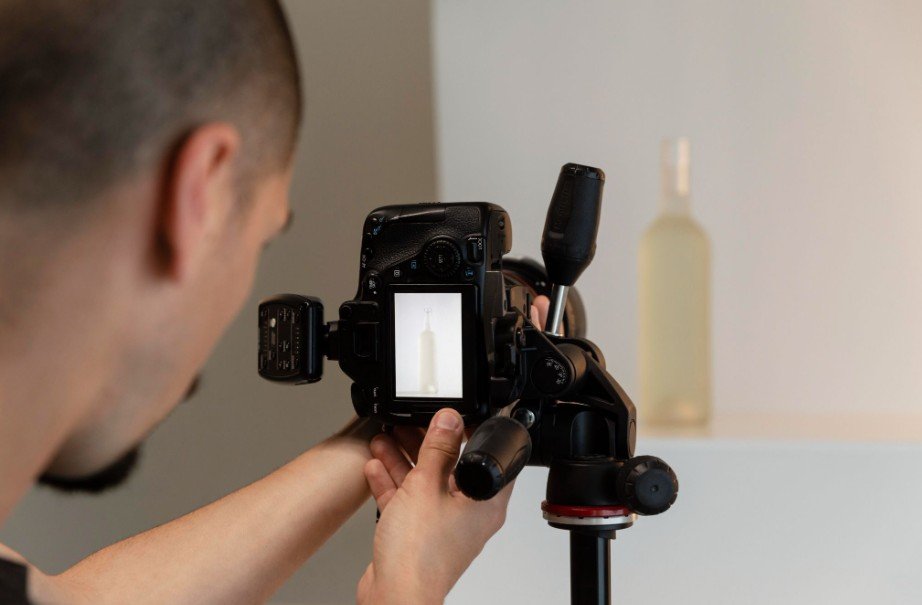
The biggest mistake is movement without motivation. Moving too fast can hide important details. Poor focus, inconsistent speed, visible production gear, excessive shallow depth of field, and stacking too many movements can also make product B-roll look amateurish.
I start with a strong static composition and add only the motion that improves it. More movement does not automatically create a more cinematic product video.
Frequently Asked Questions
1. Do You Need a Gimbal for Professional Product Videos?
No. A tripod, slider, dolly, jib, turntable, or controlled handheld setup can all produce professional footage. Choose equipment based on the movement rather than assuming every commercial needs a gimbal.
2. Is a Slider Better Than a Zoom for Product Shots?
A slider changes camera position and creates perspective and parallax; a zoom changes focal length from a fixed position. I usually choose a slider when I want stronger depth.
3. What Is the Easiest Camera Move for Beginners?
A short horizontal slider move is a great starting point. Keep the product framed, maintain consistent speed, and use one foreground element to create depth.
Final Thoughts
The best camera movement for product videos is rarely the most complicated one. It is the move that makes viewers notice a finish, feature, texture, silhouette, mechanism, or moment of use.
I would rather shoot one precise push-in that makes a product feel irresistible than stack flashy moves that distract from what is being sold. Start with the product’s strongest visual feature, decide what the audience should feel, and let the camera support that message.