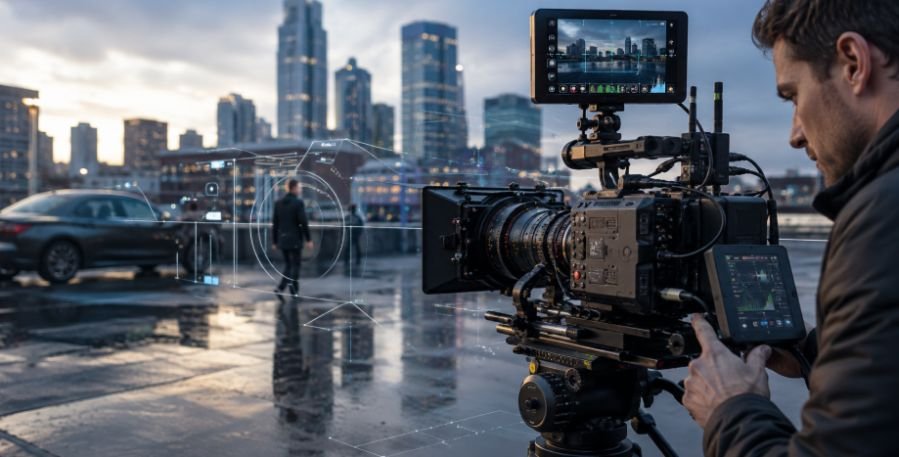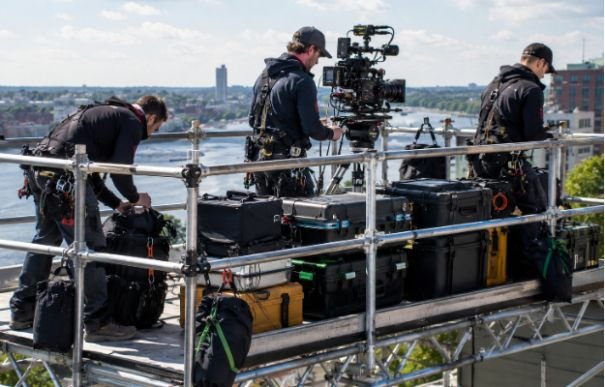







Few camera moves create depth as quickly as a clean orbit around a person, product, car, or action. The subject feels locked in place while the background shifts around it, creating cinematic parallax.
When I explain how to shoot smooth circular camera movement, I start with one rule: keep the camera at a constant distance from the subject while counter-panning at the same rate as you move around it.
Filmmakers may call this a circle dolly shot, orbit shot, arc shot, circular tracking shot, 360 tracking shot, or parallax tracking shot.
What Makes Circular Camera Movement Look Smooth?
A polished orbit starts with a consistent radius. I imagine an invisible circle around the subject and follow that line rather than simply walking sideways.
As I move, I counter-pan toward the subject so it stays near the same point in the frame. I pick a visual anchor, such as the eyes or center of the torso. If I drift inward, the subject grows in frame; if I drift outward, it shrinks. This framing discipline also helps when practicing pull back camera movement in film, where maintaining a smooth path and consistent subject placement is equally important.
For beginners, I recommend practicing a 90-degree or 180-degree arc before attempting a complete 360-degree camera movement. A shorter path makes it easier to control framing, focus, and walking speed.
How Do You Shoot a Smooth Orbit Shot With Professional Gear?
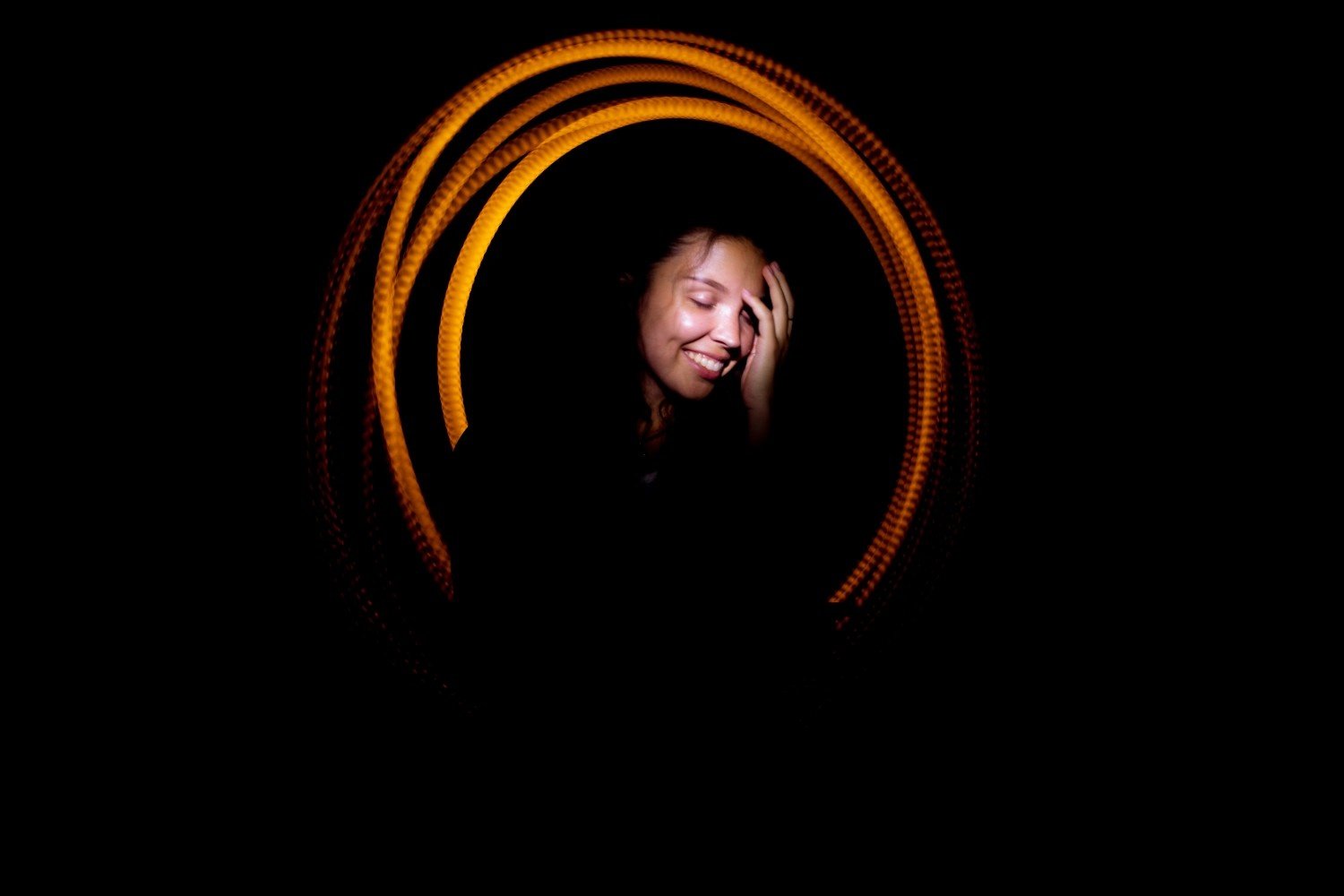
For repeatable studio or commercial work, a circular track and dolly delivers excellent consistency. The curved track controls the radius, while the dolly’s weight helps create steady mechanical movement.
A motorized parallax slider works well for smaller arcs and product reveals because it can rotate the camera inward as the carriage moves sideways.
A three-axis gimbal gives me more freedom. Some gimbals and tracking systems offer subject-tracking features, but I still control my pace and radius carefully. Stabilization motors can reduce unwanted motion, but they cannot compensate for an operator drifting toward or away from the subject.
How Can You Get Smooth Circular Camera Movement Handheld?
Without a gimbal, I use my body as the stabilizer. I keep my elbows close to my ribs, bend my knees, relax my shoulders, and take short controlled steps. A side-lunge or “ninja walk” helps reduce the vertical bounce caused by normal walking.
I also use the neck-strap tension trick when appropriate. I place the strap around my neck, push the camera forward until it becomes taut, and keep both hands on the camera. This creates a stable three-point connection that can reduce micro-jitters.
What DIY Tricks Can Create a Circle Dolly Shot?
On a flat floor, a skateboard, wheelchair, or sturdy rolling office chair can become a simple DIY dolly. An assistant can push it slowly along a marked curve while the camera operator concentrates on composition and counter-panning.
For low-angle indoor shots, I can place the camera securely on a folded towel or hoodie and gently slide it across a smooth floor in an arc. These simple setups are also useful when learning how to practice camera movement at home with limited space and equipment.
These methods can be especially useful for student filmmakers, YouTube creators, and independent video producers who want to practice cinematic camera movement without investing in professional dolly equipment.
What Lens and Camera Settings Make an Orbit Shot Smoother?
A wide or moderately wide lens makes the move easier to control. Wider focal lengths make small shakes less obvious, while longer telephoto lenses magnify framing errors.
A focal length somewhere around 16mm to 35mm on a full-frame camera can work well, depending on how dramatic I want the parallax effect to appear.
For a cinematic look, I may shoot around 24 fps with a shutter speed near 1/48 or 1/50 second. For slow motion, I can shoot at 60 fps or higher and conform the footage to 24 or 30 fps.
Slowing the footage can make the camera movement feel more graceful, but higher frame rates do not automatically eliminate shaky technique.
Reliable continuous autofocus works well, while manual focus can also work because a constant radius keeps subject distance stable.
How Do You Shoot a Circular Move With a Smartphone?
I use the phone’s main or wide camera, avoid digital zoom, and lock focus and exposure when possible.
I hold the phone with both hands, tuck my elbows in, bend my knees, and follow the same circular path I would use with a larger camera.
A smartphone gimbal can make the shot easier, but good body movement remains important. The goal is to capture smooth footage in-camera rather than expecting stabilization software to repair a poorly executed orbit later.
What Mistakes Make Circular Camera Movement Look Shaky?
Changing distance from the subject is the biggest problem. Walking too quickly creates more vertical bounce, while aggressive wrist corrections turn a smooth counter-pan into visible jerks.
Background choice matters too. Circular movement looks stronger when foreground and background objects create visible parallax.
I also begin moving before the usable part of the take and continue beyond the endpoint. That gives the shot smoother acceleration and deceleration while providing cleaner editing points.
Can Post-Production Stabilization Fix a Shaky Orbit Shot?
Warp Stabilizer in Adobe Premiere Pro and stabilization in Final Cut Pro can clean up small imperfections.
I use them as finishing tools rather than rescue tools because aggressive stabilization can create cropping, warped edges, wobbling, or unnatural background movement. Circular tracking shots contain plenty of parallax, which can make excessive digital stabilization particularly noticeable.
How Do You Make an Orbit Shot Look More Cinematic?
I always ask why the camera should move.
A slow arc can create intimacy, anticipation, or tension, while a faster orbit can add excitement or disorientation. Circling a product can reveal its shape and texture, and moving around two actors can visually emphasize conflict.
Foreground objects and background depth make the parallax stronger. Instead of simply chasing smoothness, I try to make the camera movement support the emotion or information in the scene.
FAQs About Circular Camera Movement
1. What Is Circular Camera Movement Called?
It is commonly called an arc shot, orbit shot, circle dolly shot, circular tracking shot, or parallax tracking shot. A complete orbit may also be called a 360 tracking shot.
2. Do I Need a Gimbal for a Smooth Orbit Shot?
No. Handheld technique, a wide lens, a taut camera strap, or a DIY rolling dolly can produce good results. A gimbal mainly improves stabilization and repeatability.
3. How to Shoot Smooth Circular Camera Movement Without Expensive Gear?
To practice how to shoot smooth circular camera movement, start with a 90-degree or 180-degree orbit, mark your path, take short controlled steps, maintain a fixed radius, and counter-pan smoothly. A smartphone or basic camera is enough to learn the technique.
Final Thoughts
The biggest lesson I have learned about how to shoot smooth circular camera movement is that stabilization starts with geometry, not gear. Maintain a constant radius, match your counter-pan to your movement, control your footsteps, and choose a background that shows parallax. Understanding concepts like pedestal camera movement explained can also improve overall camera control by showing how vertical movement differs from an orbiting shot.
Once those fundamentals become repeatable, a smartphone, handheld camera, gimbal, motorized slider, Steadicam, DIY dolly, or professional circular track can all produce a convincing cinematic orbit.