





I have learned that an impressive camera package can quickly become a burden when roads, electricity, repair facilities, and reliable communication disappear. Selecting production gear for a remote-location shoot therefore requires more than comparing image quality or hiring familiar equipment. Every camera, cable, battery, and support system must justify its weight while remaining dependable in the conditions awaiting the crew.
The best package is not necessarily the largest or most expensive. It is the smallest practical system that can capture the planned material, protect the recordings, and continue operating after a predictable failure.
Begin With the Location and Shooting Plan
Equipment decisions should start with research rather than a product catalogue. Examine the terrain, temperature range, humidity, rainfall, altitude, dust, available shelter, and hours of usable daylight. The crew must also confirm how the location will be reached and how far equipment may need to be carried.
A package transported in several production vehicles can include equipment that would be unreasonable for a hike-in location. Boat travel introduces spray and salt exposure, while high-altitude work reduces physical capacity and may affect batteries, drones, and crew performance.
Translate the script and shot list into technical requirements. Identify the necessary focal lengths, recording formats, camera movements, sound sources, lighting conditions, and expected shooting hours. This prevents optional equipment from consuming space needed for power, safety, or backups.
Evaluate Every Item Before Packing
Creative Necessity
Each item should support a planned shot or solve a known production problem. A slider, drone, or large lighting fixture should not travel merely because it might be useful. If an item has no clear purpose in the schedule, its transport cost may outweigh its creative value.
Reliability and Compatibility
Remote packages benefit from equipment with a proven service history and simple controls. Whenever possible, cameras, monitors, lights, and audio devices should share batteries, chargers, cables, or power adapters. Standardisation reduces the number of accessories that must be carried and makes troubleshooting easier.
Weight and Setup Time
Equipment weight should include cases, mounting hardware, batteries, chargers, and tools—not just the advertised weight of the main product. The crew should assemble and operate the complete package before departure. A system that takes too long to balance, power, or reconfigure can consume limited daylight.
Choose a Resilient Camera Package
Select a camera that meets the delivery requirements without creating an unnecessarily demanding workflow. High-resolution recording may be attractive, but it increases media use, transfer time, storage capacity, and power consumption.
A weather-sealed body, dependable internal recording, accessible controls, and strong battery performance can be more valuable than a minor image-quality advantage. Bring a compatible backup body when losing the main camera would stop production.
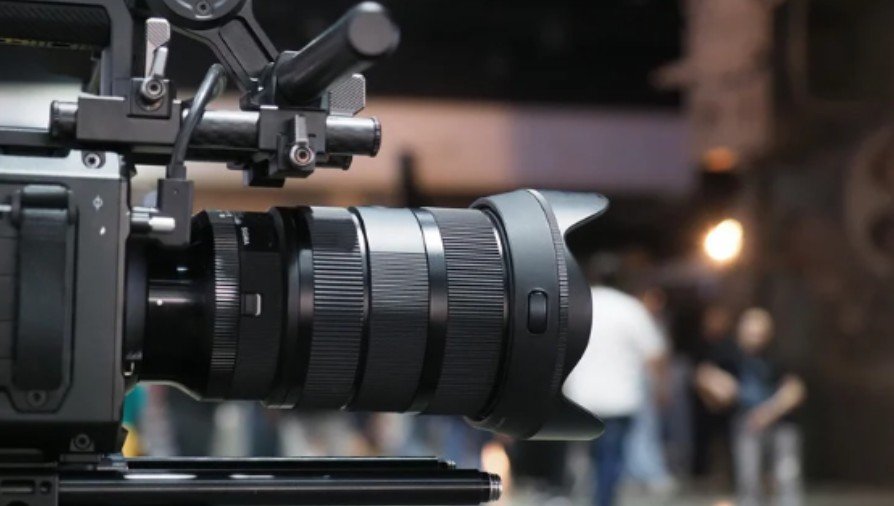
For many remote assignments, one versatile zoom reduces lens changes and covers more situations than several primes. Fewer changes also limit sensor exposure to dust, moisture, and salt. If specialised lenses are essential, pack them according to the shot list rather than attempting to cover every possibility.
Match Camera Support to the Terrain
A stable tripod with an appropriate payload remains one of the most useful support tools. Carbon-fibre legs can reduce carrying weight, while adjustable feet help on rock, sand, and uneven ground.
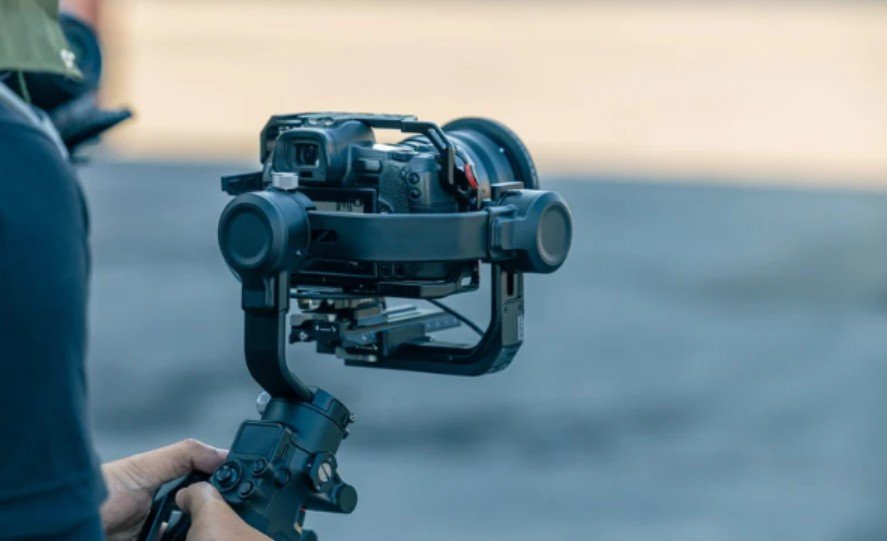
Gimbals create smooth movement but require balancing, charging, spare parts, and protected transport. A shoulder rig, monopod, or controlled handheld technique may provide greater reliability for a small crew. Drones should only be included when their shots are necessary and local permission, weather, flight restrictions, charging capacity, and qualified operation have been confirmed.
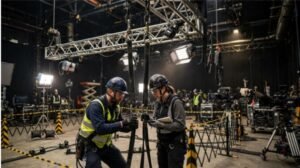
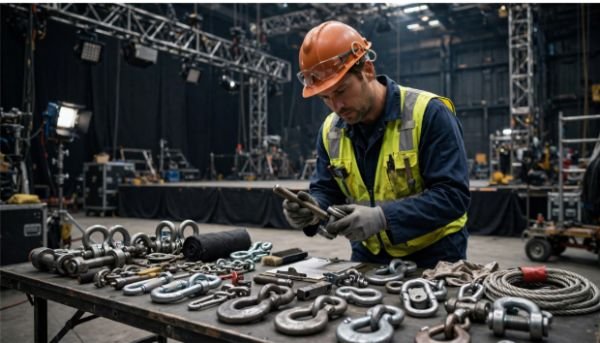
More complex aerial systems demand even greater planning, as shown in our case study of a cable cam installation across a large venue, where payload, support hardware, power, control, and operating space all had to be considered together.
Calculate Power Instead of Guessing
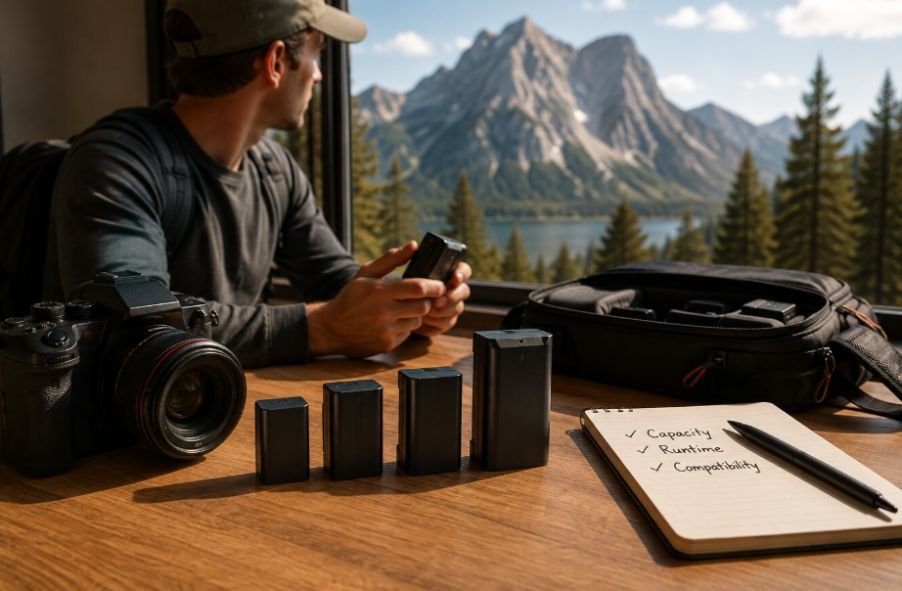
List the wattage of every device and multiply it by the expected daily operating time. Then multiply that figure by the number of days without dependable electricity. Add a reserve for overtime, charging losses, unexpected cold, and reduced battery performance.
Prioritise cameras, audio recorders, communication devices, data storage, and essential lighting. If the production requires an audio recorder in Android, include the phone’s charging needs and any connected microphone or interface in the power calculation.
Low-draw LED fixtures and passive light-control tools can preserve valuable power. Solar charging may help in suitable conditions, but cloud cover, shade, panel size, and limited charging hours make it risky as the only supply.
Keep batteries protected from extreme temperatures. Confirm transportation rules before travelling because lithium batteries may face capacity, packaging, and carry-on restrictions.
Protect Sound in Uncontrolled Environments
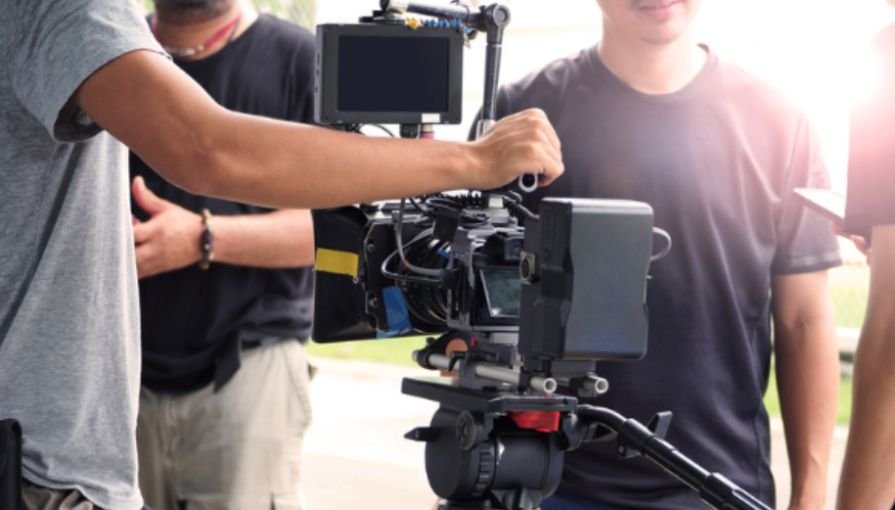
Remote scenery does not guarantee clean sound. Wind, water, insects, generators, wildlife, vehicles, and clothing movement can compromise recordings.
Use microphones suited to the production and carry proper wind protection. A field recorder, monitored headphones, spare cables, and a secondary recording method provide useful protection against failure. Wired equipment may be more dependable where radio interference or frequency regulations make wireless systems difficult to use.
Record ambient sound at every important location. These recordings provide valuable flexibility during editing and are difficult to recreate later.
Build a Field Data Workflow
Estimate daily storage before choosing cards and drives. The recording format, frame rate, number of cameras, and shooting ratio determine how much capacity is actually required.
Productions using several camera feeds can benefit from the same planning principles used when coordinating multiple camera operators during a live event, especially when each camera generates separate media that must be identified, backed up, and synchronized correctly.
Use sufficiently fast, approved media and organise cards with clear labels. After shooting, transfer footage using checksum-verification software rather than ordinary drag-and-drop copying. Maintain at least two verified copies on separate drives and keep them in different cases or with different crew members.
Do not erase a card until its contents have been copied, verified, and recorded in the media log. Internet access should be treated as optional; the local backup process must work without cloud storage.
Prepare for Weather and Equipment Failure
Use padded backpacks for human-powered travel, hard cases for vehicle or cargo transport, and dry bags where water exposure is possible. Pack rain covers, lens cloths, brushes, resealable bags, desiccant, and sensor-cleaning supplies.
Allow cold equipment to acclimatise inside a sealed bag before opening it in a warm, humid environment. This reduces condensation. Near salt water, minimise exposure and clean appropriate exterior surfaces after the working day.
A compact repair kit should contain relevant tools, tape, fasteners, cable ties, cleaning materials, spare connectors, and replacement cables. Back up mission-critical components rather than carrying duplicates of everything.
Include Communication and Safety Equipment
Production equipment is only part of a viable field package. Depending on the location, the crew may need radios, a satellite communicator, navigation equipment, headlamps, first-aid supplies, emergency shelter, drinking-water treatment, and weather monitoring.
Establish check-in times, evacuation routes, medical contacts, and equipment responsibilities before departure. A cinematic accessory should never displace an item required to protect the crew or summon assistance.
Frequently Asked Questions
1. What is the main priority when selecting production gear for a remote-location shoot?
Prioritise reliable equipment that directly supports the shot list and can operate within the location’s transport, weather, power, and crew limitations. Compatibility and redundancy usually matter more than small improvements in specifications.
2. How much backup equipment should a crew carry?
Back up anything whose failure would stop production, including the main camera, recording media, power connections, essential audio components, and critical cables. Less important accessories may not justify the additional weight.
3. Are zoom lenses better than prime lenses for remote filming?
A versatile zoom can reduce weight and lens changes, making it practical in dusty or wet conditions. Primes remain useful when low-light performance, size, or a particular visual treatment is essential.
4. How can footage be protected without internet access?
Create at least two checksum-verified local copies on separate drives. Store those drives in different cases and maintain a written or digital media log before formatting recording cards.
Final Take
I approach remote-production packing as a controlled exercise in risk, not an opportunity to carry every creative tool available. I begin with the story and environment, calculate power and storage, simplify incompatible systems, and protect the components that could stop the production.
A well-designed field package allows the crew to move efficiently, respond to changing conditions, and concentrate on the images and sounds that matter. When every item has a defined role, dependable power, suitable protection, and a backup plan, the equipment supports the production instead of controlling it.