





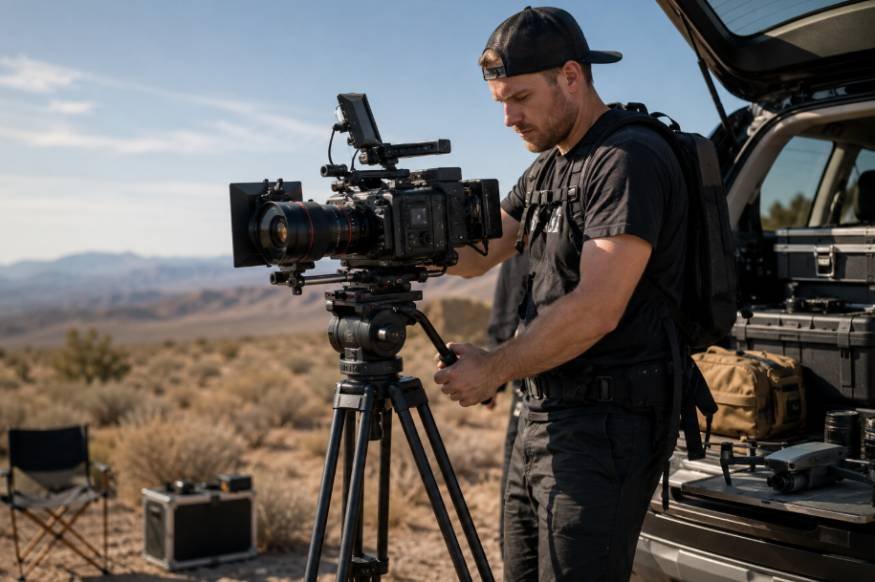
I have found that location filming gets complicated fast when every accessory has its own cable, battery, mount, or case. A phone or compact camera may be easy to carry, but turning it into a dependable cinema setup takes more thought. The best mobile cinema production gear reduces friction between the camera, operator, subject, and final footage.
A lightweight cage, reliable stabilization, clean audio, controlled exposure, practical lighting, and fast storage can cover a surprising range of production needs. When those pieces work together, moving from a street scene to an interview becomes much easier without slowing the crew down.
Start With a Solid Camera Rig
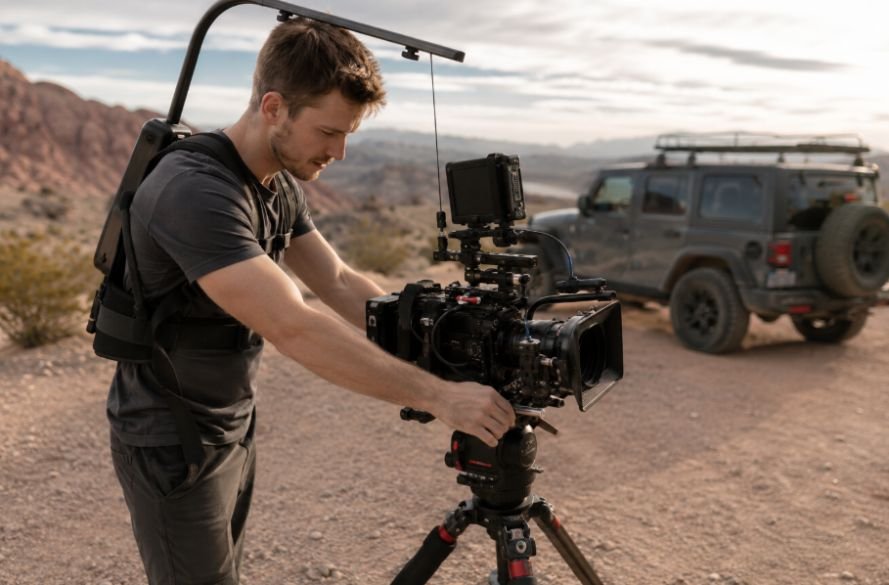
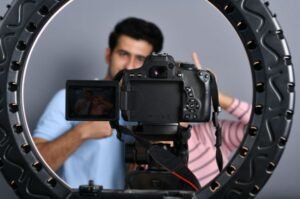
A phone cage is a strong foundation because it turns a flat handheld device into something built for production. Aluminum cages can add cold shoe mounts and 1/4-20 threaded points for microphones, lights, handles, and tripods. This gives a smartphone a more practical mounting ecosystem while protecting it during active shooting.
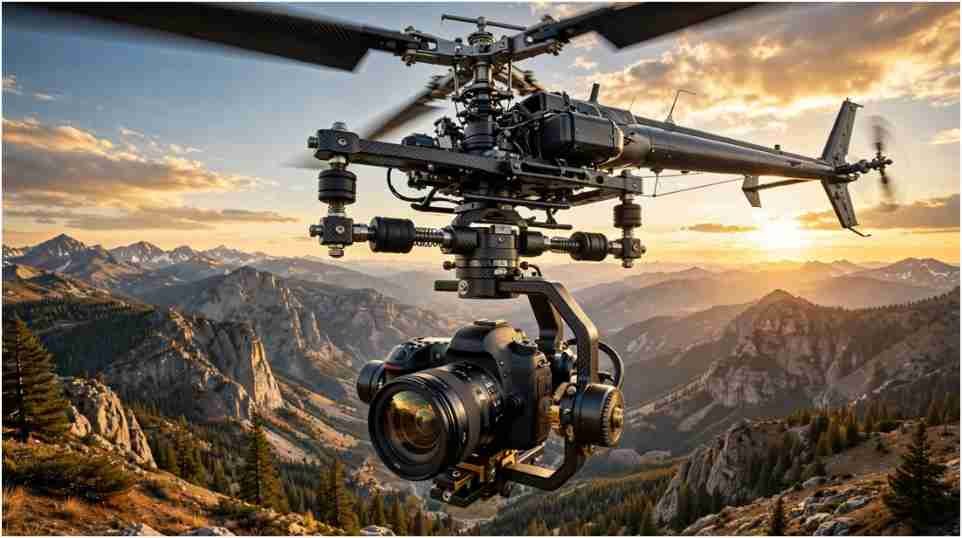
Keep the build balanced and make sure controls, ports, lenses, and ventilation remain accessible. For walking shots, a 3-axis gimbal provides mechanical stabilization across pan, tilt, and roll. A small tripod earns its place for interviews, product shots, establishing frames, and low-angle compositions. DJI’s current smartphone gimbals use three-axis stabilization and subject tracking for moving shots, showing how much stabilization has become part of modern mobile production.
A reliable professional camera media workflow should begin here because the camera setup and recording plan affect every later step.
Give Audio the Same Attention as Picture
A polished image can survive a little imperfection. Bad dialogue usually cannot. Built-in phone microphones can capture handling noise, traffic, wind, and room reflections.
A wireless lavalier system keeps a microphone close to the speaker while allowing natural movement. A compact shotgun microphone works when it can stay just outside the frame. The choice depends on distance, ambient noise, and movement.
Clean production sound belongs in the capture workflow, not on the last-minute checklist. Before recording, monitor levels and listen for clipping, interference, and wind. This is especially important for interviews, documentaries, and narrative scenes where dialogue carries the story.
Control Exposure With Filters and Lenses
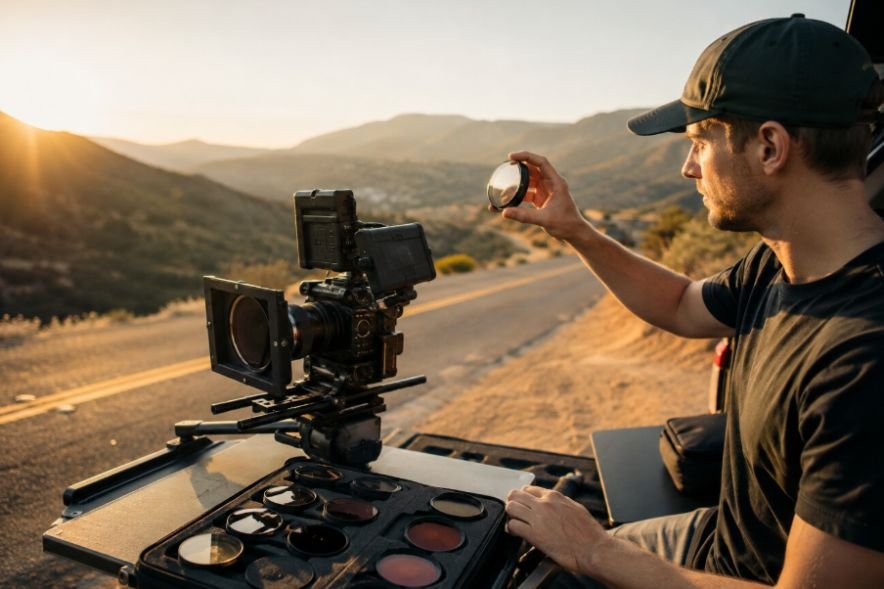
Mobile cameras can produce impressive images, but exposure still needs deliberate control. Variable ND filters reduce incoming light without forcing the operator to abandon the desired shutter speed or aperture settings. That becomes especially useful outdoors under strong sunlight.
A neutral density filter works like sunglasses for the lens. It reduces light reaching the sensor, helping maintain consistent exposure in bright conditions. The filter must fit the phone’s lens system correctly to avoid vignetting or unwanted reflections.
Specialty lenses can also change the visual character of a mobile camera. An anamorphic lens can create a wider cinematic presentation and optical characteristics that differ from the native lens. These additions should serve the story. Moment’s current mobile lineup, for example, includes variable ND filters and anamorphic lenses designed specifically for mobile filmmaking.
Plan Your Power Before the Shoot
A portable power bank can extend operating time when recording high-resolution footage or powering accessories. Power planning should include the camera, gimbal, wireless transmitters, LED lights, storage devices, and monitoring equipment.
USB-C Power Delivery adds flexibility when compatible devices support it. Carry one charged backup power source and the correct cables together in one pouch.
This is also why high-capacity camera batteries can matter on longer location days. More usable power can reduce interruptions, but capacity should match the equipment’s power draw, charging options, and expected shooting time. A larger battery is not automatically better if it makes the rig awkward to carry.
Treat Storage as Production Gear
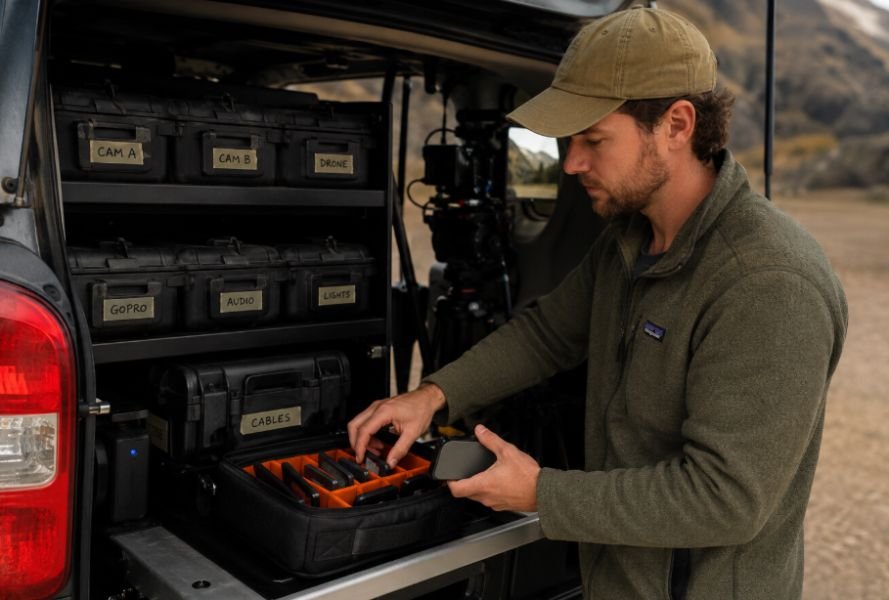
High-bitrate video creates a storage problem faster than many new filmmakers expect. Professional codecs and log recording can consume substantial capacity, so storage belongs in the production plan.
A fast external USB-C SSD can help compatible mobile devices record directly to external storage and reduce pressure on internal memory. Apple supports exporting photos and videos from an iPhone to connected external storage, making external drives useful for moving footage between devices.
Use clearly named folders, verify copied files, and keep more than one copy of important footage when possible. Good data handling protects the work after recording.
Keep Lighting Small but Useful
Portable LED lights can change a mobile production dramatically. A small fixture can lift facial shadows, separate a subject from the background, or provide a consistent key when available light is poor.
Use the smallest fixture that solves the problem. A compact LED with adjustable brightness and color temperature gives more control without turning a mobile setup into a full lighting package.
Diffusion can soften harsh output, while a small reflector can redirect daylight without another powered fixture. Simple lighting tools are often faster to reposition.
Choose Accessories Around the Location
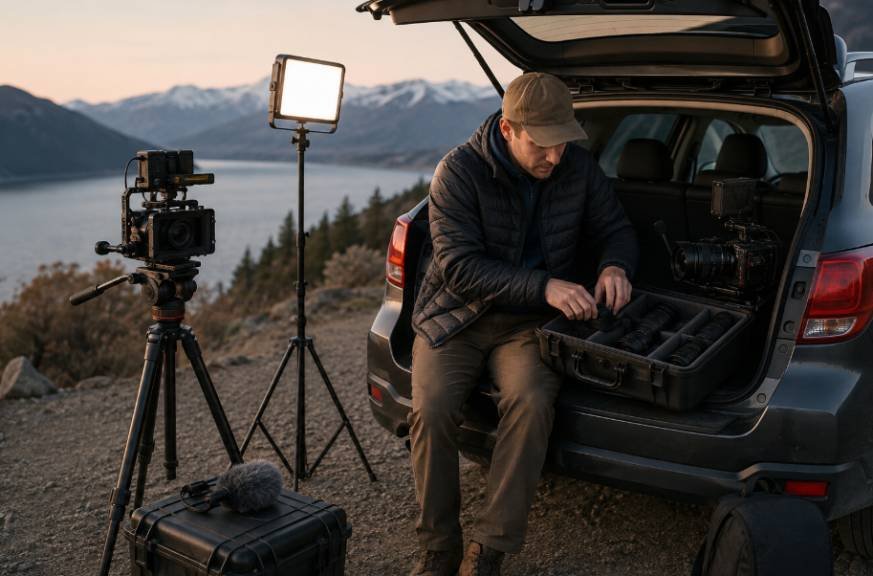
A mobile kit should reflect the environment where it will be used. An indoor interview may need a tripod, wireless microphone, LED light, ND filter, and SSD. A moving exterior sequence may favor a gimbal, cage, microphone, power bank, and minimal lighting.
Think about weather, walking distance, electricity, crowd levels, natural light, and how quickly the crew must change setups. Every accessory has a weight and time cost. If an item does not solve a real production problem, leave it behind.
Build a Workflow That Moves With You
The strongest mobile cinema setup is a workflow rather than a shopping list. Start with the shot requirements, then build the camera, stabilization, audio, lighting, power, and storage around them.
For demanding recording formats, storage speed and sustained write performance matter more than a headline speed on a package. If your setup uses removable media, understanding the types of high-speed CFexpress cards can help you match card performance and capacity to the camera’s recording requirements.
Before the first take, test the complete chain. Check focus, exposure, stabilization, audio, storage, and battery levels. Shoot a short sample before the real action starts. The check can reveal a cable, battery, audio, or storage problem while there is still time to fix it.
Frequently Asked Questions
1. What is the most important mobile cinema gear?
Start with stabilization, external audio, exposure control, power, and reliable storage. The exact combination depends on the camera and shooting environment.
2. Can a smartphone really handle professional filmmaking?
Modern phones can capture high-resolution video and advanced recording features. The rig, lighting, audio, and workflow often determine how usable that footage becomes.
3. Do I need a gimbal for mobile filmmaking?
Not always. A gimbal helps with moving shots, while a tripod or handheld cage may be better for interviews, static scenes, or faster setups.
4. How much storage should a mobile filmmaker carry?
It depends on resolution, codec, frame rate, and shooting duration. Plan capacity around the recording format and maintain verified backups.
Why the Best Mobile Rig Stays Practical
The best mobile cinema production gear is not necessarily the equipment with the longest specification sheet. It helps a small crew move quickly, capture clean images and sound, protect footage, and solve problems without turning every location change into a technical reset. A phone cage, gimbal, microphone, ND filter, compact light, power source, and fast storage can form a system design when each component has a clear job.
Add equipment when it solves a repeatable problem, remove it when it creates more work than value, and test the complete rig before the shoot. Good mobile filmmaking comes down to control, reliability, and knowing what you can leave in the bag.