





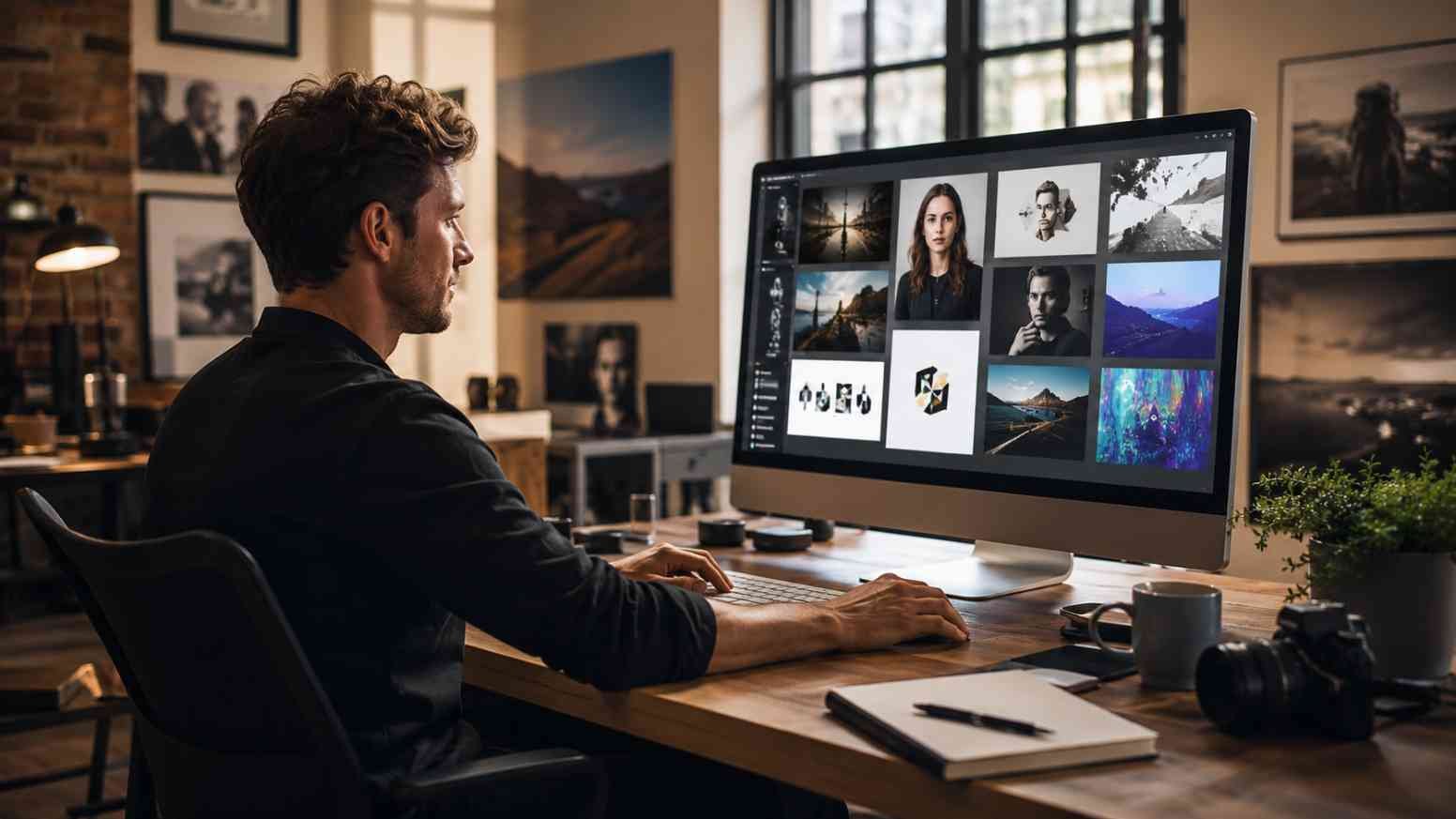
When I first came across ai hotpot ai, what caught my attention wasn’t one flashy AI trick. It was the idea of having image generation, photo restoration, headshots, background removal, upscaling, and everyday design tools sitting under one creative roof.
That matters if you’re like me and would rather spend twenty minutes creating something useful than twenty minutes opening five different apps just to finish one graphic.
Hotpot currently positions itself as an AI-powered creativity and productivity platform. Its toolkit includes image generation, AI headshots, photo editing, image enhancement, social-media graphics, app assets, backgrounds, logos, and other visual workflows.
Table of Contents
ToggleWhat Exactly Can ai hotpot ai Help You Create?
Hotpot is broader than a straightforward text-to-image generator. You can create original AI visuals from prompts, produce stylized images, experiment with backgrounds, generate logos, and use templates for social-media and marketing graphics.
Its photo-editing tools are equally practical. Hotpot currently advertises options for removing backgrounds, editing objects, restoring old photographs, colorizing black-and-white images, enhancing faces, and substantially upscaling pictures.
That mix makes the platform appealing when your project isn’t simply “make me a picture.” You might generate a concept, clean it up, resize it, remove the background, and turn it into a social graphic without constantly bouncing between unrelated services.
Why Does ai hotpot ai Feel Different From a Basic AI Image Generator?
A pure image generator usually focuses on prompting. You describe a scene, choose a style, generate variations, and pick your favorite.
Hotpot adds utility tools around that generation process. For example, you might already have an old family photograph rather than needing a brand-new image. Restoration or colorization becomes more useful than text-to-image generation in that situation.
This broader shift also reflects how AI is changing creative and technical workflows, including discussions around whether computer engineering replaced by AI could reshape parts of software and engineering work.
The same applies to creators and marketers. Someone producing a product mockup may care about background removal and image enhancement, while a LinkedIn user may be more interested in AI headshots and profile graphics.
How Can ai hotpot ai Make AI Image Prompts Better?
I get better AI visuals when I stop writing prompts like grocery lists. “Woman, office, laptop, professional” tells the generator what objects should exist, but very little about how the finished picture should feel.
Instead, describe the subject, setting, composition, lighting, mood, medium, and important restrictions. A prompt such as “friendly startup founder working beside a window, candid editorial photograph, soft morning light, shallow depth of field, clean neutral workspace” gives the model far more creative direction.
Adobe’s explanation of generative image workflows also emphasizes how visual references, style choices, and prompt refinement can influence generated results; its approach to generative AI and Firefly is useful background when you want to understand responsible AI-assisted creative workflows.
Can ai hotpot ai Help With Old or Low-Quality Photos?
This may be one of the platform’s more practical uses. Not every AI task needs dragons, cyberpunk cities, or somebody standing dramatically beside a neon sports car.
Hotpot includes tools for restoring damaged photographs, colorizing images, enhancing faces, and increasing resolution. These can help when older photos are scratched, faded, tiny, or simply too soft for modern displays.
I would still preserve the original file. AI restoration can infer or reconstruct details, which means the enhanced result may look more convincing without necessarily being a perfect historical reproduction.
Is ai hotpot ai Useful for Social Media and Marketing?
It can be, especially for people who regularly need visual variations. A small business might create campaign concepts, background graphics, social posts, banners, thumbnails, or simple promotional artwork without commissioning every early draft.
For creators building more advanced AI-powered workflows, understanding how an API can connect AI capabilities with websites and applications is also useful. The OpenAI API for building smarter apps is one example of how developers can integrate AI into products while keeping an eye on usage and costs.
The real productivity gain comes from experimentation. Instead of spending an hour manually building three concepts, you can generate alternatives quickly and then spend your time refining the strongest direction.
Human review still matters. AI-generated hands, text, product details, logos, and tiny visual elements can occasionally look strange. Treat the generated asset as something to inspect rather than assuming “AI made it” means “ready to publish.”
What Does ai hotpot ai Cost to Use?
Hotpot currently says most of its products offer free access for exploration. Pricing varies by product and selected settings rather than following one universal price for every action.
Commercial usage and advanced settings generally require credits, while higher-volume, team, and self-hosted options are also offered. You can check the latest details through the platform’s current pricing information rather than relying on an old review because AI pricing changes quickly.
That distinction matters if you’re creating content for clients or a business. “Free to experiment with” does not automatically mean “free for every commercial scenario.”
How Should You Think About Copyright When Using ai hotpot ai?
AI-generated content lives in an evolving copyright landscape, so I wouldn’t assume that clicking Generate automatically creates the same legal position as drawing an illustration entirely by hand.
The U.S. Copyright Office concluded that AI-generated material may receive copyright protection where sufficient human-authored expressive elements are present, while prompting alone does not automatically establish authorship. Its official Artificial Intelligence copyright study is worth bookmarking if you’re creating AI assets professionally.
Hotpot itself also states that commercial licenses authorize commercial use of its software but do not guarantee copyright protection or uniqueness. That is an important distinction when producing logos, brand graphics, or products intended for resale.
How Can You Use ai hotpot ai Step by Step?
Step 1 is deciding what you’re actually trying to create. Choose whether you need a generated image, restored photo, professional headshot, background, logo concept, social graphic, or enhancement rather than starting with the fanciest-looking tool.
Step 2 is preparing your prompt or source image. For generation, describe the subject, setting, style, lighting, composition, and exclusions. For editing, upload the best-quality original you have rather than repeatedly processing an already compressed copy.
Step 3 is generating several variations. I rarely treat the first result as the winner. Compare framing, anatomy, lighting, background details, and whether the image actually communicates your intended message.
Step 4 is refining instead of restarting blindly. Adjust only the details that failed—perhaps the camera angle, mood, clothing, background, or level of realism.
Step 5 is checking usage rights before publishing commercially. Confirm the current Hotpot license applicable to your output and independently consider trademark, copyright, privacy, and publicity rights.
What Privacy Questions Should You Ask About ai hotpot ai?
Uploading an abstract landscape prompt is different from uploading a personal photograph. Headshots, family photos, client assets, or confidential product concepts deserve more thought.
Hotpot’s privacy policy says its services may collect account, device, usage, payment, location, and other information depending on how the service is used. Users should review current policies before uploading material they consider sensitive.
More broadly, the NIST Generative AI Risk Management Profile highlights privacy, information integrity, intellectual-property, and other risks organizations should consider when adopting generative AI systems.
What Are the Key Takeaways About ai hotpot ai?
The biggest advantage of ai hotpot ai is variety. You aren’t limited to generating pictures; you can move between creation, enhancement, restoration, headshots, and design-oriented workflows.
The smartest approach is using AI for speed while keeping human judgment in charge. Prompt carefully, inspect outputs closely, preserve originals, and check usage rights before turning a fun experiment into a commercial asset.
I also wouldn’t pay for every feature immediately. Try the workflows most relevant to your actual needs first, then decide which paid capabilities genuinely save you time.
Frequently Asked Questions
1. Is Hotpot AI free?
Hotpot says many tools offer free access for exploration, although limits and settings vary. Commercial usage and advanced capabilities generally require credits, so check current pricing before planning a large project.
2. Can Hotpot AI create professional headshots?
Yes. AI headshots are one of Hotpot’s featured product categories. Results still depend heavily on source-image quality and generation settings, so inspect facial details carefully before professional use.
3. Can I use Hotpot AI images commercially?
Hotpot permits commercial use under applicable paid credits or licenses, but the platform makes clear that its license does not guarantee copyright protection or uniqueness. Check your specific usage carefully.
4. Can Hotpot AI restore old photos?
Yes. Hotpot provides tools for photo restoration, colorization, facial enhancement, and upscaling. Keep the original because AI enhancement can reconstruct details rather than perfectly recover information that was lost.
Is ai hotpot ai Your New Design Department? Not So Fast, Picasso.
I like ai hotpot ai most when I treat it as a creative assistant rather than an automatic replacement for design judgment. It can remove tedious work, spark concepts, and turn rough ideas into visuals much faster.
The magic still happens during selection and refinement. Knowing which image feels authentic, which edit went too far, and what suits your audience remains very human work.
My favorite tip is simple: generate fewer random images and spend more time improving the prompt behind the best idea. Ten purposeful variations usually beat 100 digital mystery boxes.