





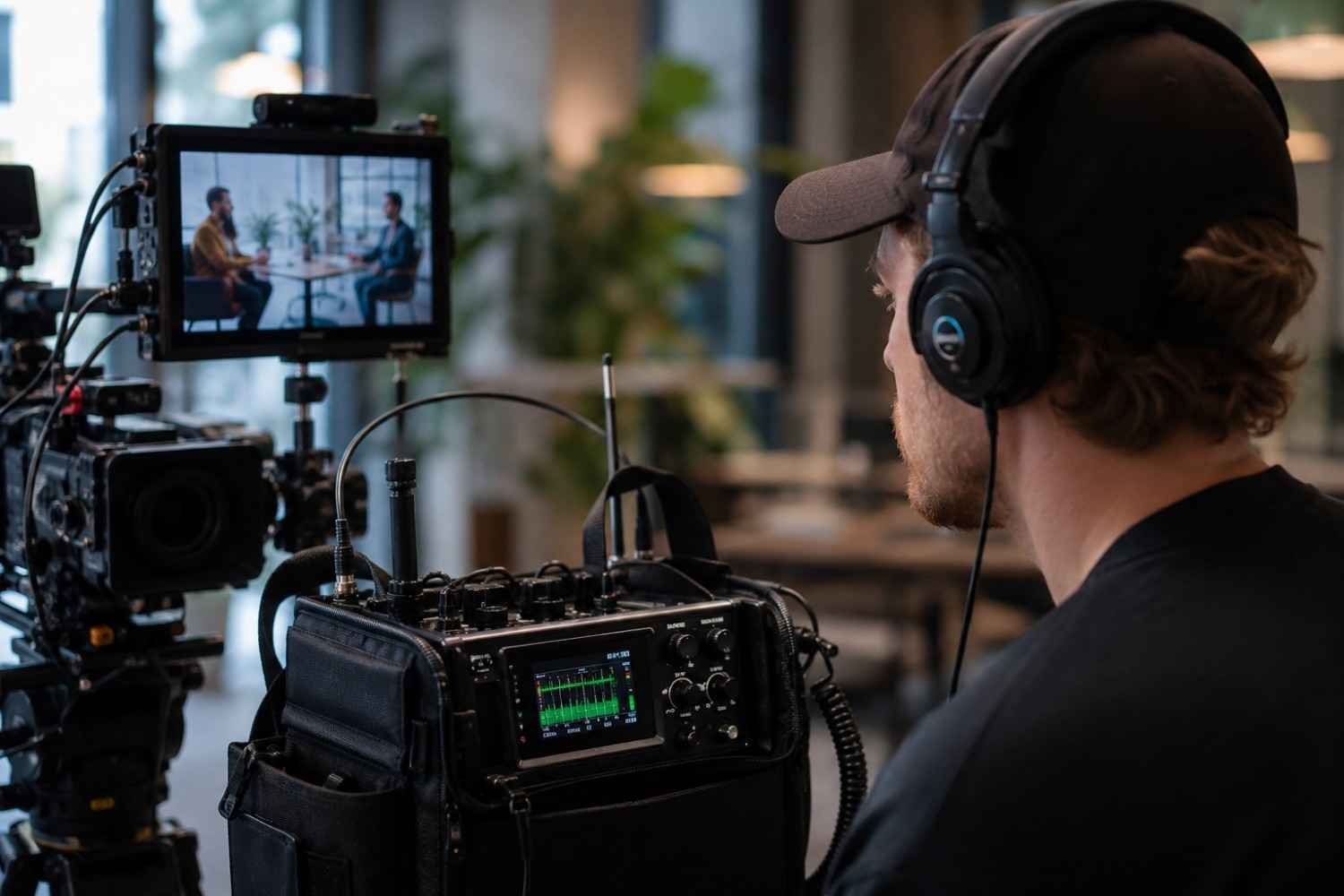
I have learned that good-looking footage can still fall apart when the audio is wrong. A clipped voice, sudden interference, or background noise that seemed harmless on set can become painfully obvious during editing. By then, the moment is gone, and fixing the problem may be much harder than catching it during the take.
That is why I see camera audio monitoring as part of the recording process, not something to think about afterward. The right setup lets filmmakers hear what the camera is actually capturing while also watching the levels. That combination can catch problems early and keep a production from wasting time on unusable takes.
Why Audio Monitoring Matters While You Film
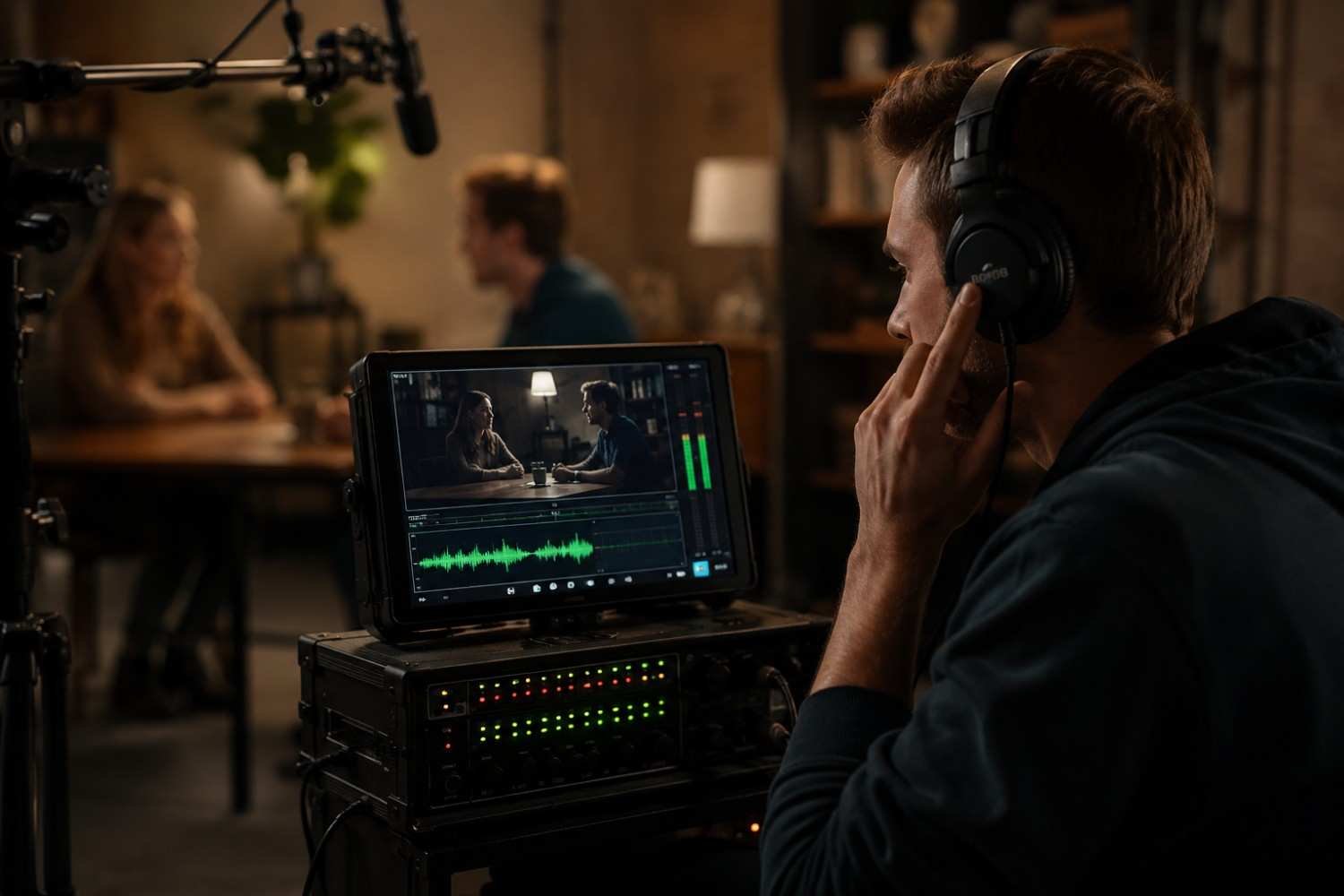
A camera’s audio meter can tell you how loud a signal is, but it cannot tell you everything about how that signal sounds. Fujifilm’s guidance on monitoring audio in your movies explains that filmmakers can watch recording levels while also listening for problems such as wind noise and echo.
That distinction matters on busy sets. A microphone might produce acceptable levels while picking up clothing rustle, room reflections, electrical interference, or an unexpected background sound. Headphones let the operator hear those issues immediately instead of finding them in post-production.
Look for Clear Audio Level Monitoring
Visual meters are one of the first things worth checking. A sound level meter displayed on screen gives you an immediate view of how strongly the incoming signal is registering. Fujifilm recommends using the meter to adjust microphone levels and avoid recordings that are too quiet or distorted.
Good meters should be easy to read while framing a shot. They should also make it obvious when peaks are getting too high. This becomes particularly useful when a speaker changes volume during an interview or when you’re recording unpredictable events.
Meters should support your ears, not replace them.
Prioritize Headphone Monitoring
A reliable headphone output is essential because it gives you access to the actual sound being recorded. RØDE specifically recommends monitoring your levels with headphones while recording so filmmakers can catch clipping, distortion, and unwanted noise before moving on.
Look for a monitoring path with minimal delay. Even a noticeable timing gap between the event and what you hear can make live monitoring frustrating. Shure, for example, specifies zero-latency monitoring via the headphone jack on several of its audio interfaces.
Closed-back headphones can also help on location because they reduce surrounding noise and make subtle problems easier to identify.
Check Your Inputs and Channels
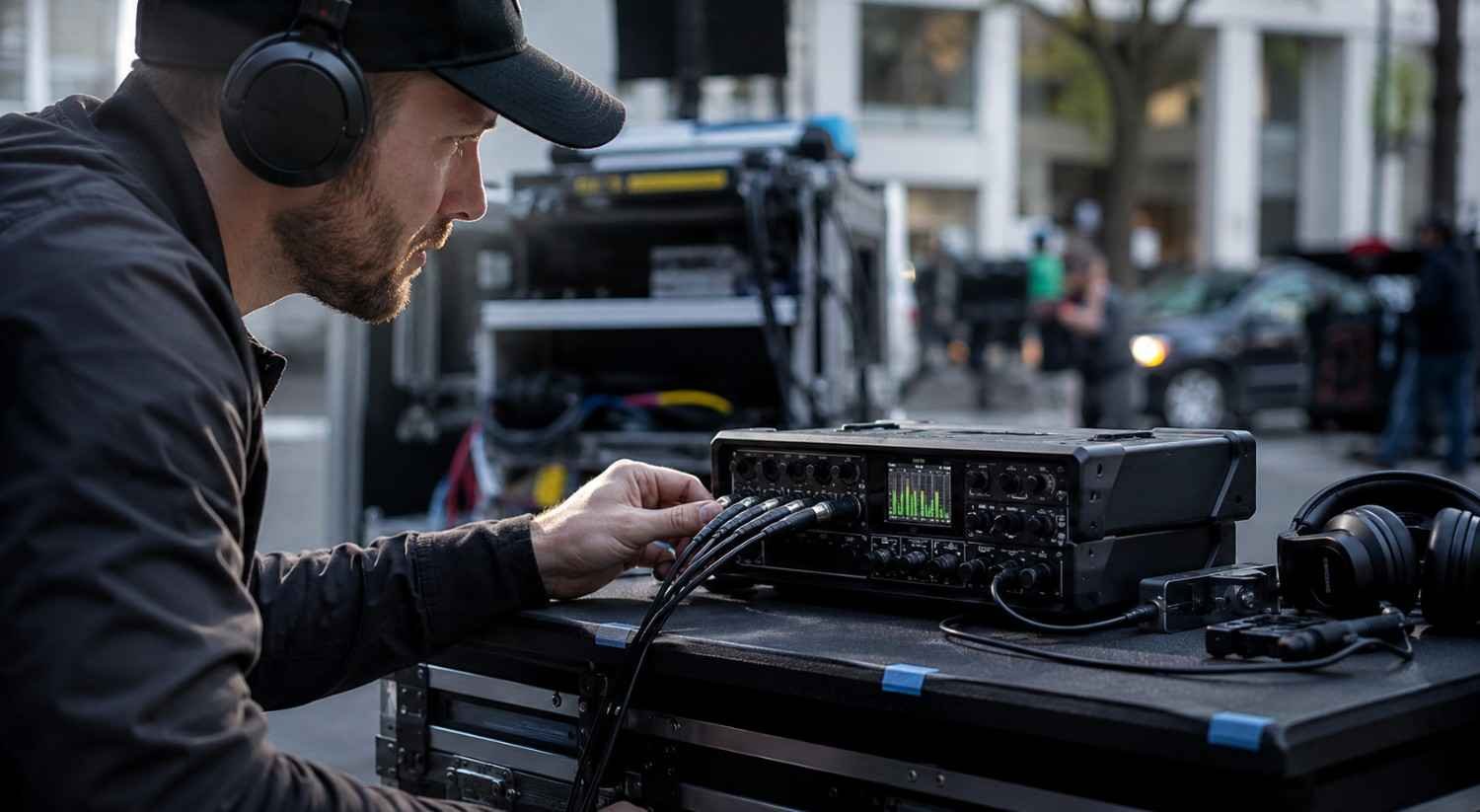
The monitoring system needs to match the microphones and recording equipment you use. A simple single-microphone setup may only require one input and a headphone output, while interviews with multiple speakers can benefit from independent channels.
For larger setups, look for systems that provide clear channel control and separate monitoring options. Atomos products, for example, combine gain controls, meters, and headphone monitoring with professional audio inputs and outputs.
This becomes useful when you’re working with several microphones, an external recorder, or a camera monitor that also handles audio.
Don’t Ignore Preamps and Gain
A clean preamp can make a noticeable difference when the incoming microphone signal is weak. RØDE warns that overworking a camera’s preamp can introduce additional noise, which is why setting appropriate gain at the source matters.
Sound Devices takes this further with a low-noise, low-distortion microphone preamp paired with headphone monitoring in its MM-1 system.
Good gain staging is about finding enough level without pushing the signal into clipping or unnecessarily raising the noise floor. The monitoring system should make those adjustments easy to hear and see.
Consider Wireless Reliability
Wireless microphones are convenient, especially for interviews, documentaries, and solo productions, but monitoring still needs to account for connection problems. Dropouts, interference, and unexpected changes in signal can ruin an otherwise good take.
For critical dialogue, don’t judge a wireless system only by its advertised range. Consider the shooting environment, receiver placement, channel management, battery life, and whether you can monitor the received signal directly.
A wired backup can also be worthwhile when losing a take would be expensive.
Match the System to Your Production
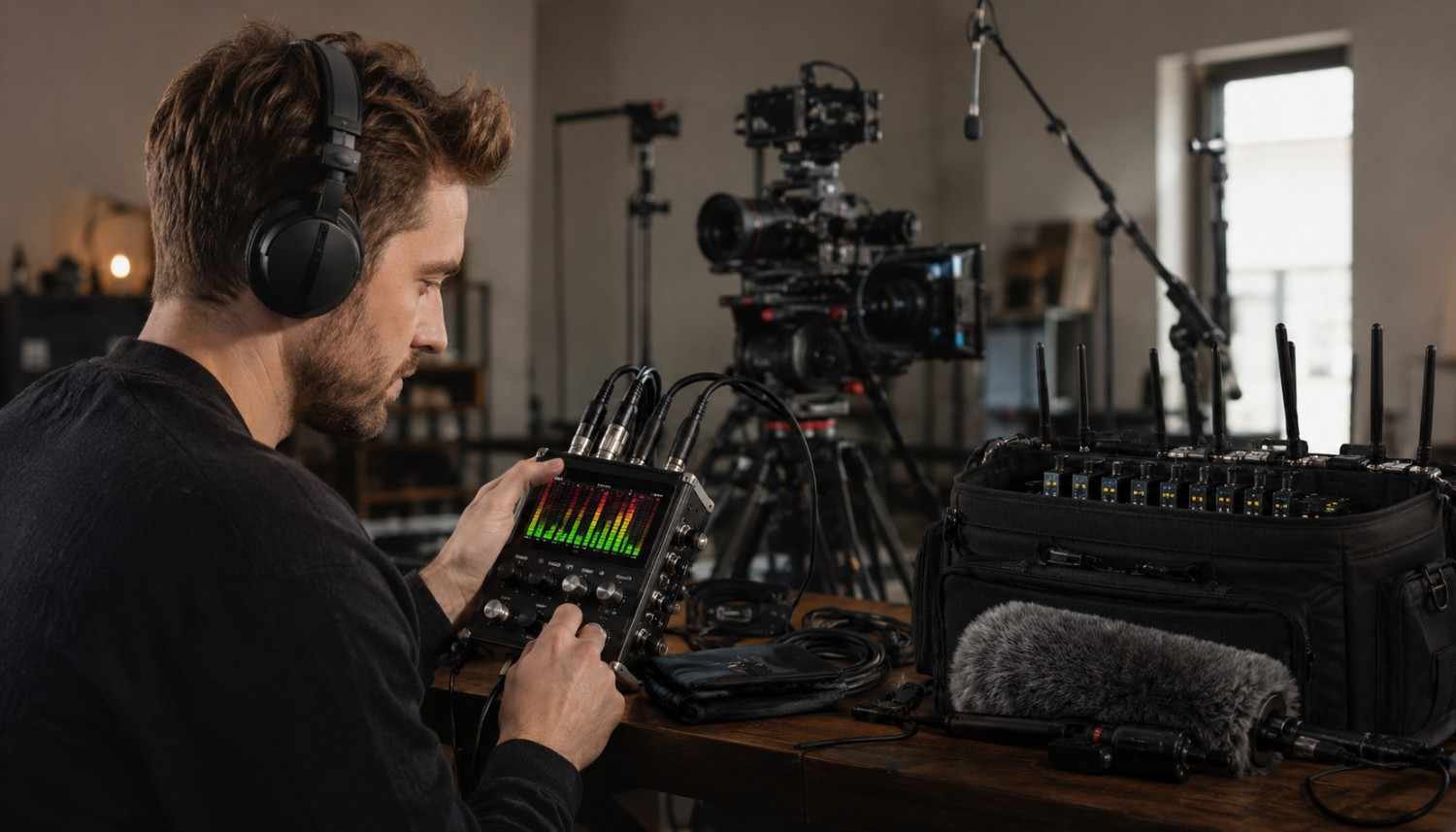
A solo filmmaker may prefer a compact monitor, headphones, wireless receiver, and simple camera connection. A larger crew might need an external recorder, multiple inputs, dedicated monitoring, and more advanced channel management.
The same principle applies when building the rest of the camera package. A motorized camera slider system setup can add controlled movement, but it should complement the production rather than complicate it.
Once audio is reliable, other creative tools become easier to manage. A 4×5.65 filter system setup, for example, can handle filtration needs while the monitoring system stays focused on protecting the soundtrack.
The goal is not to create the largest rig. It is to create one where every component has a clear job.
For filmmakers comparing equipment before a new production season, a list of filmmaking tools worth buying in 2026 can help organize priorities, but audio monitoring deserves attention because a beautiful image cannot rescue unusable dialogue.
FAQs: What to Look for in Camera Audio Monitoring Systems
1. Do I really need headphones when recording?
Yes. Meters show signal levels, but headphones can reveal wind, echo, interference, clothing noise, distortion, and other problems that meters cannot identify.
2. What does zero-latency monitoring mean?
It means you can hear the incoming audio without a noticeable processing delay. This makes live monitoring much more natural and useful during recording.
3. Are audio meters enough for monitoring?
No. Meters are useful for judging level and spotting potential clipping, but they cannot tell you how clean or natural the recording sounds.
4. What should I monitor during an interview?
Listen for speech clarity, background noise, clothing rustle, room echo, interference, and changes in volume. Also watch the meters to make sure peaks remain under control.
The Best Monitoring System Is the One You Can Trust
A camera audio monitoring system should make problems easier to catch, not add another complicated layer to the production. Clear meters, dependable headphone monitoring, suitable inputs, clean gain, and reliable connections give the operator a much better understanding of what is actually being recorded.
That confidence matters. When you can hear and see problems before calling a take complete, you protect the footage, reduce reshoots, and give the editing team cleaner material to work with.