






Your eyes process around 30 to 60 visual updates per second, creating the illusion of continuous light. Artificial light sources, however, do not output continuous energy. Standard indoor fixtures turn off and on dozens or hundreds of times every single second.
When cinematographers and video creators ask why is camera video flickering, the root cause is rarely a broken camera sensor. Instead, it is a mathematical collision between the hidden oscillation of artificial light and the mechanical exposure cycle of your digital shutter.
Understanding this dynamic allows you to diagnose and eliminate ambient light strobing, horizontal rolling bars, and monitor banding in any shooting environment.
The Physics of Light Pulse and Electrical Frequency
To understand video flicker, you must start with the electrical grid. In North America, mains electricity relies on a 60 Hertz (Hz) alternating current (AC) cycle. In Europe, Asia, and much of South America, the power grid runs at 50 Hz.
An AC signal completes its electrical sine wave by swinging between positive and negative voltage. During each complete AC cycle, the light filament or diode reaches peak brightness twice. A standard fixture connected to a 60 Hz grid pulses 120 times per second. On a 50 Hz grid, it pulses 100 times per second.
AC Sine Wave Cycle:
(+) Voltage Peak —> Light Output Peak
(0) Zero Crossing —> Light Output Dip
(-) Voltage Peak —> Light Output Peak
When your camera records video, it captures discrete image slices at set intervals. If your shutter opens and closes at a frequency that fails to align with those 100 or 120 light pulses, each successive frame receives a slightly different amount of luminous energy.
When played back at 24, 30, or 60 frames per second (fps), those minor exposure differences manifest as rapid exposure jumps or scrolling dark horizontal bands across the frame.
Decoding the Artifacts: PWM Dimming, LED Drivers, and Display Screens
Incandescent bulbs rely on tungsten filaments that retain residual heat, which smooths out the visual drop between AC cycles. Modern energy-efficient lighting relies on far more abrupt switching technology.
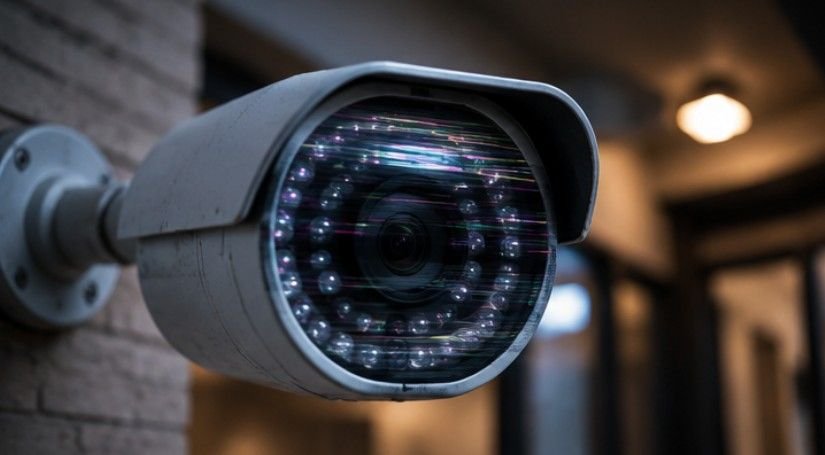
Pulse Width Modulation (PWM)
Many consumer and commercial LED lights dim their brightness using Pulse Width Modulation (PWM). Rather than lowering the power voltage, a PWM driver dims light by switching the LED completely off and on thousands of times per second.
When your camera shutter speed is set significantly faster than the PWM cycle (such as 1/1000th of a second), the camera sensor captures the light mid-off-state. This creates severe strobing that cannot easily be removed in post-production.
High-Frequency Electronic Ballasts
Fluorescent tubes and modern commercial fixtures use electronic ballasts that boost operating frequencies to 20,000 Hz or higher. While high frequencies generally reduce human eye strain, low-grade drivers can still generate subtle harmonic beats that interfere with CMOS image sensors.
Monitor and LED Wall Sync
When filming computer screens, televisions, or LED video walls, you encounter a distinct challenge: refresh rates. A display updating at 144 Hz recorded on a camera operating at a 1/50th shutter speed creates visible dark lines traveling down the image. This occurs because the CMOS rolling shutter sweeps across the sensor while the display redraws its pixel rows.
Camera Mechanics and Frequency Mismatches
Most automatic video cameras struggle in mixed-lighting environments because auto-exposure algorithms prioritize brightness over sync timing.
Understanding the core mechanisms helps identify where sync breakdowns happen:
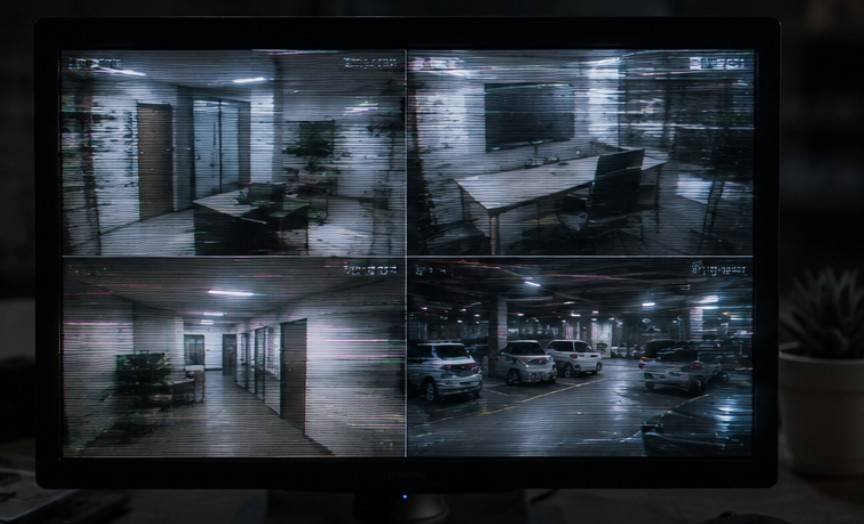
- Global Shutter vs. Rolling Shutter: Rolling shutters read line-by-line from top to bottom. A light pulse during a sweep causes horizontal dark bands. Global shutters capture the whole frame at once, turning bands into frame-wide exposure jumps.
- Shutter Speed vs. Shutter Angle: Film cameras use a rotating physical shutter measured in degrees. The standard 180-degree shutter angle automatically keeps your shutter speed at double your frame rate (for example, 1/48th at 24fps), simplifying light sync.
- Variable Frequency Interference: Modern municipal streetlights and cheap stadium LEDs often fluctuate in frequency depending on grid load, making standard 1/60th shutter settings insufficient.
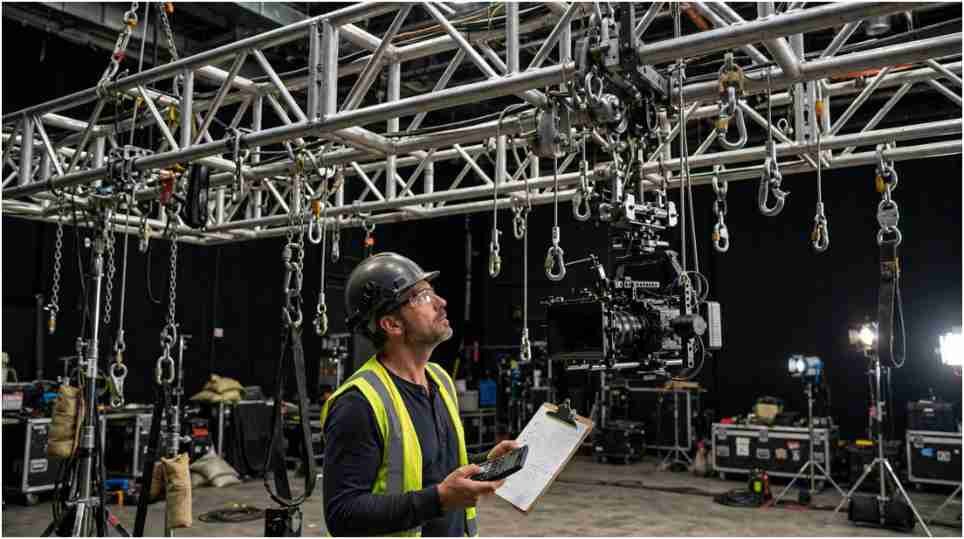
To prevent sync issues when building lighting rigs on set, overhead gear must remain physically stable and electronically consistent. Operators working near high-power luminaires should review shackle and sling safety for film rigging to ensure secure overhead placement before calibrating shutter angles.
Power Grid Frequency and Camera Shutter Speed Reference
To eliminate flicker, your shutter speed must be an exact integer fraction of the local light pulsing rate.
| Region / Power Grid | Frame Rate (FPS) | Recommended Shutter Speed | Equivalent Shutter Angle |
| 60 Hz Grid (US/Canada) | 24 fps | 1/60 sec or 1/120 sec | 144° or 72° |
| 60 Hz Grid (US/Canada) | 30 fps | 1/60 sec or 1/120 sec | 180° |
| 60 Hz Grid (US/Canada) | 60 fps | 1/120 sec | 180° |
| 50 Hz Grid (UK/EU/Asia) | 25 fps | 1/50 sec or 1/100 sec | 180° |
| 50 Hz Grid (UK/EU/Asia) | 50 fps | 1/100 sec | 180° |
Editor’s Note: A stacked horizontal bar chart comparing exposure duration versus light pulse duration is ideal for visualizing frame-sync overlaps.
Field Troubleshooting: A 4-Step Diagnostic Process
When you notice video flicker on your monitor during a shoot, follow this sequential diagnostic protocol to isolate and resolve the issue quickly:
- Identify the Source Light: Turn off ambient room lights one by one to isolate which fixture is pulsing. If the flickering stops when a specific lamp is killed, that light is the culprit.
- Match Shutter to Grid Base: If filming under 60 Hz utility power, switch your shutter speed to 1/60th or 1/120th. Under 50 Hz power, adjust to 1/50th or 1/100th.
- Utilize Clear Scan / Extended Clear Scan (ECS): Professional cinema cameras feature ECS modes that allow fractional shutter adjustments (such as 1/60.14 Hz) to dial out display screen refresh lines precisely.
- Swap to Constant Current (DC) Lighting: Replace consumer LED bulbs with high-CRI cinema lights that use continuous Direct Current (DC) regulation rather than PWM dimming.
Limitations, Exceptions, and Misconceptions
While matching shutter speed to power frequency resolves roughly 90 percent of flicker issues, critical edge cases exist.
Slow-motion filming poses a significant challenge. When shooting at 120 fps or 240 fps, your shutter speed must increase to 1/250th or 1/500th of a second. At these ultra-fast exposure times, the camera sensor sits open for a fraction of a single light wave cycle, making artificial light flicker nearly unavoidable without specialized high-frequency cinema fixtures.
Additionally, non-dimmable low-cost household LEDs often drift in frequency as they heat up. A shutter speed that looks clean during minute one may begin flickering twenty minutes into a shot as the lamp’s internal driver warms up.
Frequently Asked Questions
1. How to stop video camera flickering?
Match your camera shutter speed to the local electrical grid frequency. Use 1/60th second in 60 Hz regions like North America, or 1/50th second in 50 Hz regions like Europe.
2. Why is my video footage flickering?
Video flickers when your camera exposure timing mismatches the invisible pulse rate of artificial lights or display screens. This timing gap creates exposure differences between individual recorded frames.
3. Why is my camera flickering when recording?
Your camera shutter is capturing light mid-cycle during light pulses. Low-cost LED drivers, dimmers, and rolling sensor sweeps exacerbate this strobe effect during recording.
4. What causes camera flickering?
Power grid alternating current (AC), pulse-width modulation (PWM) dimming, screen refresh rates, and unmatched shutter speeds cause rapid, visible light intensity changes in video frames.
Video flickering is not a hardware defect; it is a timing mismatch between your camera shutter and the physics of artificial illumination. By mastering power grid pulse cycles, selecting flicker-free DC-driven lights, and using fractional shutter tuning, you can guarantee smooth, broadcast-quality footage in any lighting environment.