





I started noticing how much time a camera setup can lose to something as simple as a monitor cable. Someone needs to move the camera, another person needs to see the frame, and suddenly the whole group is adjusting cables, shifting positions, or waiting for a monitor to catch up. It may seem like a small inconvenience, but those little interruptions add up quickly during a real shoot.
I also found that wireless monitoring changes more than just where the monitor sits. It gives the director room to move, lets clients watch without standing beside the operator, and makes difficult camera positions much easier to manage. The biggest benefit is not the wireless signal itself. It is the freedom it gives the crew to keep working without being physically tied to the camera.
Why Wireless Monitoring Changes the Way a Crew Works
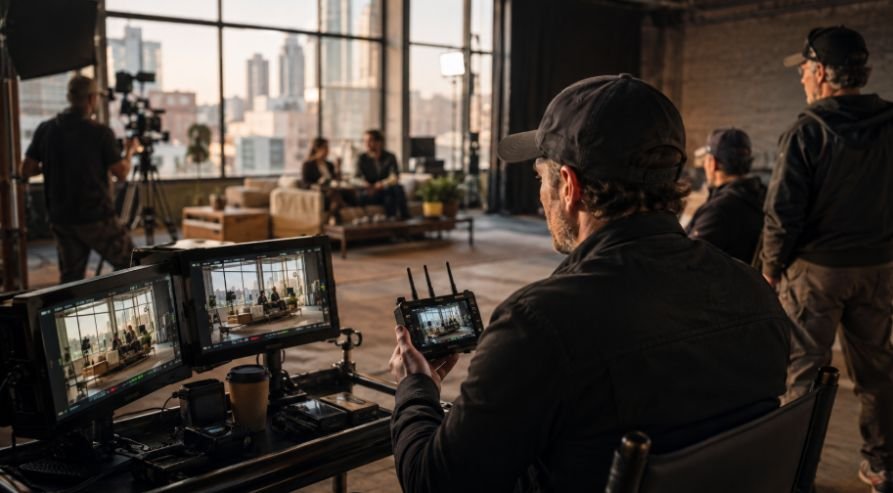
Traditional monitoring usually means running an HDMI or SDI cable from the camera to an external display. That works well when the camera and monitor stay close together, but it becomes awkward as soon as the camera starts moving around a location.
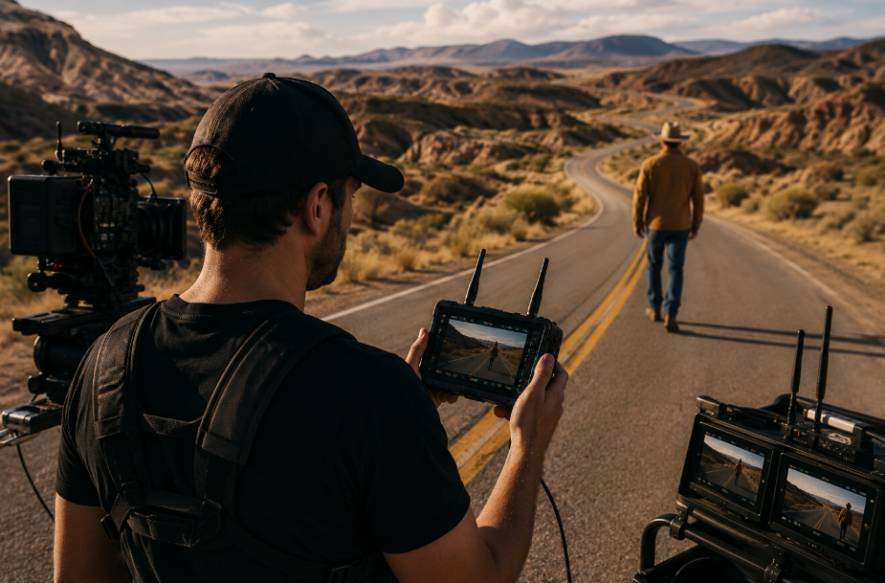
Wireless video monitoring for filmmakers removes that physical connection between the camera and the viewing position. A transmitter sends the camera feed to a receiver, which can then display the image on a field monitor, tablet, smartphone, or another compatible device.
That separation can make a noticeable difference on set. The director can watch a performance from a better position instead of standing beside the operator. A producer can review the frame without crowding the camera. A focus puller can work from a dedicated position while staying connected to the live feed.
It also makes communication more efficient. Instead of asking someone to describe what they see on the camera’s built-in display, the people making decisions can look at the same image themselves.
What Wireless Video Monitoring Actually Does
At its simplest, a wireless setup has three parts: a transmitter, a receiver, and a display.
The transmitter connects to the camera through HDMI or SDI and sends the video signal wirelessly. The receiver picks up that signal and sends it to a monitor or compatible device. Some newer systems can also send the feed to multiple receivers or mobile devices at once. Current systems can support everything from 1080p monitoring to 4K workflows, depending on the equipment.
Latency matters just as much as resolution. A beautiful wireless image is not very useful if there is a noticeable delay between what happens in front of the lens and what appears on the monitor. This becomes particularly important for focus pulling, fast movement, and situations where timing matters.
Range is another specification that deserves attention. Advertised distances generally assume favorable conditions and line of sight. Walls, people, vehicles, structures, and other wireless equipment can reduce real-world performance. A system rated for a long distance does not automatically mean it will perform the same way in every location.
Where Wireless Monitoring Helps Most on Set
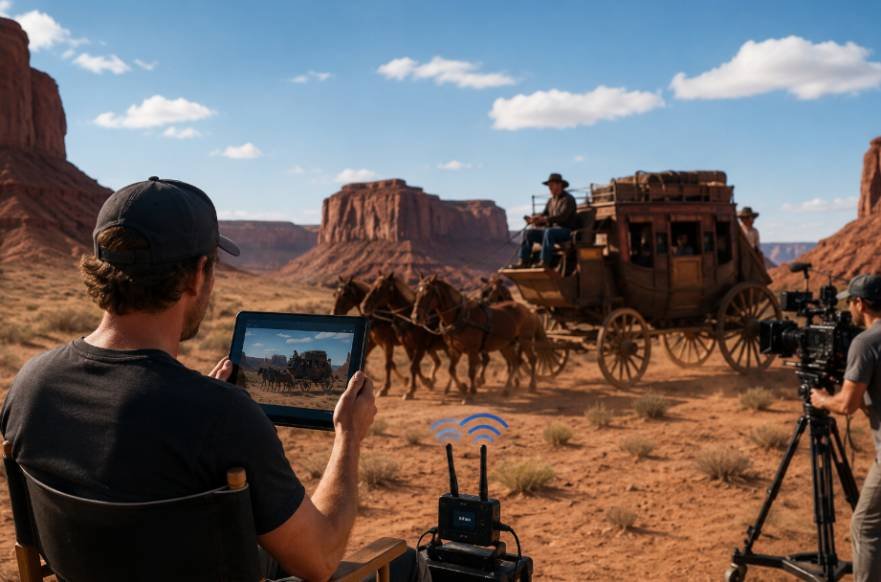
The director is one of the clearest beneficiaries. Instead of staying beside the camera, the director can move closer to the actors or find a better position to observe a scene. That physical distance can make conversations with performers feel more natural while still keeping the director connected to the image.
The same applies to clients and producers. Giving them their own viewing position keeps them from hovering around the camera operator. On a busy commercial or narrative set, that small change can make the camera area much less crowded.
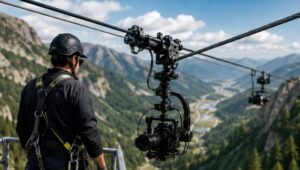
Wireless monitoring is also useful when the camera itself has to go somewhere inconvenient. Jibs, cranes, car mounts, gimbals, drones, and other remote camera positions can make a wired monitor impractical. A wireless feed allows the crew to see what the camera sees without building a long physical cable path.
Build Monitoring Around the Camera, Not the Other Way Around
A wireless monitor should not be treated as an isolated accessory. It becomes much more useful when it fits naturally into the rest of the camera package.
The camera may already carry a follow focus, battery system, external recorder, matte box, handles, or other accessories. Adding another transmitter without considering weight and mounting can turn a clean setup into a crowded one.
This is where customizable cinema camera features can become relevant. A camera configuration that allows accessories to be positioned according to the production gives the operator more freedom to place a transmitter where it has a clear signal path without interfering with controls or creating unnecessary bulk.
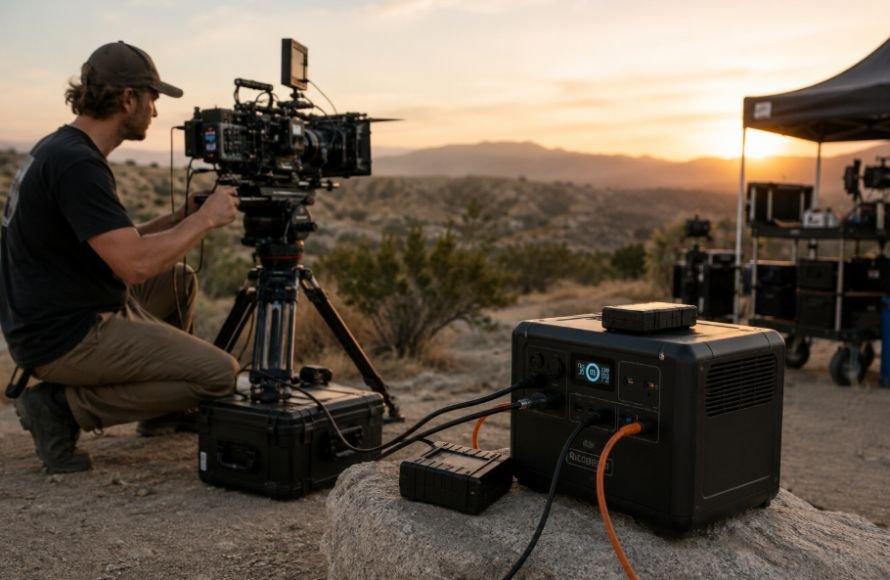
Power also deserves attention. Transmitters and receivers need their own power, and that can become another drain on batteries during long production days. Many systems offer NP-F, V-mount, DC, or USB-C options, making it easier to integrate them with an existing power strategy.
What to Look for in a Wireless Monitoring System
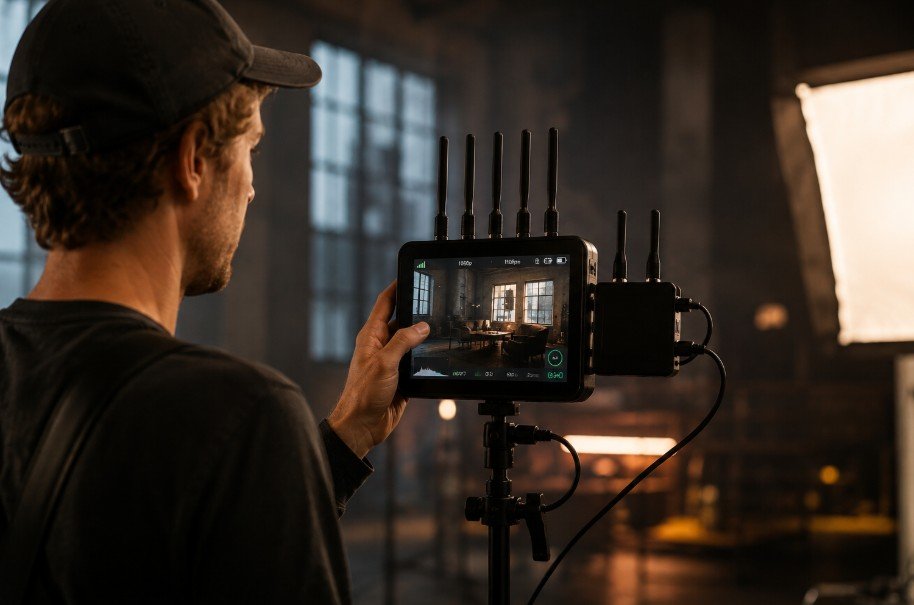
The right system depends on the production rather than the biggest number on a specification sheet.
Pay particular attention to:
- Transmission latency and real-world range
- HDMI and SDI compatibility
- Supported resolution and frame rates
- Number of simultaneous receivers
- Battery and mounting options
- Mobile-device compatibility
- Signal stability in crowded RF environments
Cross- device tracking can be particularly useful. Some current systems can send one camera feed to several receivers or mobile devices, allowing different crew members to monitor the same shot from their own positions.
Mobile monitoring can also reduce the amount of equipment required for smaller crews. Instead of buying a dedicated monitor for every person who needs a view, compatible systems can use smartphones or tablets as additional displays.
Wireless Monitoring and Camera Mobility
The biggest practical advantage often appears when the camera starts moving.
Consider a shoulder-mounted setup. The operator may need to walk through a location, turn quickly, or reposition between takes. A cable running from the camera to a nearby monitor can become something the crew has to manage every time the camera moves.
A wireless system separates the viewing position from that movement. The camera operator can concentrate on framing and movement while the director or focus puller maintains their own position.
For operators who rely on a shoulder rig for cinema cameras, that flexibility can be especially useful. The rig can remain focused on balance, control, and ergonomics rather than having a monitor cable dictate where the camera can travel.
The same principle applies to gimbals and remote camera systems. Wireless monitoring allows the camera to reach locations where a wired viewing setup would be cumbersome or impossible.
When Wireless Monitoring Is Worth Adding
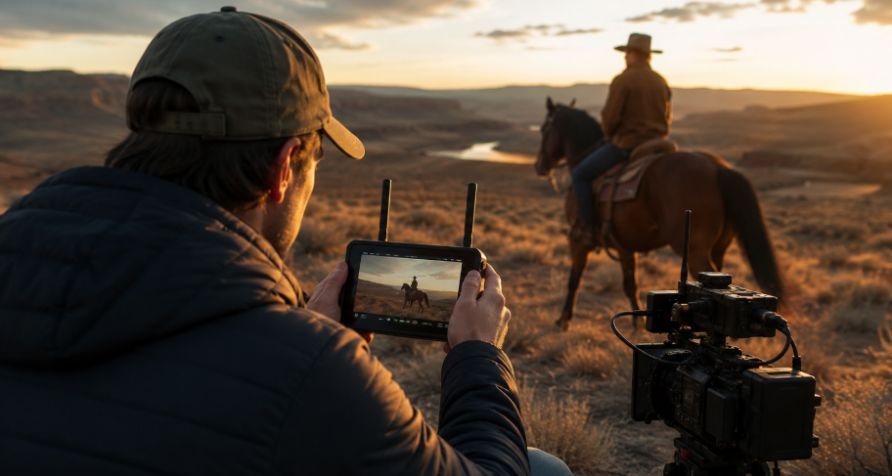
Wireless monitoring makes the most sense when the crew needs freedom of movement or when several people need access to the camera feed.
It is particularly useful for narrative productions, commercials, interviews, events, gimbal work, remote cameras, and small crews that need to move quickly. It can also make client viewing easier because the person reviewing the shot no longer needs to stand beside the camera.
That does not mean wireless should replace every cable. A wired connection can still be preferable when the camera and monitor remain close together, when absolute reliability matters, or when the production already has a well-designed wired video infrastructure.
For a larger package, the best approach may be a combination of both. A wireless feed can serve the director or focus puller while a wired feed remains available for a fixed video village.
This approach works particularly well with a modular camera rig setup, where the monitoring system can be added or removed depending on the day’s shooting requirements.
Common Mistakes That Make Wireless Monitoring Frustrating
One of the biggest mistakes is choosing a system based only on maximum transmission distance. A long advertised range means little if the shooting location contains obstacles or heavy wireless interference.
Ignoring latency is another problem. A small delay may be acceptable for a director watching performances, but it can become distracting for a focus puller working with fast-moving subjects.
Power is easy to overlook as well. Adding a transmitter and receiver means adding another part of the system that needs to stay powered throughout the day.
Finally, wireless should not be added simply because it sounds more advanced. If the camera rarely moves and the monitor sits three feet away, a cable may actually be the cleaner solution.
Frequently Asked Questions
1. What is wireless video monitoring?
It sends a camera’s live video feed to a remote monitor, tablet, smartphone, or receiver without requiring a physical video cable between the camera and display.
2. Does wireless monitoring have noticeable delay?
It depends on the system. Low-latency equipment can provide near-real-time viewing, but the actual delay varies by transmitter, receiver, resolution, and workflow.
3. Can multiple people monitor one camera?
Yes. Some wireless systems can transmit one feed to several receivers or compatible mobile devices simultaneously, making them useful for directors, focus pullers, producers, and clients.
4. Is wireless monitoring better than wired monitoring?
Not always. Wireless is valuable for mobility and remote viewing, while wired monitoring can offer a simpler and highly reliable connection when the camera and display stay close together.
More Freedom Without More Complexity
Wireless monitoring works best when it solves a real production problem. It can clear cables from crowded spaces, give directors and clients their own viewing positions, and keep crew members connected when the camera moves far beyond the usual video village.
The technology is useful because it gets out of the way. When the system is reliable, the crew spends less time managing the connection and more time watching, communicating, and making the next shot work.