





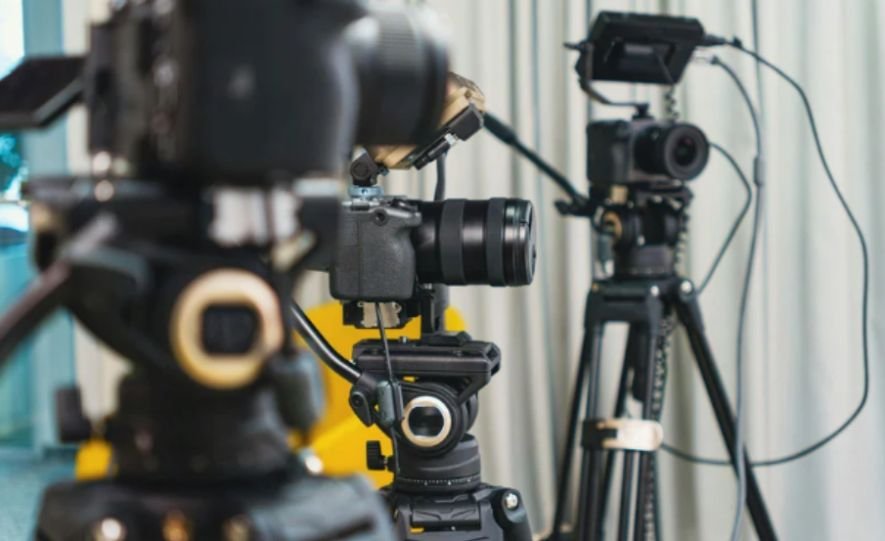
I have always believed that a polished live broadcast begins long before the director calls for the first camera. Every angle, cable, microphone and backup system must have a clear purpose.
In this production breakdown of a multi-camera live event, I will explain how a professional team can plan, produce and deliver an engaging broadcast without leaving critical decisions until showtime.
Understanding the Event Brief
The first step is defining what the production must accomplish. A conference, concert, award ceremony and product launch each require different camera positions, crew sizes and audio arrangements.
The production team should confirm the event duration, venue layout, audience size, programme schedule and delivery platforms. It must also identify whether the event will be streamed live, recorded for later viewing or used to create shorter promotional videos.
This information determines the technical scope. A seated presentation might need three cameras, while a performance with multiple stages could require six or more.
Planning the Camera Coverage
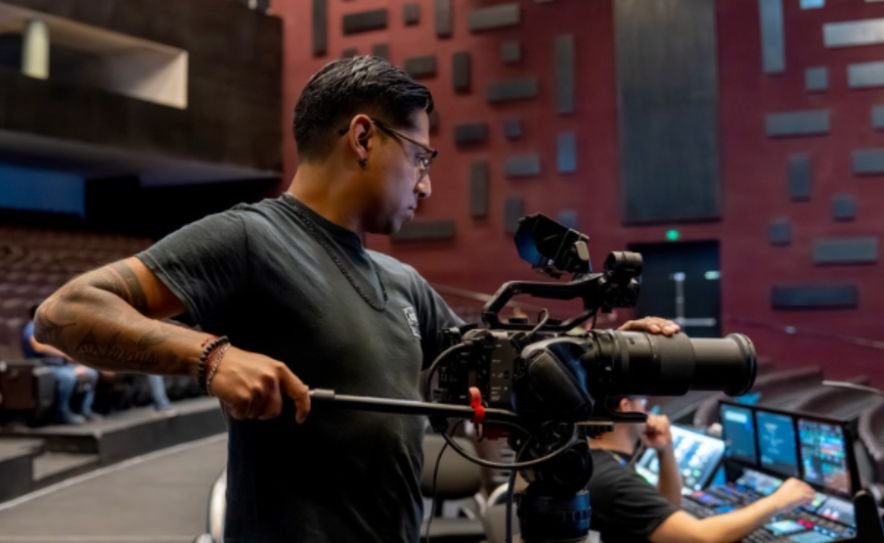
A reliable camera plan gives the director both safety and variety. Every important moment should be covered by at least two cameras so the director can change shots without exposing repositioning or unwanted movement.
Camera One: The Master Shot
The first camera normally provides a locked or lightly operated wide shot of the stage. This is the safety angle. The director can return to it whenever another operator is reframing or when an unexpected moment occurs.
Camera Two: The Primary Close-Up
The second camera captures speakers, performers and important details. It usually follows the main subject and supplies the majority of medium and close shots.
Camera Three: Reactions and Alternative Angles
A third camera can capture audience reactions, side profiles, demonstrations or secondary speakers. Its purpose is to add visual variety and support the story rather than duplicate another angle.
Additional cameras may cover entrances, backstage activity, overhead views or moving shots.
Building the Technical Workflow
All video sources must reach a central switcher or control system. Depending on the venue, cameras may connect through SDI cables, fibre, HDMI converters, wireless transmitters or network-based video systems.
For teams planning more permanent or highly structured installations, understanding how to wire CCTV camera system for architectural precision can also provide useful insight into cable routing, connection planning, equipment placement, and maintaining a clean technical layout.
The switcher combines camera feeds with presentation slides, recorded videos, remote contributors and branded graphics. Its programme output then travels to a recorder, encoder or streaming platform.
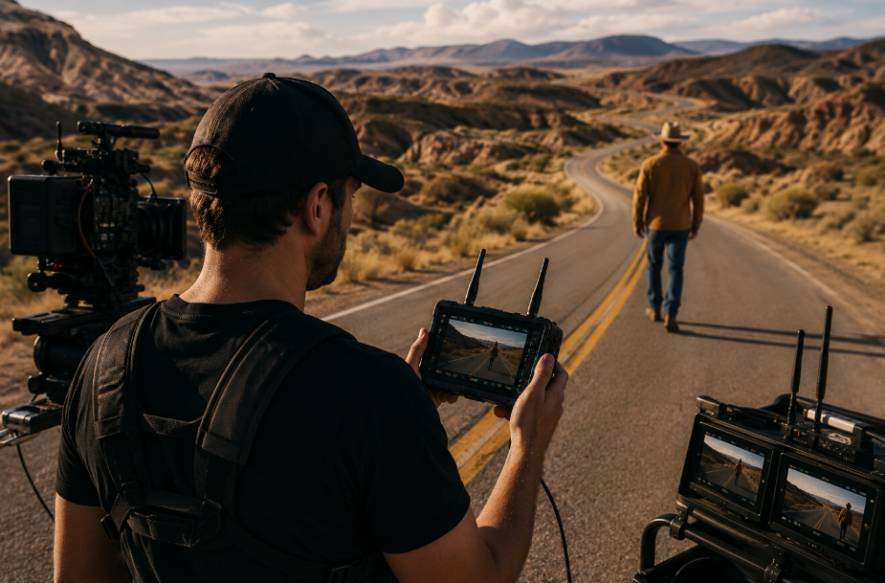
A multiview monitor allows the director and technical director to see every available source simultaneously. Tally lights show camera operators and presenters which camera is currently live.
The team should match frame rates, resolution, exposure, colour balance and shutter settings across every camera. Mismatched cameras can make cuts feel distracting even when each individual image looks good.
Assigning the Production Crew
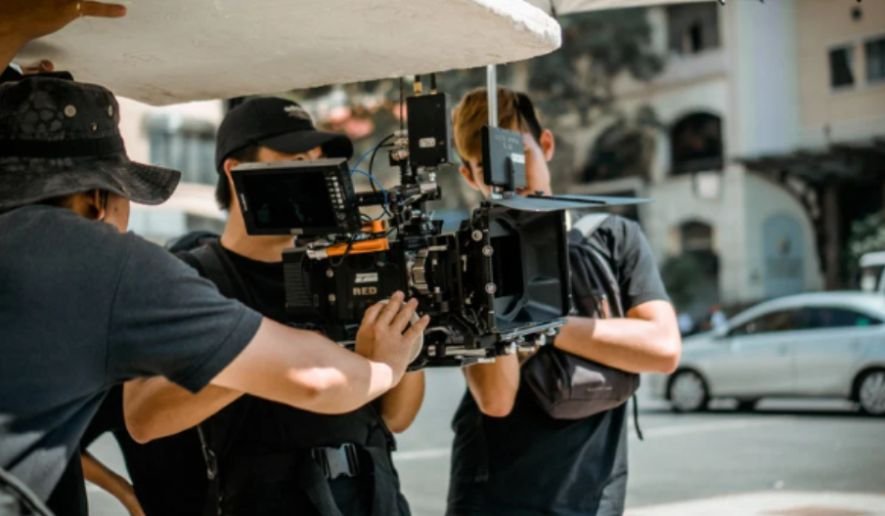
Clear roles prevent confusion during a live show. A producer manages the overall requirements, schedule and client communication. The director decides which shots appear and gives instructions to the operators.
The technical director operates the video switcher. Camera operators compose and adjust their assigned shots. An audio engineer manages microphones, music and playback levels, while a graphics operator controls names, titles, logos and other screen elements.
Larger events may also require a streaming engineer, playback operator, stage manager and production assistants. Smaller teams can combine certain responsibilities, but one person should not be expected to monitor every technical system during a complex broadcast.
Prioritising Professional Audio
Viewers may tolerate a slightly imperfect image, but distorted or missing audio can make a broadcast unusable. The production should receive a clean feed from the venue’s audio console while maintaining an independent backup.
Presenters may use lapel, handheld or headset microphones. Audience questions need their own microphone plan. Performances may require several instrument and ambient feeds.
The audio engineer should create a dedicated broadcast mix because sound designed for the room may not translate well online. Broadcast, sound and video technicians should monitor every input during rehearsal and throughout the event.
Running Rehearsals and Technical Checks
Testing should cover the complete signal path rather than individual equipment alone. A camera can function correctly while a converter, cable or switcher input still fails.
The crew should verify video feeds, microphone levels, graphics, playback, recording media, internet speed and platform credentials. Cameras must have continuous power, and memory or storage capacity should exceed the expected event duration.
A full rehearsal also helps the director anticipate entrances, presentation changes and applause moments. Operators can practise cues such as “ready camera two” and “take camera two” before the audience arrives.
Directing the Live Broadcast
During the programme, the director uses the event rundown to prepare upcoming shots. The master camera remains available while other operators search for tighter or more creative compositions.
Cuts should follow the action. When a speaker turns toward a screen, the broadcast can show the presentation.
When the audience reacts, a reaction shot adds energy. Directors can also use deliberate camera movements to create tension during dramatic reveals, performances or key moments, provided those movements support the mood rather than distract from the live action.
When the audience reacts, a reaction shot adds energy. Excessive switching should be avoided because every change must help viewers understand or experience the event.
Graphics must be checked before going live. Names, positions and sponsor details should match the approved information.
Creating a Redundancy Plan
A professional workflow assumes that something may fail. The production should have spare cables, power supplies, batteries, converters and recording media available.
Whenever possible, each camera should be recorded separately in addition to the switched programme. This ISO recording allows editors to repair mistakes later. The programme output should also be recorded independently of the streaming platform.
Critical broadcasts benefit from a backup encoder, secondary internet connection and alternative audio feed. The director should always know which camera can remain live while the team resolves a technical problem.
Managing Breakdown and Post-Production
After the show, the team should confirm that every recording is complete before disconnecting equipment. Files must be copied to separate storage locations and clearly labelled by camera, date and session.
Post-production may include correcting the live edit, synchronising ISO recordings, balancing audio, adding captions and producing highlight videos. The team should also document failures, successful decisions and equipment changes needed for the next event.
Frequently Asked Questions
1. What should a production breakdown of a multi-camera live event include?
It should include the event brief, camera plan, equipment, crew responsibilities, signal flow, audio workflow, rehearsal process, live direction, backups, post-production and lessons learned.
2. How many cameras are needed for a live event?
Three cameras provide a practical starting point: one master shot, one primary close-up and one alternative angle. Larger or more dynamic events may require additional cameras.
3. Should every camera be recorded separately?
Yes, when the equipment and budget allow it. Individual recordings give editors more control and provide valuable protection against mistakes in the live programme.
4. Why is a rehearsal important?
A rehearsal verifies the technical workflow and helps the crew understand the programme. It exposes problems while there is still time to correct them.
Final Take
I see successful multicamera production as a combination of preparation, communication and controlled creativity.
Expensive equipment cannot compensate for missing shot assignments, weak audio or an untested signal path. When every team member understands the plan and every critical system has a backup, the director can concentrate on storytelling and give viewers a smooth, engaging experience.