






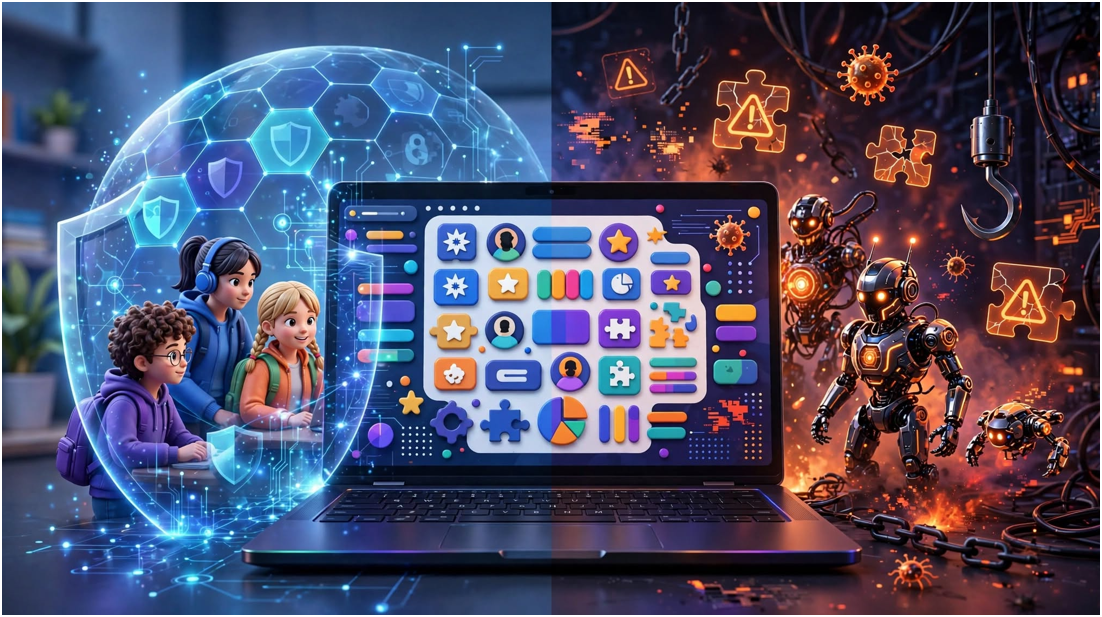
A lobby built for 28 students suddenly shows 80 strange usernames. That does not always mean the teacher’s account was hacked. It may indicate that a Blooket Bot is sending automated join requests to the session.
I approach these incidents as both classroom disruptions and security warnings. Removing fake players matters, but protecting students from suspicious scripts, extensions, and imitation login pages matters even more.
Table of Contents
ToggleWhat Is a Blooket Bot?
A Blooket Bot is an unofficial program that automates actions normally performed by a player. It may enter a live game, create fake participants, answer questions, or repeatedly leave and rejoin.
These tools do not come from Blooket. Third-party developers usually distribute them as browser scripts, websites, extensions, or downloadable programs. Some tools work briefly, while others are outdated or deceptive.
| Bot type | Automated behavior | Classroom impact |
|---|---|---|
| Flood bot | Adds numerous fake players | Crowds the lobby and delays the lesson |
| Answer bot | Attempts to answer questions automatically | Creates an unfair score advantage |
| Rejoin bot | Repeatedly enters and exits | Distracts players and disrupts the session |
| Name-spam bot | Adds unwanted or offensive names | Creates moderation problems |
| Reward tool | Claims to generate tokens or unlockables | May expose users to scams or malware |
Students should not confuse bots with normal game access. Legitimate Blooket Codes allow invited players to enter sessions. They do not authorize automated participants or disruptive scripts.
How Does a Blooket Bot Work?
A normal player opens the join page, enters a session code, chooses a name, and participates manually. Automation attempts to imitate parts of that process through programmed browser actions or network requests.
The exact method changes as platforms update. A script that once worked may later fail because the site’s interface, session system, or security controls have changed. That makes “permanent” and “undetectable” bot claims difficult to trust.
Flood and rejoin automation
A flood tool sends many join attempts using generated usernames. A poorly controlled tool can overwhelm the lobby, distort attendance, and force the host to restart.
Rejoin automation follows a similar pattern. Instead of maintaining one participant, it repeatedly connects and disconnects. The visible result may be a stream of changing names or an unexplained jump in player activity.
Automatic answer tools
An answer tool attempts to select responses without genuine student participation. It may rely on exposed question data, saved answer sets, browser manipulation, or exaggerated marketing claims.
Even when it works, an answer-focused Blooket Bot defeats the learning purpose. It turns a knowledge check into meaningless leaderboard activity.
Why Do Students Use Blooket Bots?
Curiosity is one reason. A student may find a video, repository, or social post presenting automation as an easy experiment. Others use bots to prank a teacher, dominate a leaderboard, or impress classmates.
The intention does not erase the effect. Fake participants waste class time and make performance reports less reliable. Automated answers can also become academic dishonesty when teachers use the activity for review or assessment.
Not every game-based learning activity encourages shortcuts. A simple experience such as the Google Baseball Doodle offers casual play without interfering with a teacher’s live classroom session.
What Risks Can Blooket Automation Create?
The obvious risk is a disrupted game, but third-party software creates a wider security problem. Unknown scripts may request passwords, browser cookies, account tokens, downloads, or extension permissions.
The Federal Trade Commission’s phishing guidance warns that deceptive links and attachments can steal information or install malware. Students should never provide login credentials to a site claiming to generate wins, tokens, or automated players.
| Warning sign | Why it is dangerous | Safer response |
|---|---|---|
| Requests a Blooket password | May steal the account | Close the page |
| Requests browser cookies | May enable session theft | Never provide them |
| Requires an executable file | Could install malware | Do not download it |
| Promises unlimited rewards | Common scam-style claim | Use official features |
| Claims to be undetectable | Offers no credible guarantee | Treat it as misleading |
| Demands extension permissions | May access browsing data | Ask school IT for help |
The FTC also advises users to obtain software from trusted websites instead of clicking suspicious download advertisements.
How Can Teachers Recognize a Bot Attack?
Teachers should compare lobby activity with the real classroom. My practical “28-seat check” begins with a simple question: can every displayed participant correspond to someone physically or remotely present?
Suppose 28 students are expected, but the lobby reaches 73 players within seconds. Several names share the same pattern, and new entries continue after everyone has joined. That combination is stronger evidence than one unusual username.
Other warning signs include impossible participation growth, repeated join-and-leave activity, offensive generated names, and responses submitted at consistently unnatural speeds. None proves automation alone, so teachers should verify before accusing a student.
How Should Teachers Respond to Suspicious Players?
First, avoid displaying the active code again. Pause the activity and record useful details, such as the time, suspicious names, and approximate player count. Do not ask students to investigate the bot website.
Remove suspicious participants if host controls allow it. If the flood continues, end the session and create a new game code. Share the replacement through the school’s controlled classroom channel.
For recurring attacks, contact school IT and Blooket support. The teacher should preserve screenshots but avoid collecting unnecessary student information. A measured response protects the lesson without turning speculation into discipline.
How Can Future Blooket Disruptions Be Prevented?
Blooket’s documented game settings can vary by mode. Official examples include options such as random names, student-account controls, and allowing or disabling late joining. Teachers should review the applicable Blooket host settings before starting.
Keep the game code inside a controlled classroom platform. Avoid posting it on public pages, social media, livestreams, or shared screenshots. Once every expected student has entered, disable late joining where the selected mode provides that option.
Schools should also teach students not to run unknown scripts on managed devices. The Cybersecurity and Infrastructure Security Agency recommends recognizing and reporting suspicious messages rather than interacting with their links.
Frequently Asked Questions
1. Is a Blooket Bot an official feature?
No. It is third-party automation and is not an official Blooket game feature.
2. Can Blooket detect automated players?
Platforms can monitor abnormal activity, but users should not assume every bot will be identified instantly.
3. Is using a Blooket Bot illegal?
It may violate platform or school rules; conduct involving unauthorized access, malware, or deliberate disruption can raise separate legal concerns.
4. What should I do after downloading a suspicious bot?
Disconnect it, notify an adult or school IT, scan the device, remove suspicious extensions, and change exposed passwords from a trusted device.
Don’t Let a Robot Hijack the Lesson
A Blooket Bot offers little educational value and creates avoidable classroom and device risks. I would treat sudden lobby inflation as an incident to contain, document, and report—not as a challenge students should investigate themselves.
The best next step is simple: keep codes private, review the host settings, and restart compromised sessions. A two-minute reset beats sacrificing an entire lesson to fake players.